


Images


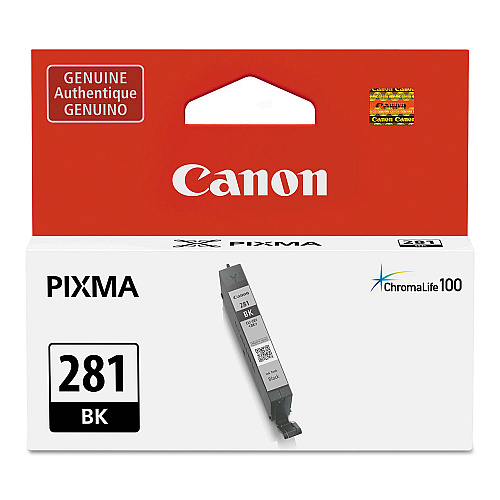
$14.99
Part #: 2091C001 Original
Status: In Stock

Canon Genuine CLI-281 printing supplies offer great print quality and reliable performance for fast, professional quality color printing. The CLI-281 brings new ink formulation, cartridge architecture, and smart printing features to Canon's precision printing system. Easy to install and replace, Genuine Canon CLI-281 supplies ensure output consistency over the life of the cartridge and make supplies easy to maintain by providing status monitoring and proactive alerts when replacement is needed. Designed together with your Canon printer, CLI-281 supplies ensure crisp, sharp, vibrant results every time.
CLI-281 Black Ink Tank (CLI-281BK)
$14.99
Part #: 2091C001 Original
Status: In Stock

ITEM 2037C001
Canon CLI-281 XL Black Ink TankCLI-281 XL Black Ink Tank (CLI-281BKXL)
$24.99
In Stock

ITEM 1983C001
Canon CLI-281 XXL Black Ink TankCLI-281 XXL Black Ink Tank (CLI-281BKXXL)
$33.99
In Stock


ITEM 2021C001
Canon PGI-280 XL Black Ink Tank (2021C001)PGI-280 XL Black Ink Tank (PGI-280PGBKXL)
$30.99
In Stock

ITEM 1967C001
Canon PGI-280 XXL Black Ink TankPGI-280 XXL Black Ink Tank (PGI-280PGBKXXL)
$42.99
In Stock



ITEM 2035C001
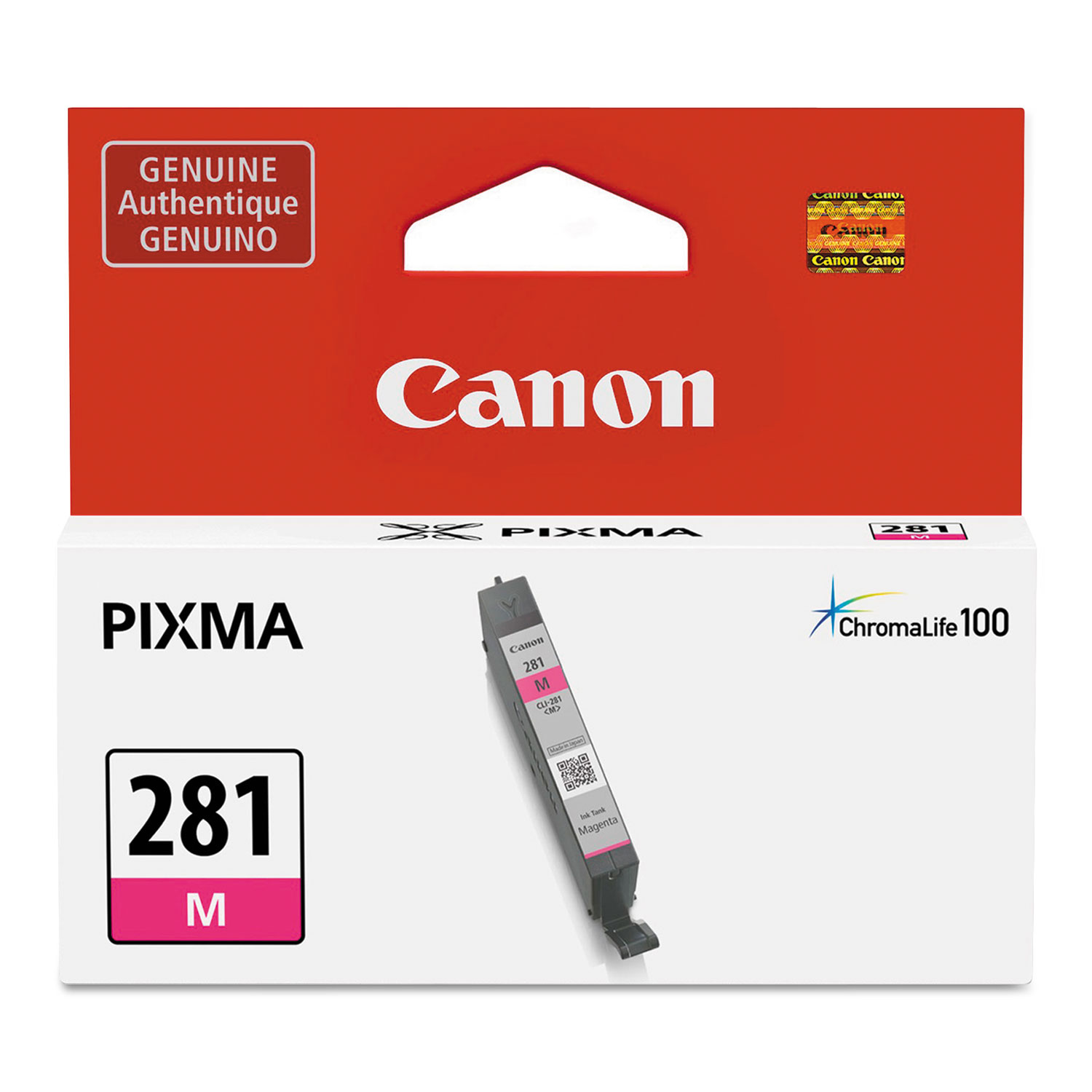
Canon CLI-281 XL Magenta Ink TankCLI-281 XL Magenta Ink Tank (CLI-281MXL)
$24.99
In Stock

ITEM 2036C001
Canon CLI-281 XL Yellow Ink TankCLI-281 XL Yellow Ink Tank (CLI-281YXL)
$24.99
In Stock
ITEM 2038C001
Canon CLI-281 XL Photo Blue TankCLI-281 XL Photo Blue Ink Tank (CLI-281PBXL)
$24.99
In Stock

ITEM 1980C001
Canon CLI-281 XXL Cyan Ink TankCLI-281 XXL Cyan Ink Tank (CLI-281CXXL)
$33.99
In Stock

ITEM 1981C001
Canon CLI-281 XXL Magenta Ink TankCLI-281 XXL Magenta Ink Tank (CLI-281MXXL)
$33.99
In Stock

ITEM 1982C001
Canon CLI-281 XXL Yellow Ink TankCLI-281 XXL Yellow Ink Tank (CLI-281YXXL)
$33.99
In Stock

ITEM 1984C001
Canon CLI-281 XXL Photo Blue Ink TankCLI-281 XXL Photo Blue Ink Tank (CLI-281PBXXL)
$33.99
In Stock
ITEM 2075C006
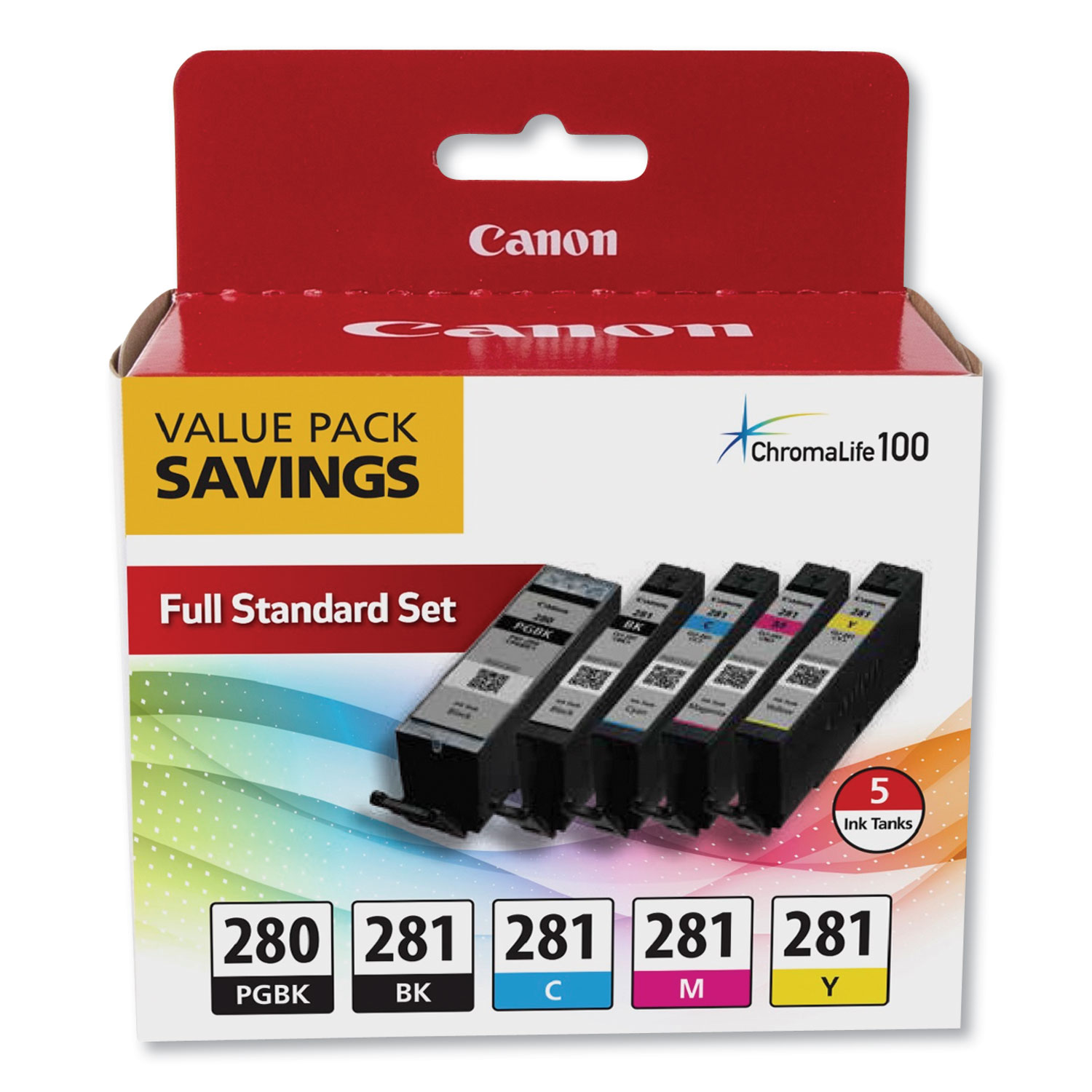
Canon PGI-280 CLI-281 5 Color Value PackPGI-280/CLI-281 5 Color Value Pack
$66.99
In Stock

ITEM 2021C007
Canon PGI-280 XL CLI-281 5 Color Value PackPGI-280XL/CLI-281 5 Color Value Pack
$81.99
In Stock
Free Shipping
ITEM 2091C005
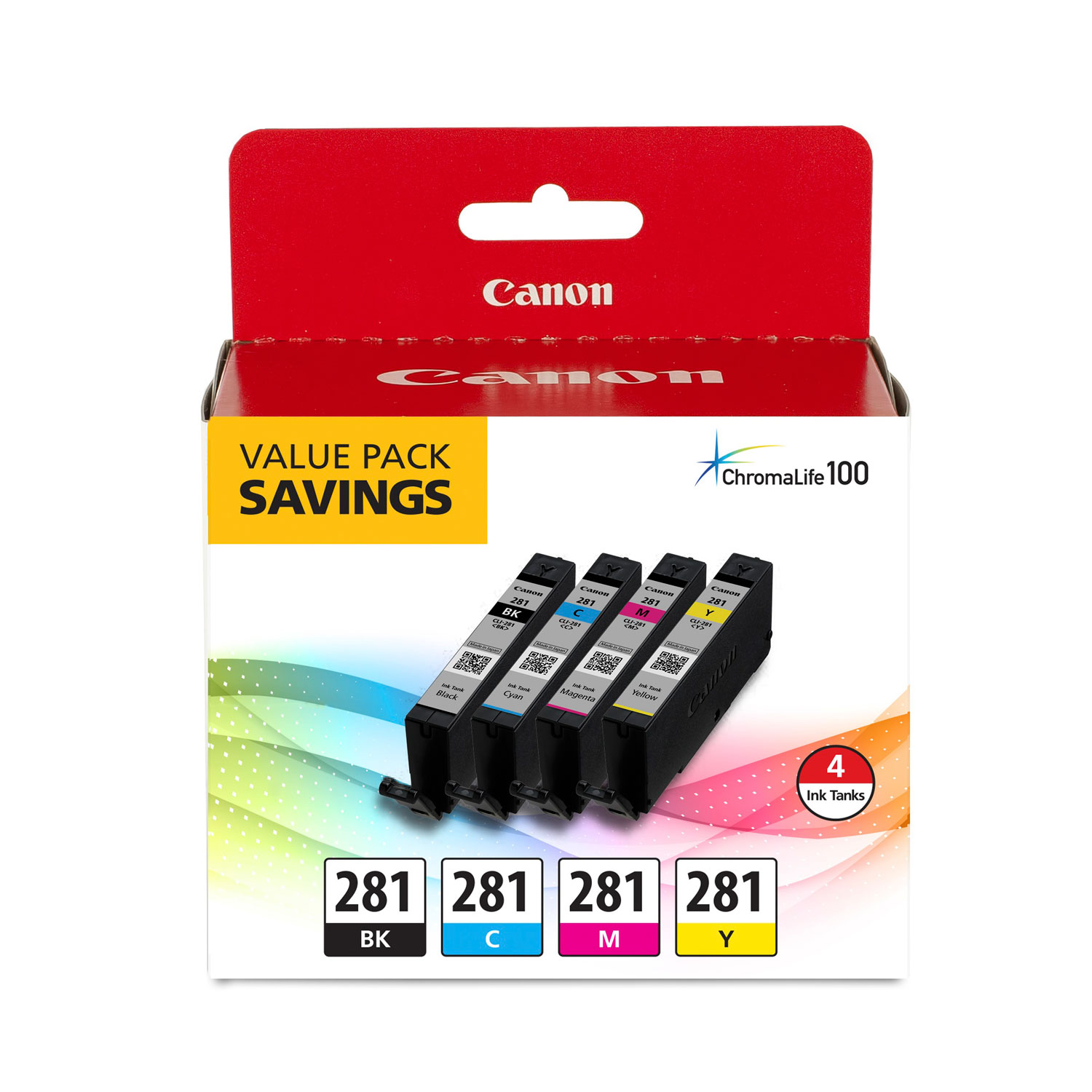
Canon CLI-281 Black, Cyan, Magenta and Yellow 4 Ink Pack (2091C005)CLI-281 BKCMY; Includes 1 Each of CLI-281BK, CLI-281C, CLI-281M, CLI-281Y
$54.99
In Stock

ITEM 2037C005
Canon CLI-281 XL Value PackCLI-281XL BKCMY; Includes 1 Each of CLI-281BKXL, CLI-281CXL, CLI-281MXL, CLI-281YXL
$90.99
In Stock
Free Shipping

ITEM 2091C006
Canon CLI-281 Combo PackCLI-281 BKCMYPB 5X5 COMBO PK; CLI-281 Combo Ink Pack with Glossy Photo Paper (20 Sheets, 5"x5")
$70.99
In Stock

ITEM 2021C006
Canon PGI-280XL PGBK/CLI-281CMY, 50 Sheets PP-301 Combo Pack (2021C006)PGI-280 XL / CLI-281 Combo Ink Pack with Glossy Photo Paper (50 Sheets, 4"x6")
$75.99
In Stock
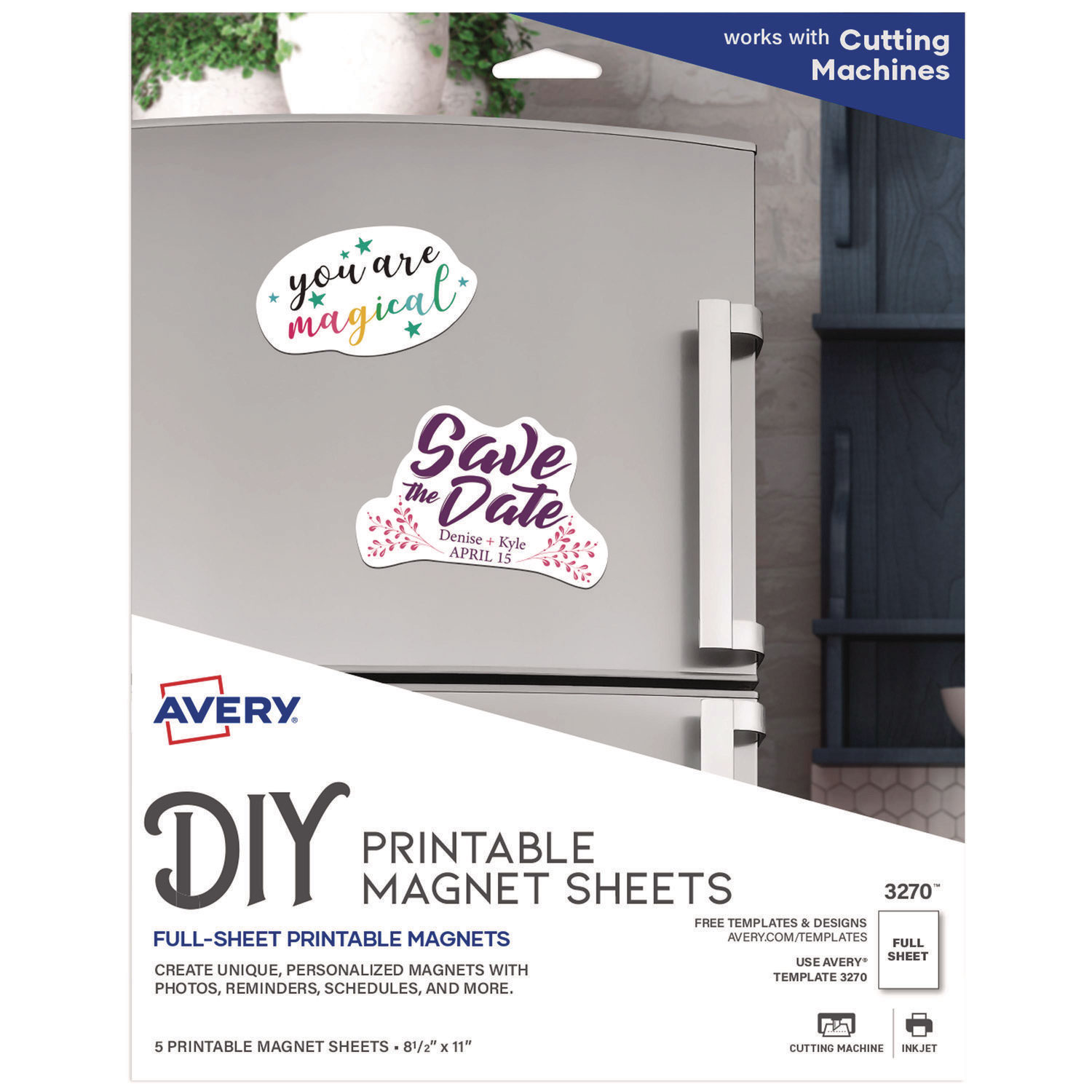
ITEM 3270
Avery 3270 Magnet SheetsPrintable Inkjet Magnet Sheets, 8 1/2 x 11, White, 5/Pack
$12.99
In Stock

ITEM 5160
Avery 5160 LabelsEasy Peel Mailing Address Labels, Laser, 1 x 2 5/8, White, 3000/Box
$35.51
In Stock
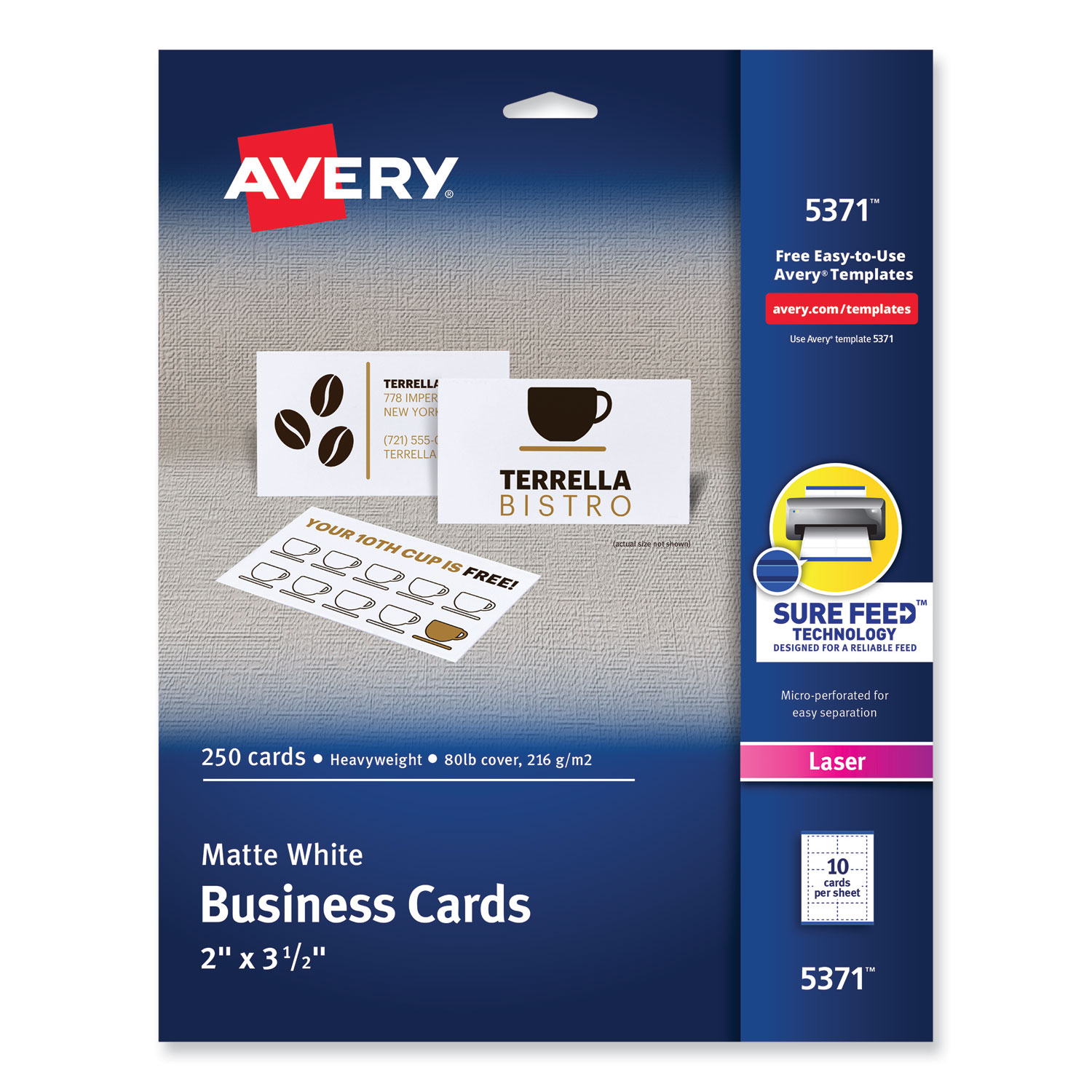
ITEM 5371
Avery 5371 Business CardsPrintable Microperf Business Cards, Laser, 2 x 3 1/2, White, Uncoated, 250/Pack
$11.99
In Stock
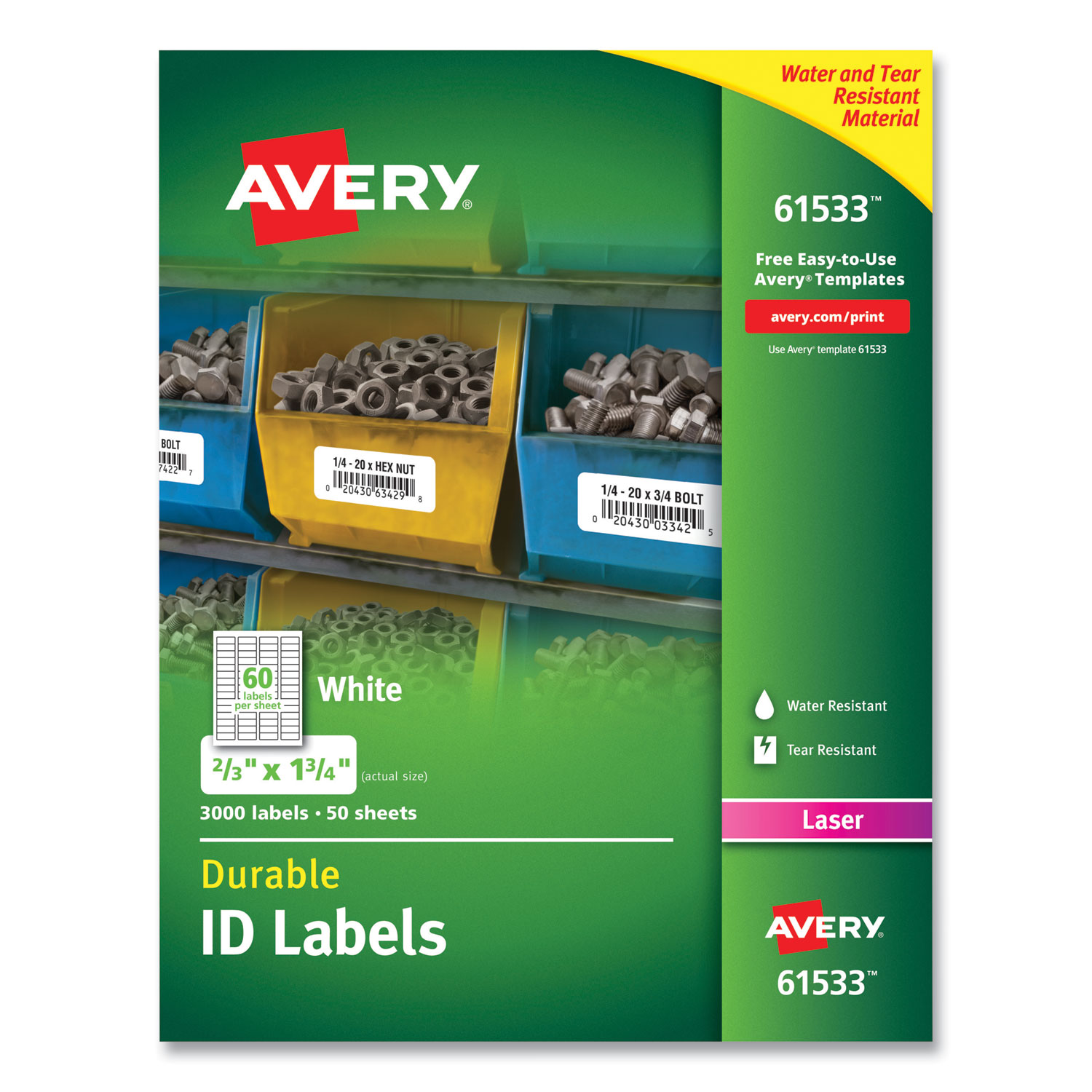
ITEM 61533
Avery 61533 Durable Permanent ID LabelsPermanent ID Labels w/TrueBlock Technology, Laser, 2/3 x 1 3/4 , 3000/Pack
$62.99
In Stock
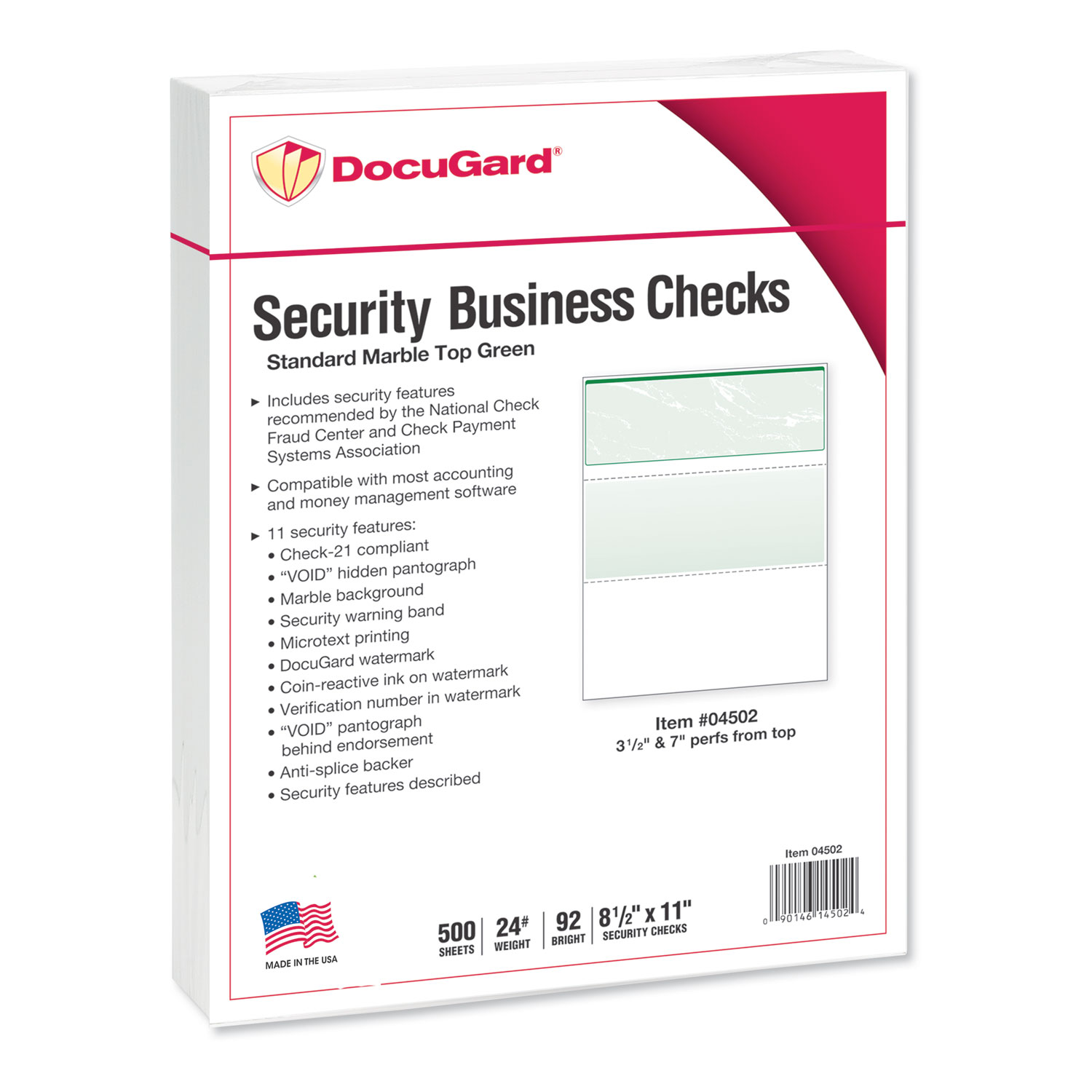
ITEM 04502
DocuGard 04502 Security Business ChecksStandard Security Check, Green Marble Top, 11 Features, 8 1/2 x 11, 500/RM
$38.99
In Stock
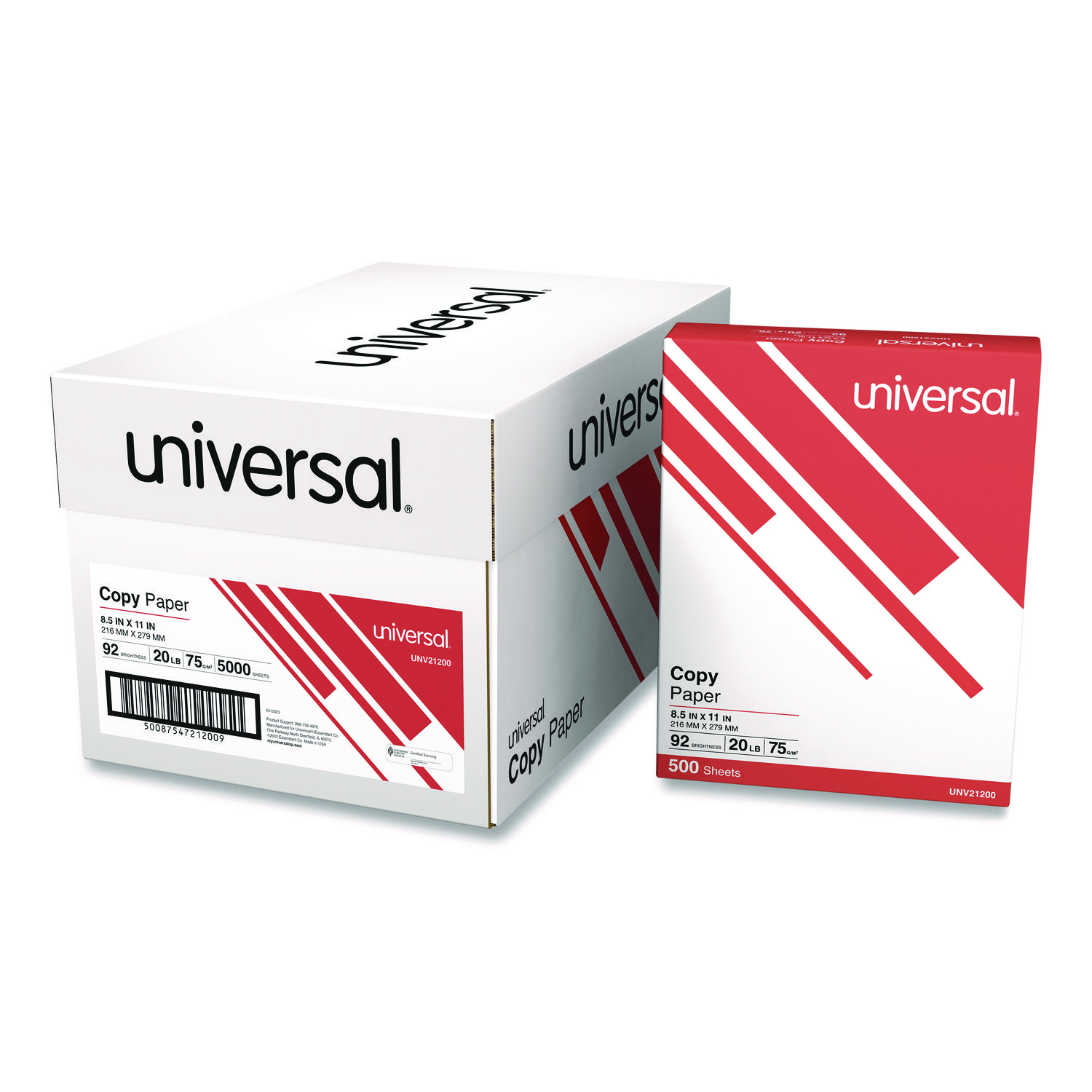
ITEM 21200
Universal 21200 Copy PaperCopy Paper, 92 Brightness, 20lb, 8-1/2 x 11, White, 5000 Sheets/Carton
$94.99
In Stock
Free Shipping
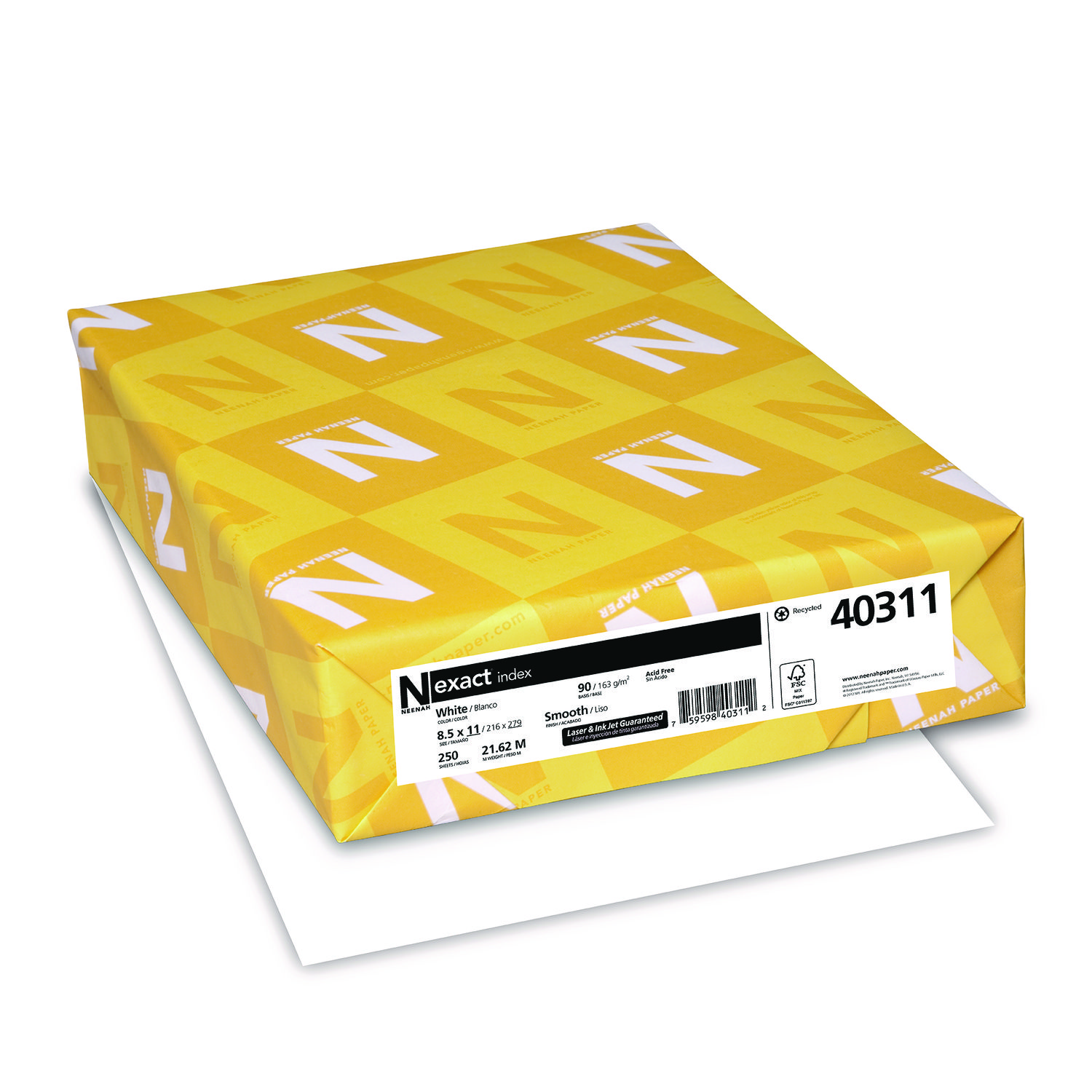
ITEM 40311
Neenah 40311 Exact Index Card StockExact Index Card Stock, 90lb, 94 Bright, 8 1/2 x 11, White, 250 Sheets
$12.99
In Stock
Brand
Category
Canon Ink & Toner - Canon Ink Cartridges - Canon Black Ink Cartridges
Family Model Number
Model
2091C001
Color(s)
Black
Device Types
Inkjet Printer
Market Indicator (Cartridge Number)
CLI-281
OEM/Compatible
OEM
Page-Yield
750
Post-Consumer Recycled Content Percent
0%
Pre-Consumer Recycled Content Percent
0%
Print Supply Technology
ChromaLife100+
Remanufactured
No
Supply Type
Ink
Total Recycled Content Percent
0%

Bluedogink is an authorized Boardwalk dealer 
What is the page yield of the Canon CLI-281 Black Ink Tank CNM2091C001?
The Canon CLI-281 Black Ink Tank CNM2091C001 has a page yield of approximately 200 pages, depending on the type of documents being printed and the printer settings used.
Is the Canon CLI-281 Black Ink Tank compatible with all Canon printers?
No, the Canon CLI-281 Black Ink Tank is designed specifically for certain Canon printer models. It is important to check your printer's compatibility list to ensure that the ink tank will work with your specific printer model.
How do I install the Canon CLI-281 Black Ink Tank in my printer?
To install the Canon CLI-281 Black Ink Tank, open the printer's front cover and locate the ink tank holder. Gently press down on the empty ink tank and remove it. Unpack the new ink tank, insert it into the holder, and press it until it clicks into place. Close the printer cover and follow any prompts on your printer's display for alignment or cleaning.
Can I recycle the Canon CLI-281 Black Ink Tank after use?
Yes, Canon offers a recycling program for used ink tanks. You can return your used Canon CLI-281 Black Ink Tank to authorized Canon recycling centers or participate in their mail-back program to help reduce environmental impact.

Bluedogink.com is a leading provider of printer, printer supplies, office and paper products.
Our wholesale price on Canon CLI-281 Black Ink Tank info is part of our commitment to provide consumers with the lowest discount price available. Our customers are very important to us. We cater to many industries including military, government, schools, educational, medical, corporate, healthcare, legal, accounting, finance and many more. So, act now and buy Canon CLI-281 Black Ink Tank at our low price.






Thank you for your interest in this item.
Please note: Once you receive word that this item is available, it's up to you to act! An email notification guarantees neither inventory nor price. But don't worry: should you miss out on the first shipment, you can always request another notification.

your order $99+
Sign up for the best discounts and exclusive offers not advertised anywhere else
your order $99+
Sign up for the best discounts and exclusive offers not advertised anywhere else
 At Checkout
*Get $10 off your order $99+, limit one use per customer, expires in 14 days