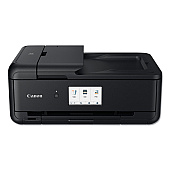
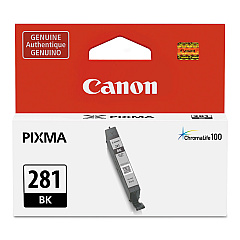
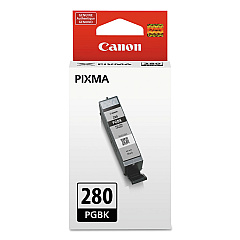
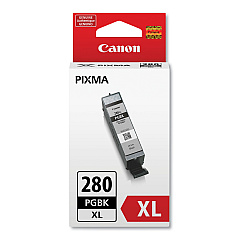
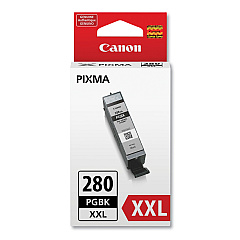
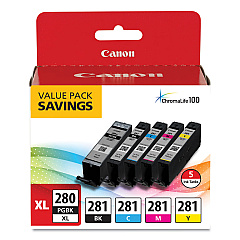
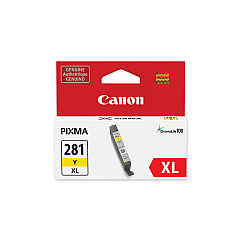
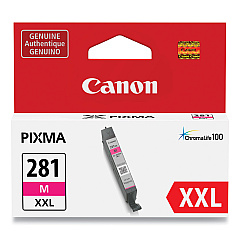
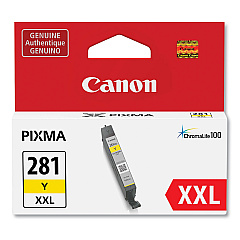





Canon PIXMA TS9520 Black Ink Cartridges

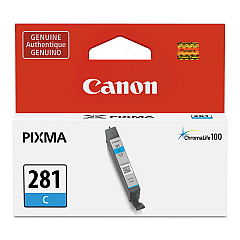
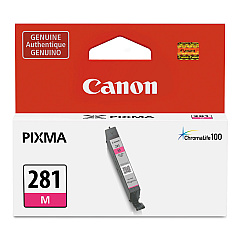
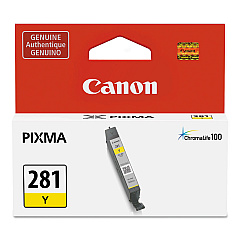
Canon PIXMA TS9520 Color Ink Cartridges

Canon PIXMA TS9520 Ink Set

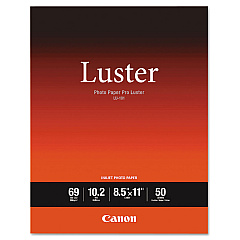
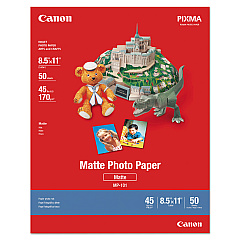
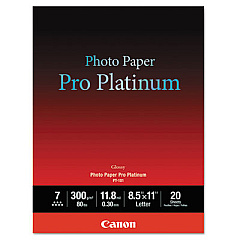
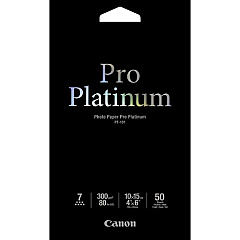
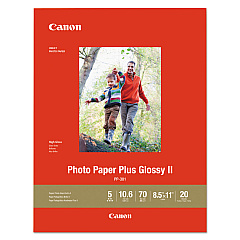
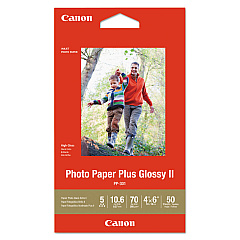
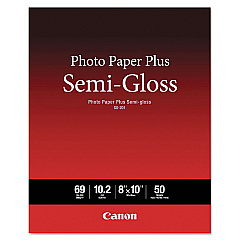
Canon PIXMA TS9520 Photo Paper

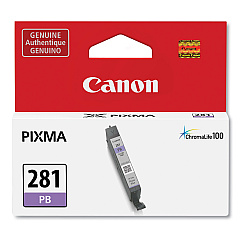
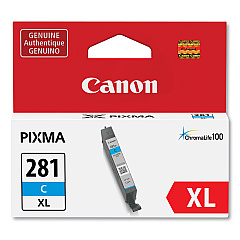
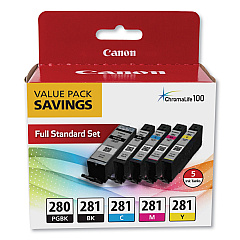
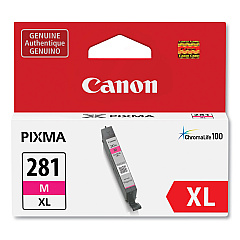
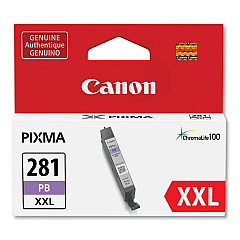
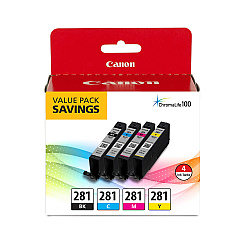
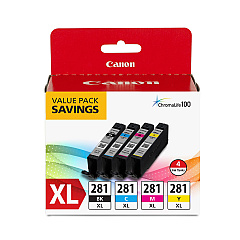
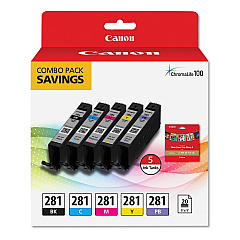
Enhance your printing experience with genuine Canon PIXMA TS9520 Ink Cartridges. This versatile printer utilizes a wide range of ink options, including the CLI-281 and PGI-280 series in various sizes and colors. From standard capacity to high-yield XL and XXL cartridges, you'll find the perfect fit for your printing needs. The lineup includes individual color tanks for black, cyan, magenta, yellow, and photo blue, as well as convenient combo packs for cost-effective printing. Whether you're producing vibrant photos or crisp documents, these authentic Canon inks ensure superior quality and longevity. With options like the PGI-280 CLI-281 5 Color Value Pack and the PGI-280XL PGBK/CLI-281CMY Combo Pack, you can stock up on all the essentials for your Canon PIXMA TS9520 printer in one go.

Canon PIXMA TS9520 Ink Cartridges FAQs

  • What ink cartridges are compatible with the Canon PIXMA TS9520?

    The Canon PIXMA TS9520 is compatible with CLI-281 and PGI-280 series ink cartridges in various sizes and colors.

  • Are XL and XXL cartridges available for the TS9520?

    Yes, both XL and XXL high-yield cartridges are available for the Canon PIXMA TS9520 in various colors.

  • What colors are available in the CLI-281 series?

    The CLI-281 series includes black, cyan, magenta, yellow, and photo blue ink cartridges.

  • Can I buy combo packs for the Canon PIXMA TS9520?

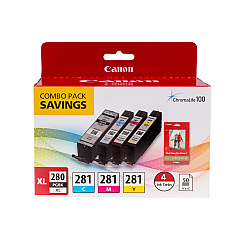
    Yes, there are several combo packs available, including the PGI-280 CLI-281 5 Color Value Pack and the Canon CLI-281 Black, Cyan, Magenta and Yellow 4 Ink Pack.

  • What's the difference between PGI-280 and CLI-281 cartridges?

    PGI-280 is a pigment-based black ink for text, while CLI-281 cartridges are dye-based inks for color printing.

  • Are there any photo-specific ink cartridges for the TS9520?

    Yes, the Canon CLI-281 Photo Blue Tank is specifically designed to enhance photo printing quality.

  • How do I know which cartridge size to choose?

    Choose standard capacity for occasional printing, XL for moderate use, and XXL for high-volume printing to maximize cost-efficiency.

  • Can I use non-Canon ink cartridges in my PIXMA TS9520?

    While third-party cartridges may work, using genuine Canon ink cartridges ensures the best print quality and printer performance.

  • Is there a combo pack that includes both ink and photo paper?

    Yes, the Canon PGI-280XL PGBK/CLI-281CMY, 50 Sheets PP-301 Combo Pack includes ink cartridges and photo paper.

  • How long do Canon PIXMA TS9520 ink cartridges typically last?

    Cartridge life varies depending on usage, but XL and XXL cartridges offer extended print yields compared to standard capacity cartridges.

Warehouse Locations

Policy & Agreement | Copyright © 1995-2026 BlueDogInk.com
