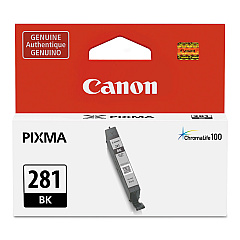
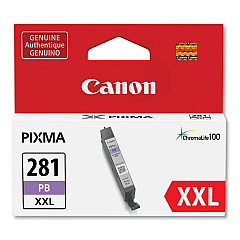
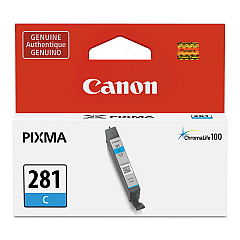
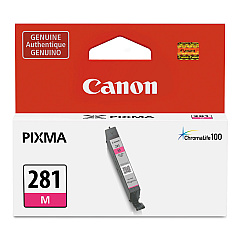
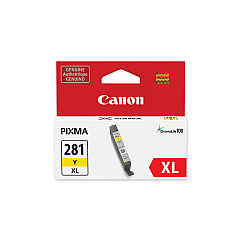
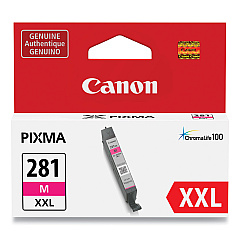
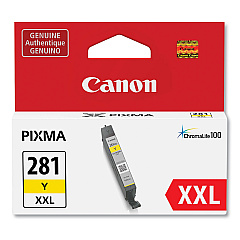
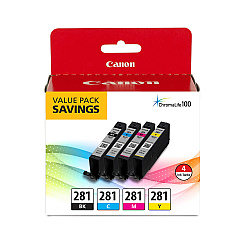
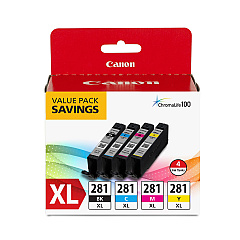
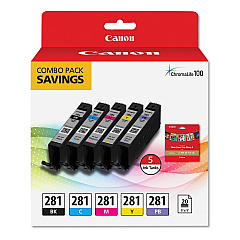
Overview of Canon CLI-281 Ink Cartridges
The Canon CLI-281 Ink Cartridges are expertly crafted to cater to the high-quality printing needs of various settings such as businesses, educational institutions, government offices, healthcare facilities, and wholesale operations. These ink cartridges are celebrated for their vibrant color reproduction and crisp black text, ensuring that every document and photo appears professional and impressive.
Color Range and Applications
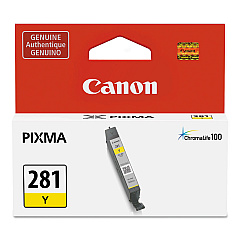
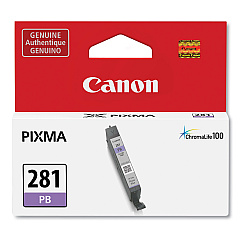
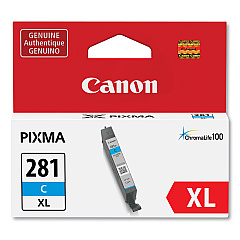
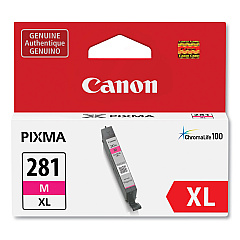
Available in a spectrum of colors, the Canon CLI-281 series includes Black, Cyan, Magenta, Yellow, and Photo Blue. This range allows users to produce a vast array of colors and shades, making it ideal for both text-heavy documents and intricate graphics. Whether you're printing marketing materials, office documents, or educational resources, the CLI-281 ink cartridges deliver consistent and reliable results.
Efficiency and Output
In terms of output, the CLI-281 cartridges are engineered for efficiency and longevity. The Black cartridge can print up to 200 pages, providing sharp, clear text that is perfect for professional documents. The color cartridges—Cyan, Magenta, Yellow, and Photo Blue—each have a page yield of approximately 200 pages as well. This makes them a cost-effective choice for environments where high-volume color printing is a regular requirement.
Compatibility with Canon Printers
Compatibility is a key feature of the Canon CLI-281 Ink Cartridges. They are compatible with a wide range of Canon PIXMA printers, ensuring versatility across different office settings. Compatible models include:
- Canon PIXMA TR8620
- Canon PIXMA TR7520
- Canon PIXMA TR8520
- Canon PIXMA TR8620a
- Canon PIXMA TS6120
- Canon PIXMA TS6220
- Canon PIXMA TS6320
- Canon PIXMA TS6320 Navy
- Canon PIXMA TS6320 White
- Canon PIXMA TS702
- Canon PIXMA TS8120
- Canon PIXMA TS8220
- Canon PIXMA TS8320
- Canon PIXMA TS8322
- Canon PIXMA TS9120
- Canon PIXMA TS9520
- Canon PIXMA TS9521
- Canon PIXMA TS9521C
Compatible Cartridge Models
These cartridges are also compatible with multiple Canon Ink cartridge models, including 2091C001, 2091C006, 2088C001, 2089C001, 2092C001, 2091C005, 2037C001, 2034C001, 2035C001, 2038C001, 2037C005, 2036C001, 1983C001, 1980C001, 1981C001, 1984C001, 1982C001, and 2090C001.
Conclusion
For businesses and organizations looking for high-quality printing solutions, the Canon CLI-281 Ink Cartridges offer an unbeatable combination of vibrant color, reliable performance, and broad compatibility. Whether you're printing important documents or vivid photographs, these cartridges ensure every print is of the highest quality.