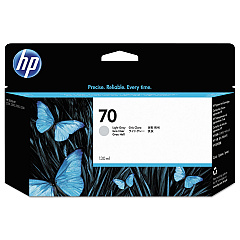
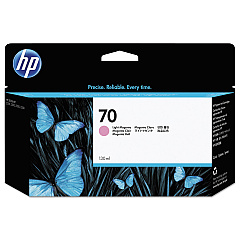
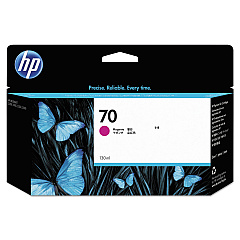
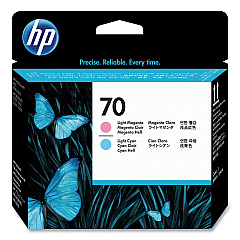
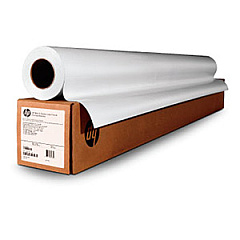





HP DesignJet Z3100 Wide Format Printers Supplies

Ads

HP DesignJet Z3100 Black Ink Cartridges

HP DesignJet Z3100 Color Ink Cartridges

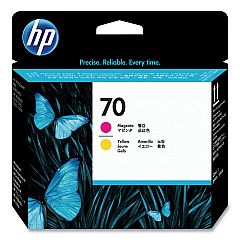
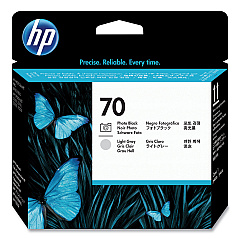
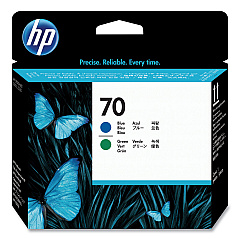
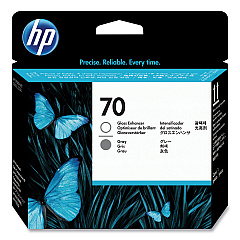
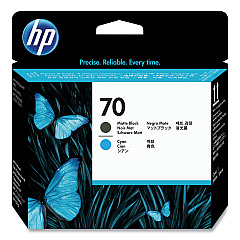
HP DesignJet Z3100 Printheads

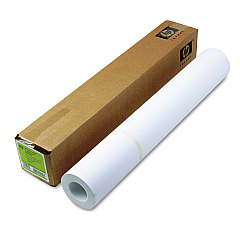
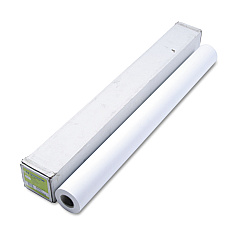
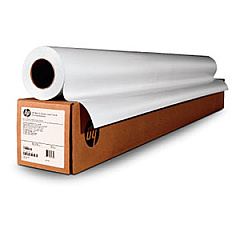
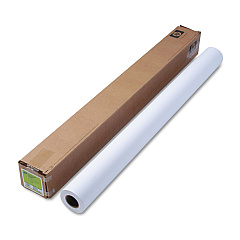
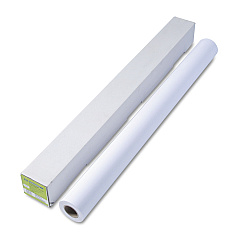
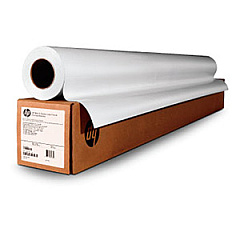
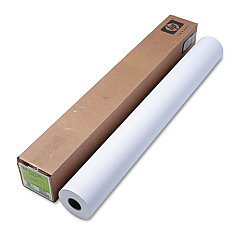
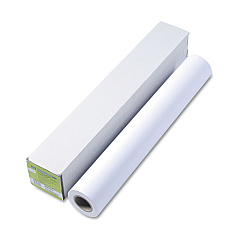
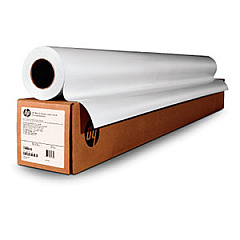
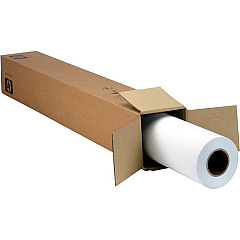
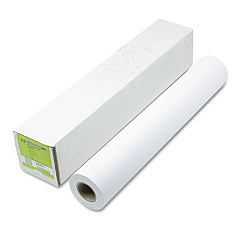
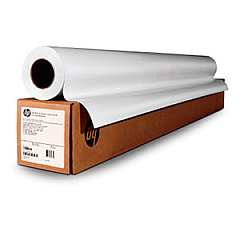
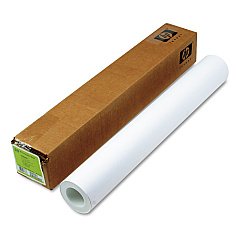
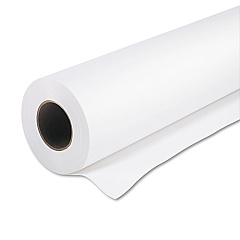
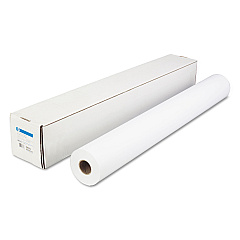
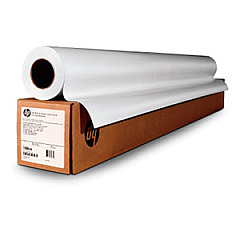
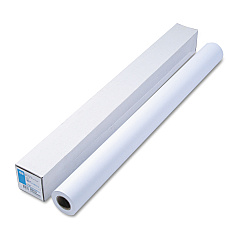
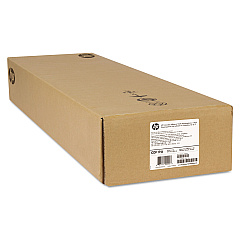
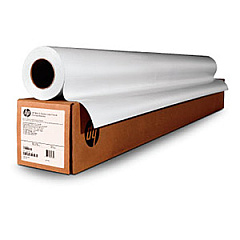
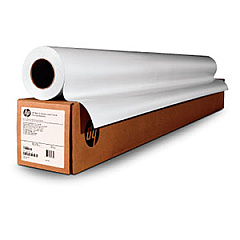
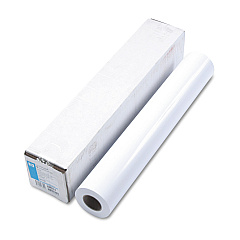
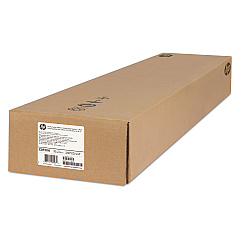
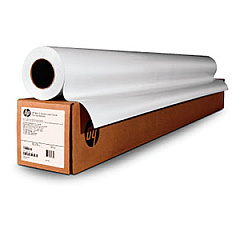
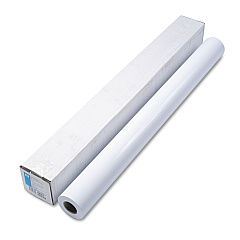
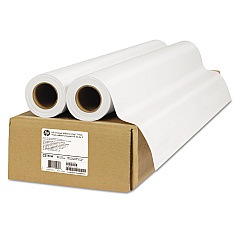
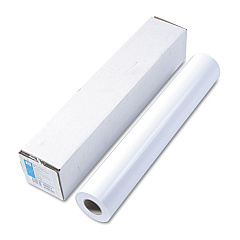
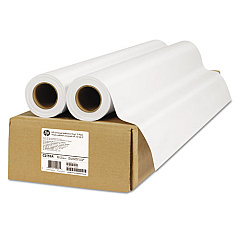
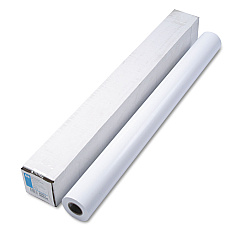
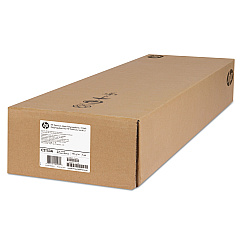
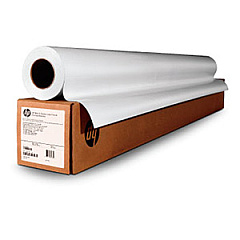
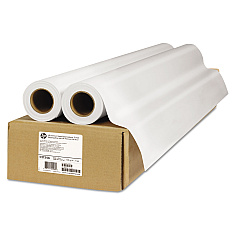
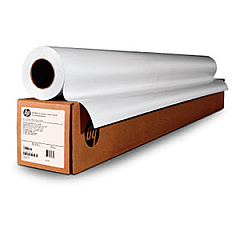
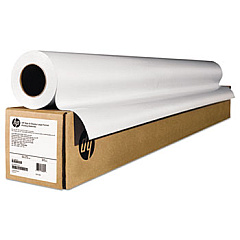
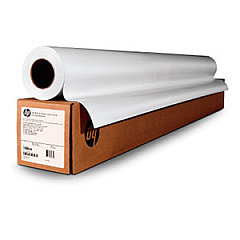
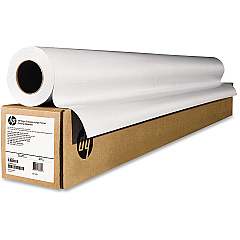
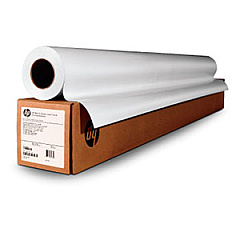
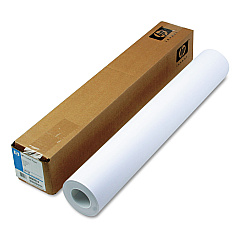
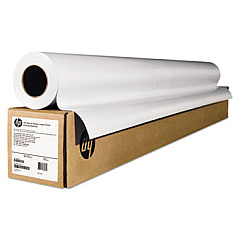
HP DesignJet Z3100 Large Format Paper

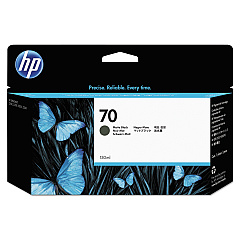
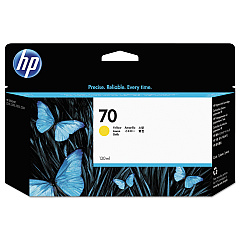
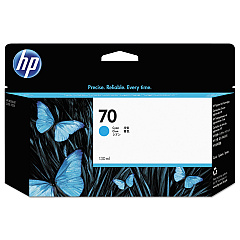
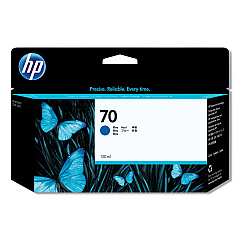
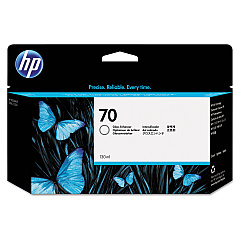
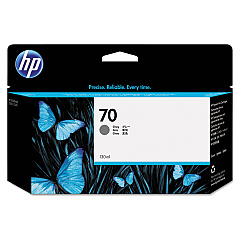
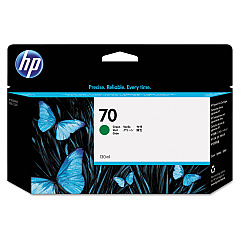
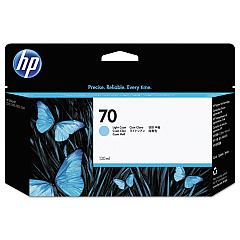
Elevate your large-format printing with HP DesignJet Z3100 Ink Cartridges, designed for exceptional color accuracy and longevity. This comprehensive range includes 18 high-quality cartridges and printheads, ensuring vibrant output across a spectrum of hues. From the C9390A Light Cyan to the C9459A Gloss Enhancer, each cartridge is engineered to deliver professional-grade results. The Z3100 series utilizes advanced ink formulations, including Matte Black, Photo Black, and specialized colors like Green and Blue, to produce stunning prints with remarkable detail and color fidelity. Whether you're in graphic design, photography, or fine art reproduction, these HP DesignJet Z3100 Ink Cartridges provide the tools needed for creating gallery-worthy prints that stand the test of time.

HP DesignJet Z3100 Wide Format Printers Supplies FAQs

  • How many ink cartridges does the HP DesignJet Z3100 use?

    The HP DesignJet Z3100 uses 12 ink cartridges.

  • What is the purpose of the Gloss Enhancer cartridge?

    The Gloss Enhancer cartridge improves print quality by reducing gloss differential and bronzing on glossy papers.

  • How often should I replace the printheads?

    Printheads typically last longer than ink cartridges and should be replaced when print quality noticeably decreases or when prompted by the printer.

  • Are these ink cartridges compatible with other HP DesignJet models?

    These specific cartridges are designed for the HP DesignJet Z3100 series and may not be compatible with other models.

  • What is the shelf life of unopened ink cartridges?

    Unopened HP ink cartridges typically have a shelf life of 1-2 years from the date of manufacture.

  • Can I use third-party ink cartridges in the HP DesignJet Z3100?

    While third-party cartridges may work, HP recommends using genuine HP cartridges for optimal print quality and printer performance.

  • How do I know when it's time to replace an ink cartridge?

    The printer will display a warning message when ink levels are low, and cartridges should be replaced when empty to avoid print quality issues.

  • What is the difference between Matte Black and Photo Black ink?

    Matte Black is optimized for matte papers, while Photo Black provides deeper blacks on glossy and semi-glossy papers.

  • How do I properly store unused ink cartridges?

    Store unused cartridges in their original sealed packaging at room temperature, away from direct sunlight and heat sources.

  • Can I recycle empty HP ink cartridges?

    Yes, HP offers a free recycling program for empty ink cartridges through their Planet Partners initiative.

Warehouse Locations

Policy & Agreement | Copyright © 1995-2026 BlueDogInk.com
