




Ads

HP DesignJet Z3100 ps 24 In. Black Ink Cartridges

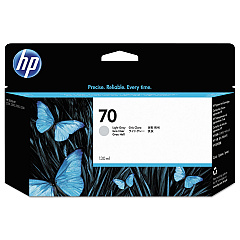
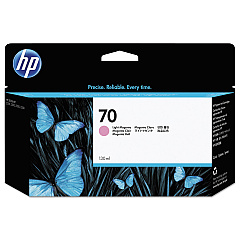
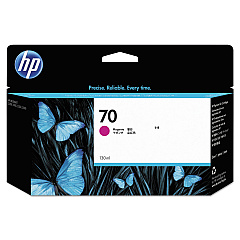
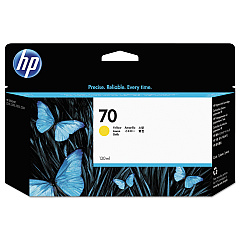
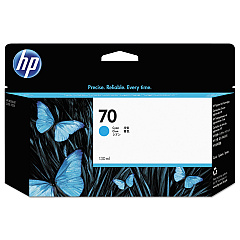
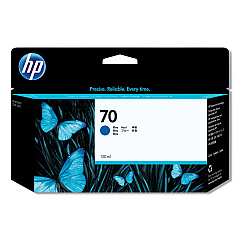
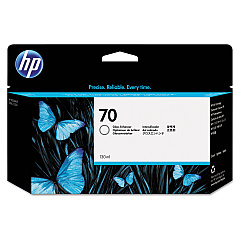
HP DesignJet Z3100 ps 24 In. Color Ink Cartridges

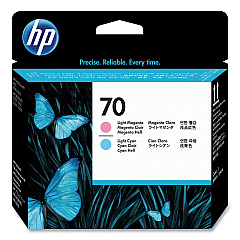
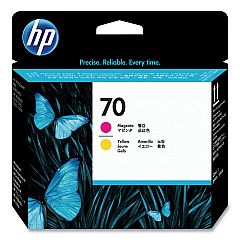
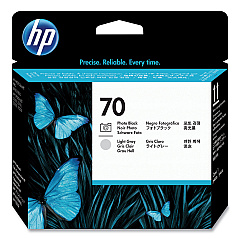
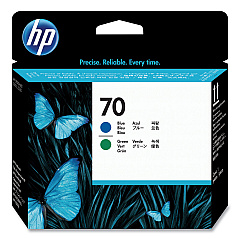
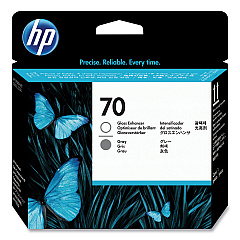
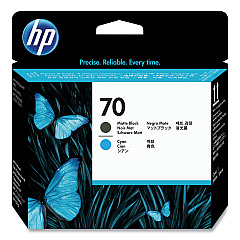
HP DesignJet Z3100 ps 24 In. Printheads

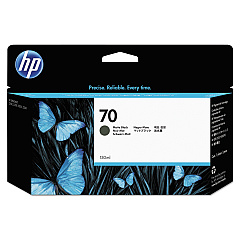
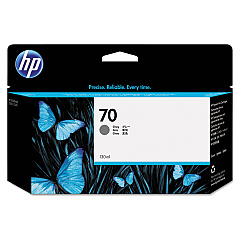
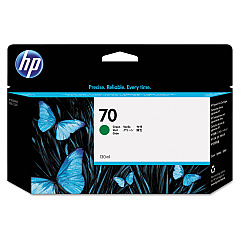
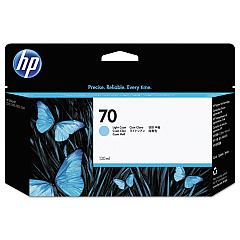
Elevate your printing capabilities with HP DesignJet Z3100 ps 24 In. Ink Cartridges, designed for exceptional color accuracy and longevity. This comprehensive range includes light cyan, matte black, photo black, gray, light gray, cyan, magenta, yellow, light magenta, green, blue, and gloss enhancer cartridges. The system also features six specialized printheads to ensure precise droplet placement and stunning image quality. Whether you're producing fine art reproductions, professional photographs, or detailed technical drawings, these cartridges deliver vibrant, fade-resistant prints. The HP DesignJet Z3100 ps 24 In. Ink Cartridges work seamlessly with your printer to produce gallery-quality output with a wide color gamut and smooth gradients. Trust in HP's innovative ink technology to bring your creative vision to life with unparalleled clarity and depth.

HP DesignJet Z3100 ps 24 In. Ink Cartridges FAQs

  • How many different ink cartridges does the HP DesignJet Z3100 ps 24 In. use?

    The HP DesignJet Z3100 ps 24 In. uses 12 different ink cartridges, including specialized colors like green, blue, and gloss enhancer.

  • What is the purpose of the gloss enhancer cartridge?

    The gloss enhancer cartridge helps to improve the overall finish of prints, providing a more uniform gloss appearance and enhancing color vibrancy.

  • Are these ink cartridges compatible with other HP DesignJet models?

    These cartridges are specifically designed for the HP DesignJet Z3100 ps 24 In. and may not be compatible with other models. Always check your printer's specifications for compatibility.

  • How often do I need to replace the printheads?

    Printhead replacement frequency varies depending on usage and maintenance. Generally, they last longer than ink cartridges and only need replacement when print quality noticeably declines.

  • Can I use third-party ink cartridges with this printer?

    While third-party cartridges may work, HP recommends using genuine HP ink cartridges to ensure optimal print quality and to maintain your printer's warranty.

  • What is the shelf life of these ink cartridges?

    Unopened HP ink cartridges typically have a shelf life of 1-2 years from the date of manufacture. Always check the expiration date on the packaging.

  • How do I know when it's time to replace an ink cartridge?

    Your printer will display a warning when ink levels are low. You can also check ink levels through the printer's control panel or driver software.

  • Are these cartridges environmentally friendly?

    HP offers a recycling program for used ink cartridges. You can return empty cartridges to HP or participating retailers for proper recycling.

  • What's the difference between photo black and matte black ink?

    Photo black ink is optimized for glossy papers, while matte black ink is designed for matte and fine art papers, providing deeper blacks on these media types.

  • Can I replace individual ink colors, or do I need to replace all cartridges at once?

    You can replace individual ink cartridges as needed. The printer will indicate which specific cartridge needs replacement.

Warehouse Locations

Policy & Agreement | Copyright © 1995-2026 BlueDogInk.com
