
















Black & Color Ink & Supplies for Epson XP 446 Printers

Ads

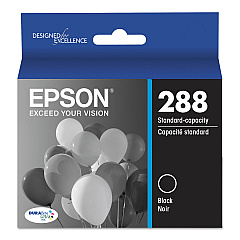
Epson XP-446 Black Ink Cartridges

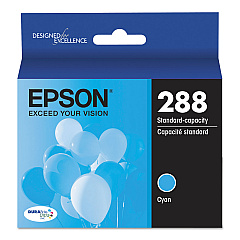
Epson XP-446 Color Ink Cartridges

Epson XP-446 Ink Set

Epson XP-446 Copy Paper

Epson XP-446 Card Stock

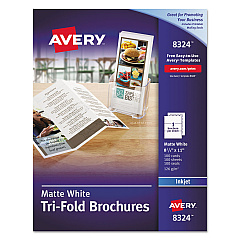
  • Avery 8324 Tri-Fold Brochures

    Item 8324

    Avery 8324 Tri-Fold Brochures

    Tri-Fold Brochures for Inkjet Printers, 8 1/2 x 11, White, 100 Sheets/Box..

    Status

    In Stock

    $19.54

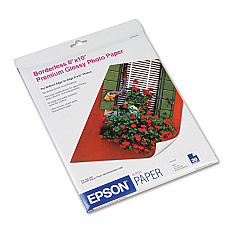
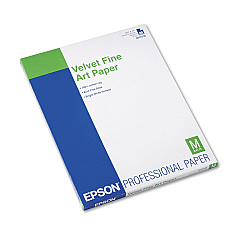
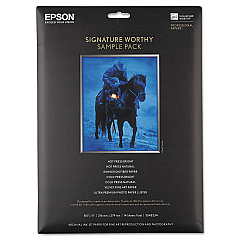
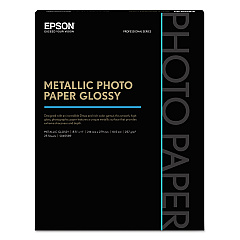
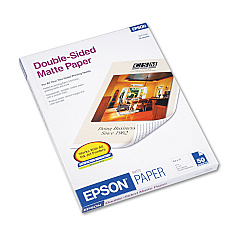
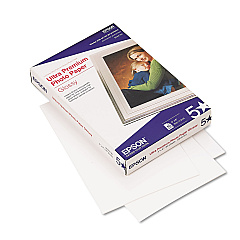
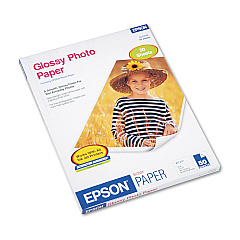
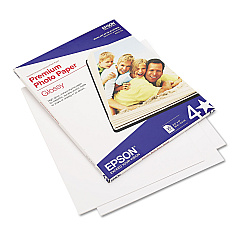
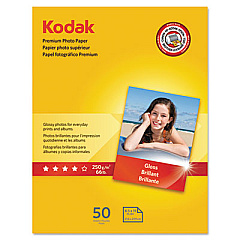
Epson XP-446 Photo Paper

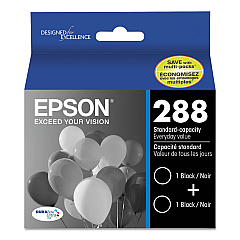
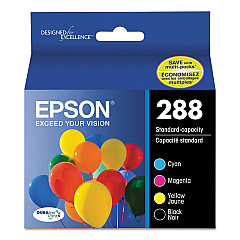
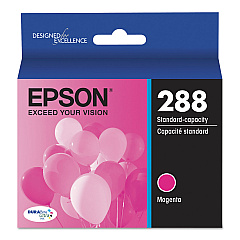
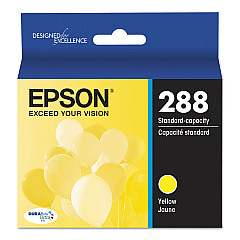
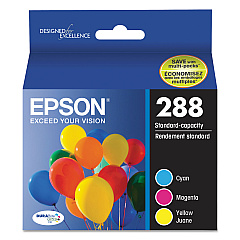
Ensure optimal print quality with genuine Epson XP-446 Ink Cartridges. These cartridges are designed specifically for the Epson XP-446 printer, delivering crisp text and vibrant images. Choose from a range of options including individual color cartridges (T288220 Cyan, T288320 Magenta, T288420 Yellow), black cartridges (T288120), and convenient combo packs (T288120-BCS, T288XL-BCS). For high-volume printing, consider the T288120-D2 Black Ink Cartridge Dual Pack or the T288520 Color Ink Cartridge Multipack. XL cartridges (T288XL series) offer extended print capacity for fewer replacements. Whether you're printing documents, photos, or graphics, these Epson XP-446 Ink Cartridges ensure consistent, professional results. Trust in Epson's quality and reliability to keep your printer running smoothly and your prints looking their best.

Black & Color Ink & Supplies for Epson XP 446 Printers FAQs

  • Do I need to use Epson paper with my Epson printer?

    You can use plain paper; however, for the best results, you'll want to use one of Epson's special inkjet papers.

  • Are these ink cartridges compatible with other Epson printers?

    These cartridges are specifically designed for the Epson XP-446 printer. Always check your printer's manual for compatible cartridge models.

  • Can't you use cheaper "Epson compatible" cartridges in your Epson printer to save money?

    Epson XP 446 printers work only with Epson cartridges because they are made for Epson. Other brands of ink are not compatible, and if they appear to be compatible, they may not work properly or continuously. If you find yourself printing a lot and are looking to reduce your price per print, consider the Epson EcoTank printers.

  • What's the difference between regular and XL cartridges?

    XL cartridges contain more ink and offer a higher page yield, allowing you to print more pages before needing a replacement.

  • How do I change the ink in my Epson XP 446?

    Turn on your Epson XP 446 and lift up the scanner unit. Squeeze the tab on the cartridge and lift the cartridge straight up to remove it. Before opening the new cartridge package, shake it gently four or five times. Remove the cartridge from the package. Put the cartridge in the now vacant slot and make sure it catches in place. Finally close the scanner unit and allow the printer to perform any cleaning or adjustments it requires after cartridge installation.

  • How long do these ink cartridges last?

    The lifespan of ink cartridges depends on usage. Regular cartridges typically last for about 175-300 pages, while XL cartridges can print up to 500 pages.

  • Can I use Epson 220 instead of 288?

    No, although they are 100% identical cartridges, the chip inside them that tells the printer whether it is the right ink is marked differently and will not allow your Epson XP 446 to print with any ink cartridge besides the Epson 288 and Epson 288 inks.

  • Can I use third-party ink cartridges in my Epson XP-446?

    While third-party cartridges may work, using genuine Epson cartridges ensures optimal print quality and prevents potential damage to your printer.

  • What's included in the T288120-BCS Combo Pack?

    The T288120-BCS Combo Pack typically includes one black cartridge and a set of color cartridges (cyan, magenta, and yellow).

  • How do I install these ink cartridges?

    Open your printer's ink cartridge cover, remove the old cartridge, insert the new one until it clicks into place, and close the cover. Your printer will guide you through the process.

  • Are these cartridges recyclable?

    Yes, Epson offers a cartridge recycling program. Visit their website for details on how to recycle your used cartridges.

  • What should I do if my printer doesn't recognize the new cartridge?

    Ensure the cartridge is properly seated and the contacts are clean. If issues persist, try removing and reinserting the cartridge or cleaning the printer's contacts.

  • Can I buy these cartridges in bulk?

    Yes, options like the T288120-D2 Black Ink Cartridge Dual Pack and T288520 Color Ink Cartridge Multipack offer bulk purchasing options.

  • How should I store unused ink cartridges?

    Store unused cartridges in a cool, dry place in their original packaging. Avoid extreme temperatures and direct sunlight to maintain ink quality.

Warehouse Locations

Policy & Agreement | Copyright © 1995-2026 BlueDogInk.com
