


Images


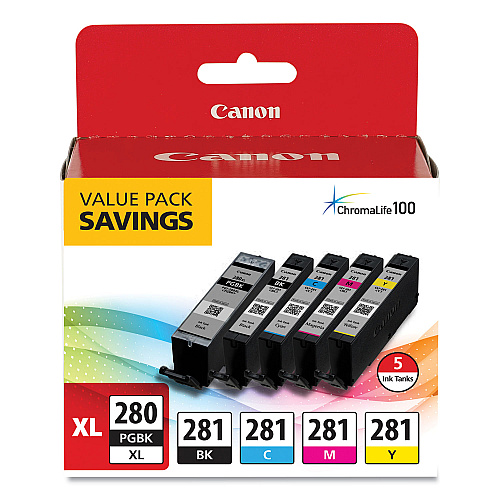
$79.23
Free Shipping
Part #: 2021C007 Original
Status: In Stock

$75.27
$79.23
Free Shipping
Part #: 2021C007 Original
Status: In Stock
$75.27


ITEM 2037C001
Canon CLI-281 XL Black Ink TankCLI-281 XL Black Ink Tank (CLI-281BKXL)
$21.99
In Stock

ITEM 1983C001
Canon CLI-281 XXL Black Ink TankCLI-281 XXL Black Ink Tank (CLI-281BKXXL)
$32.25
In Stock


ITEM 2021C001
Canon PGI-280 XL Black Ink Tank (2021C001)PGI-280 XL Black Ink Tank (PGI-280PGBKXL)
$28.74
In Stock

ITEM 1967C001
Canon PGI-280 XXL Black Ink TankPGI-280 XXL Black Ink Tank (PGI-280PGBKXXL)
$37.99
In Stock

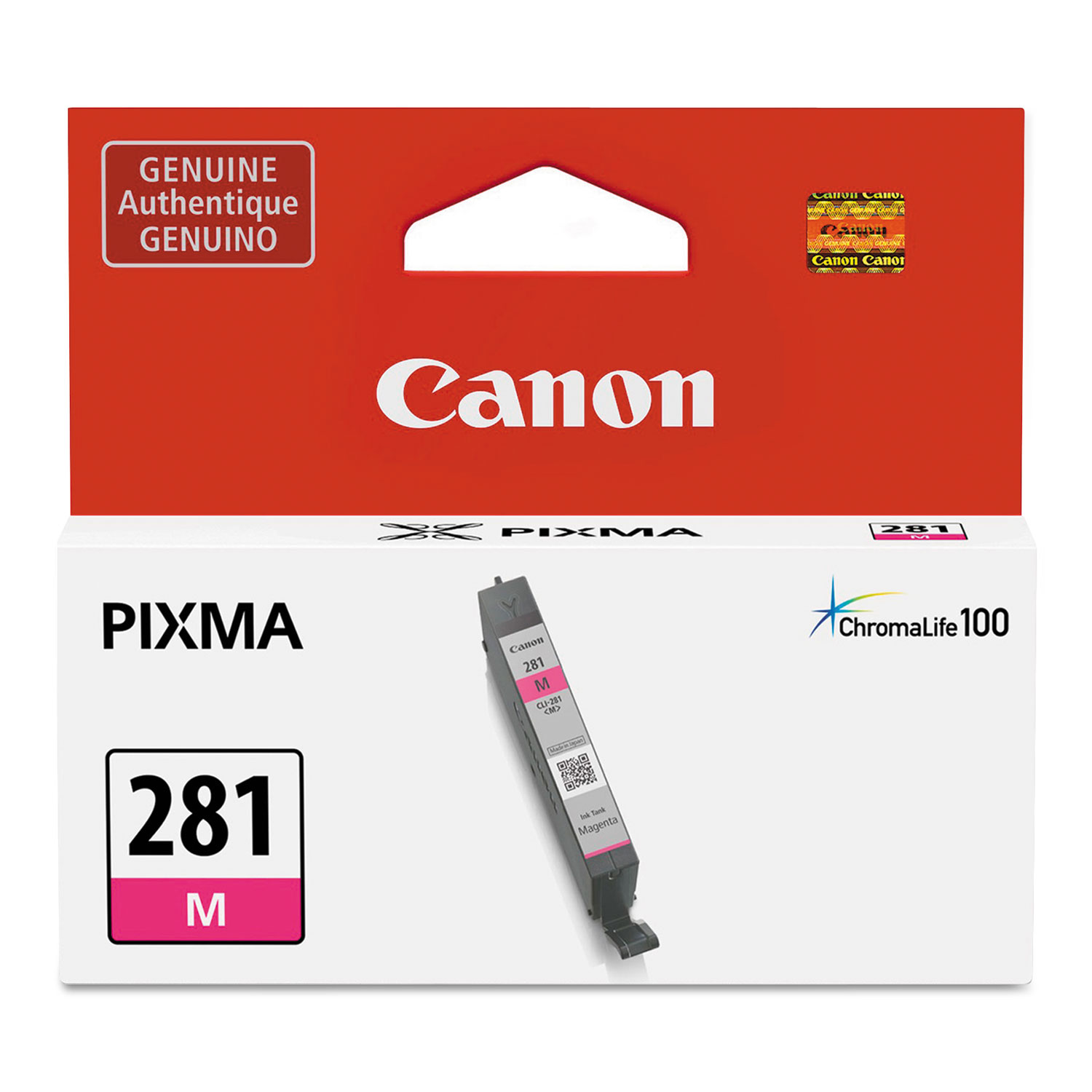


ITEM 2035C001
Canon CLI-281 XL Magenta Ink TankCLI-281 XL Magenta Ink Tank (CLI-281MXL)
$22.93
In Stock

ITEM 2036C001
Canon CLI-281 XL Yellow Ink TankCLI-281 XL Yellow Ink Tank (CLI-281YXL)
$22.93
In Stock
ITEM 2038C001
Canon CLI-281 XL Photo Blue TankCLI-281 XL Photo Blue Ink Tank (CLI-281PBXL)
$22.93
In Stock

ITEM 1980C001
Canon CLI-281 XXL Cyan Ink TankCLI-281 XXL Cyan Ink Tank (CLI-281CXXL)
$32.25
In Stock

ITEM 1981C001
Canon CLI-281 XXL Magenta Ink TankCLI-281 XXL Magenta Ink Tank (CLI-281MXXL)
$32.25
In Stock

ITEM 1982C001
Canon CLI-281 XXL Yellow Ink TankCLI-281 XXL Yellow Ink Tank (CLI-281YXXL)
$32.25
In Stock

ITEM 1984C001
Canon CLI-281 XXL Photo Blue Ink TankCLI-281 XXL Photo Blue Ink Tank (CLI-281PBXXL)
$32.25
In Stock
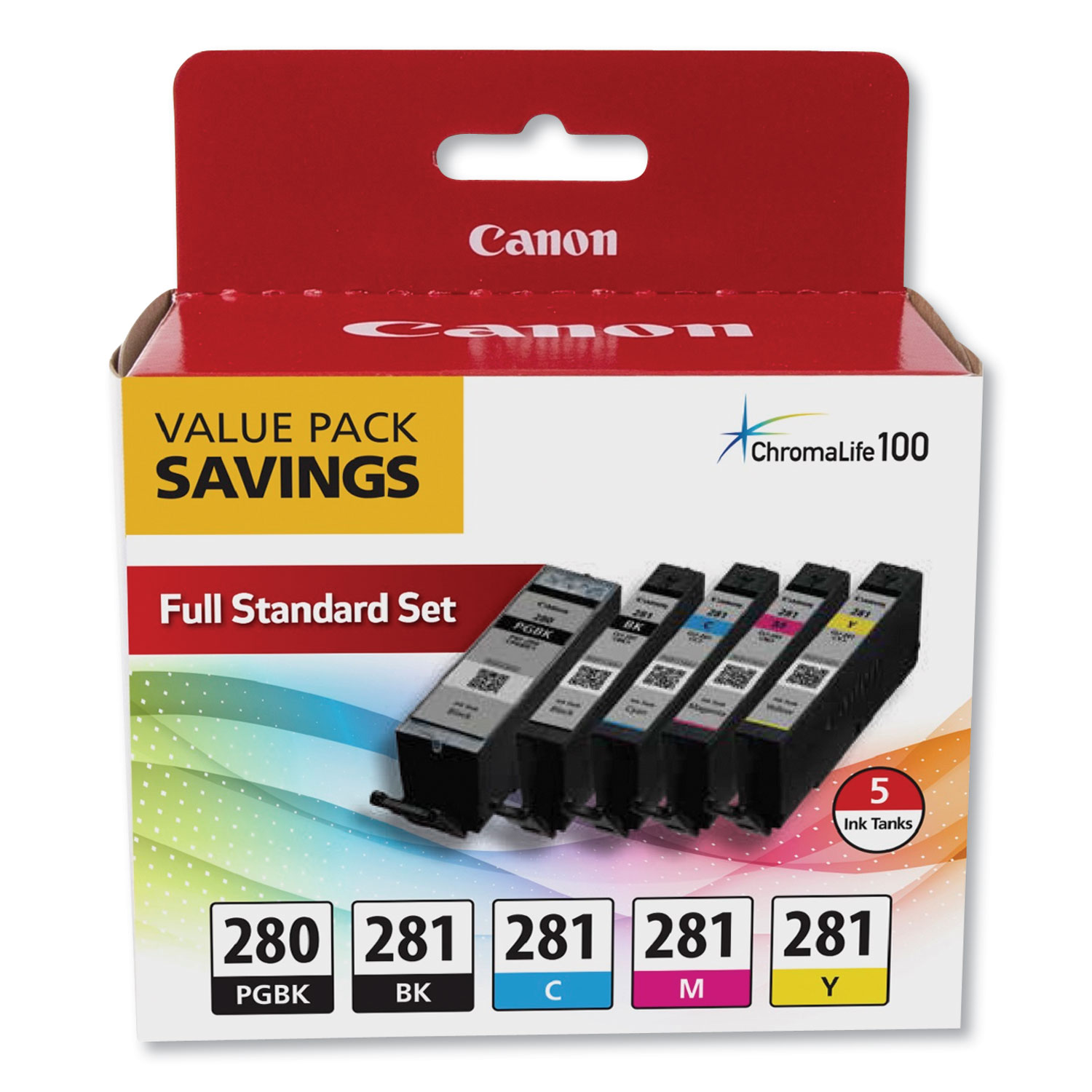
ITEM 2075C006
Canon PGI-280 CLI-281 5 Color Value PackPGI-280/CLI-281 5 Color Value Pack
$58.99
In Stock
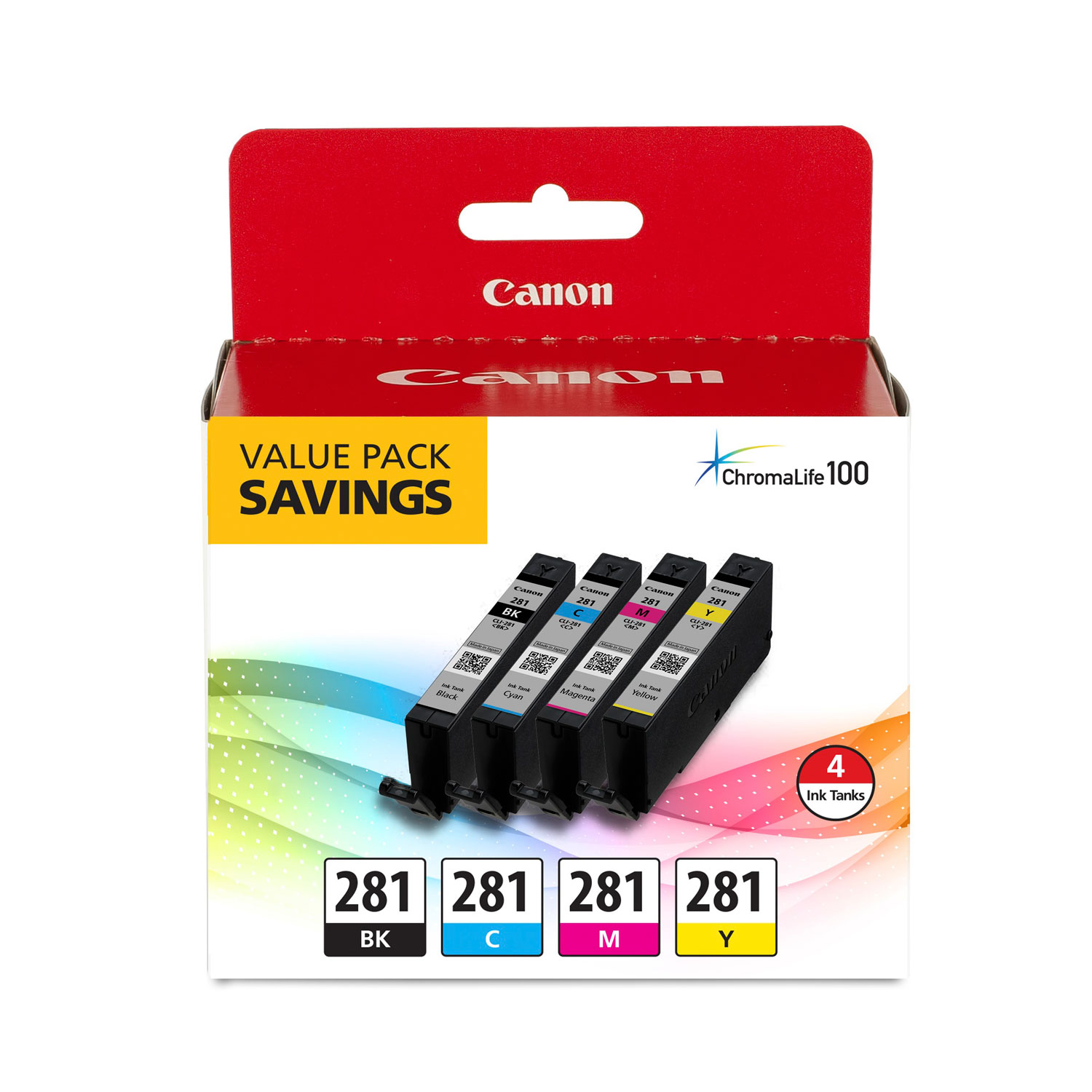
ITEM 2091C005
Canon CLI-281 Black, Cyan, Magenta and Yellow 4 Ink Pack (2091C005)CLI-281 BKCMY; Includes 1 Each of CLI-281BK, CLI-281C, CLI-281M, CLI-281Y
$48.91
In Stock

ITEM 2037C005
Canon CLI-281 XL Value PackCLI-281XL BKCMY; Includes 1 Each of CLI-281BKXL, CLI-281CXL, CLI-281MXL, CLI-281YXL
$80.99
In Stock
Free Shipping

ITEM 2091C006
Canon CLI-281 Combo PackCLI-281 BKCMYPB 5X5 COMBO PK; CLI-281 Combo Ink Pack with Glossy Photo Paper (20 Sheets, 5"x5")
$62.99
In Stock

ITEM 2021C006
Canon PGI-280XL PGBK/CLI-281CMY, 50 Sheets PP-301 Combo Pack (2021C006)PGI-280 XL / CLI-281 Combo Ink Pack with Glossy Photo Paper (50 Sheets, 4"x6")
$67.79
In Stock
Brand
Category
Canon Ink & Toner - Canon Ink Cartridges - Canon Color Ink Cartridges
Family Model Number
Model
2021C007
Market Indicator (Cartridge Number)
CLI-281; PGI-280XL

Bluedogink is an authorized Boardwalk dealer 
What is included in the Canon PGI-280 XL CLI-281 5 Color Value Pack?
The Canon PGI-280 XL CLI-281 5 Color Value Pack includes five high-capacity ink cartridges: one pigment black, one black, one cyan, one magenta, and one yellow.
Is the Canon PGI-280 XL CLI-281 Value Pack compatible with my printer?
This value pack is compatible with a variety of Canon PIXMA printers, including but not limited to the TR7520, TR8520, TS6120, TS8120, and TS9120 models. Please check your printer's specifications to ensure compatibility.
How many pages can I expect to print with the PGI-280 XL CLI-281 ink cartridges?
The page yield varies by color, but generally, the black cartridge can print up to 400 pages, while each color cartridge can print approximately 300 pages, depending on the content and coverage.
Can I use these cartridges for photo printing?
Yes, the Canon PGI-280 XL CLI-281 ink cartridges are designed for both document and photo printing, delivering high-quality and vibrant prints.
How should I store the Canon PGI-280 XL CLI-281 cartridges to ensure longevity?
Store the ink cartridges in a cool, dry place away from direct sunlight and extreme temperatures to maintain their quality and longevity.
Are these cartridges easy to install?
Yes, these cartridges are designed for easy installation. Simply follow the instructions provided with your printer or refer to the printer's manual.
What should I do if my printer does not recognize the new cartridge?
If your printer does not recognize the new cartridge, try removing it and reinstalling it. Ensure that the cartridge is properly seated and that the protective tape has been removed. If the issue persists, consult your printer's troubleshooting guide or contact Canon support for assistance.

Bluedogink.com is a leading provider of printer, printer supplies, office and paper products.
Our wholesale price on Canon PGI-280 XL CLI-281 5 Color Value Pack info is part of our commitment to provide consumers with the lowest discount price available. Our customers are very important to us. We cater to many industries including military, government, schools, educational, medical, corporate, healthcare, legal, accounting, finance and many more. So, act now and buy Canon PGI-280 XL CLI-281 5 Color Value Pack at our low price.






Thank you for your interest in this item.
Please note: Once you receive word that this item is available, it's up to you to act! An email notification guarantees neither inventory nor price. But don't worry: should you miss out on the first shipment, you can always request another notification.

your order $99+
Sign up for the best discounts and exclusive offers not advertised anywhere else
your order $99+
Sign up for the best discounts and exclusive offers not advertised anywhere else
 At Checkout
*Get $10 off your order $99+, limit one use per customer, expires in 14 days