








Ads

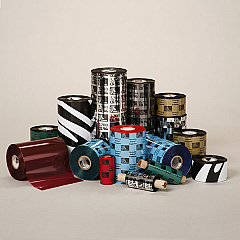
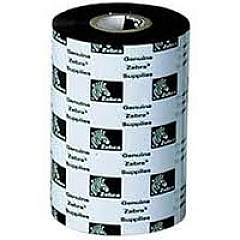
Zebra Z4M Printer Ribbon

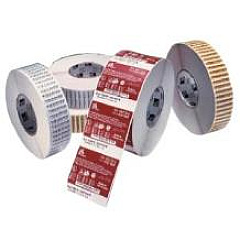
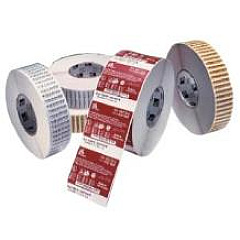
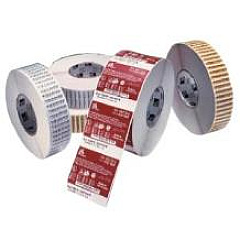
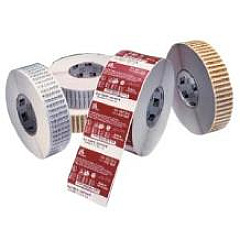
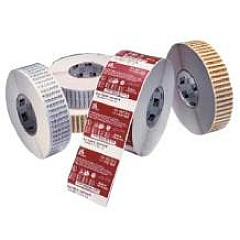
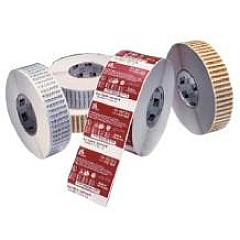
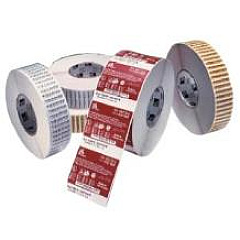
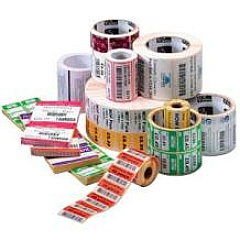
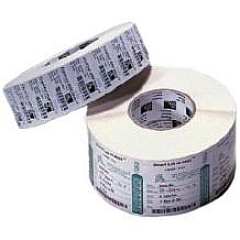
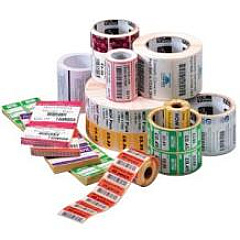
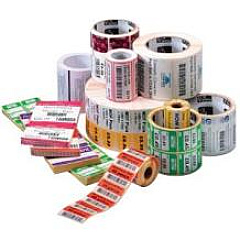
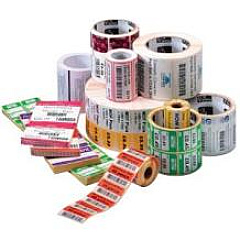
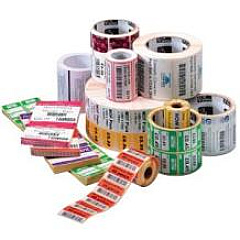
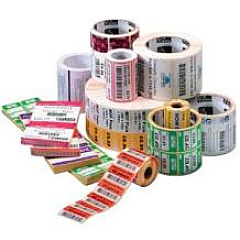
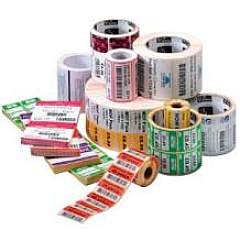
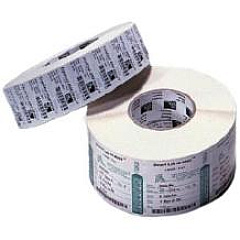
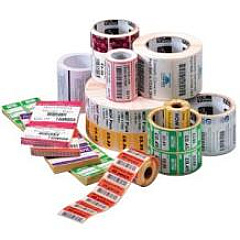
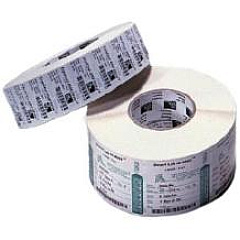
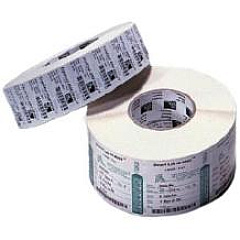
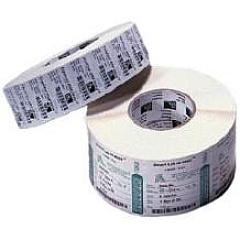
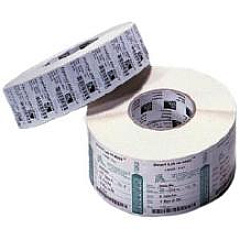
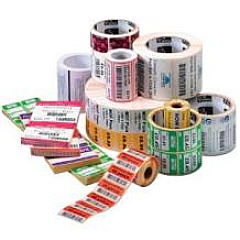
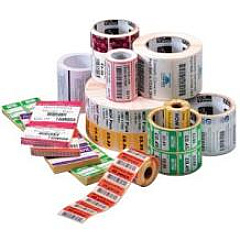
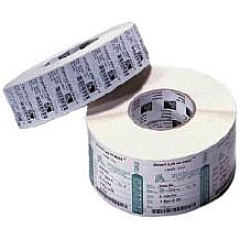
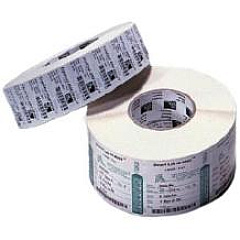
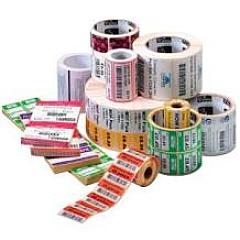
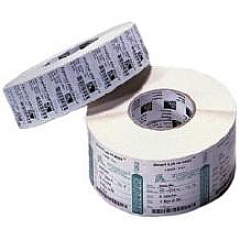
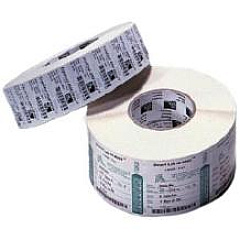
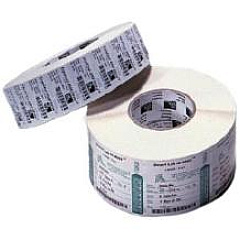
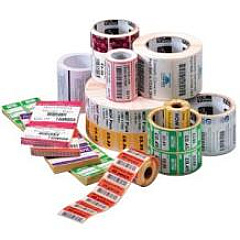
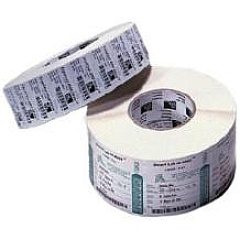
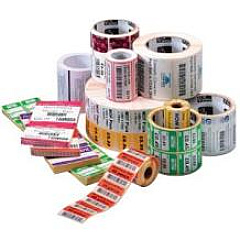
Zebra Z4M Labels

Discover premium Zebra Z4M Printers Supplies at BlueDogInk.com. Our extensive selection includes a wide range of high-quality wax ribbons and resin ribbons designed specifically for Zebra Z4M printers. From the versatile Zebra 02000BK series to the advanced Zebra 05100BK series, we offer ribbons in various sizes and formulations to meet your diverse printing needs. Whether you require standard black wax ribbons for everyday labeling or specialized resin ribbons for more demanding applications, our Zebra Z4M Printers Supplies ensure crisp, durable prints every time. With options like the Zebra 03200GS series for enhanced print quality and the Zebra 05095GS series for superior durability, you'll find the perfect ribbon to optimize your Zebra Z4M printer's performance. Trust BlueDogInk.com for all your Zebra Z4M printing supplies and experience unmatched quality and reliability.

Zebra Z4M Printers Supplies FAQs

  • What types of ribbons are available for Zebra Z4M printers?

    Zebra Z4M printers can use various ribbon types, including wax, wax/resin, and resin ribbons. The choice depends on your specific printing needs and the materials you're printing on.

  • How do I choose the right ribbon size for my Zebra Z4M printer?

    To select the correct ribbon size, check your printer's specifications or the current ribbon you're using. The ribbon width should match or be slightly narrower than your label width, and the length should be compatible with your printer model.

  • What's the difference between wax and resin ribbons?

    Wax ribbons are ideal for paper labels and offer good print quality at a lower cost. Resin ribbons provide more durable prints that resist smearing, chemicals, and harsh environments, making them suitable for synthetic materials.

  • How long do Zebra Z4M printer ribbons typically last?

    The lifespan of a ribbon depends on its length and your printing volume. Most ribbons for Zebra Z4M printers range from 300 to 450 meters in length, which can produce thousands of labels before needing replacement.

  • Are Zebra brand ribbons necessary, or can I use third-party ribbons?

    While Zebra brand ribbons are recommended for optimal performance and print quality, some third-party ribbons may be compatible. However, using non-Zebra ribbons could potentially void your printer warranty or lead to subpar print results.

  • How do I install a new ribbon in my Zebra Z4M printer?

    To install a new ribbon, open the printer cover, place the new ribbon roll on the supply spindle, thread the ribbon through the print mechanism as indicated in your printer's manual, and attach it to the take-up core. Close the cover and perform a test print.

  • Can I use the same ribbon for printing on different materials?

    While some ribbons are versatile, it's best to match the ribbon type to your printing material. Wax ribbons work well for paper, while resin or wax/resin blends are better for synthetic materials or applications requiring more durability.

  • How should I store my Zebra Z4M printer ribbons?

    Store ribbons in a cool, dry place away from direct sunlight. Keep them in their original packaging until ready for use to protect them from dust and damage. Avoid extreme temperatures and humidity to maintain ribbon quality.

  • What does the 'BK' in the ribbon model number stand for?

    In Zebra ribbon model numbers, 'BK' typically stands for 'Black,' indicating that the ribbon produces black prints. Other color codes may be used for colored ribbons.

Warehouse Locations

Policy & Agreement | Copyright © 1995-2026 BlueDogInk.com
