




























Ads

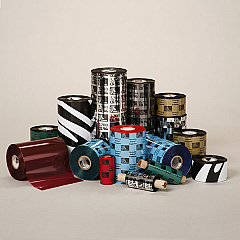
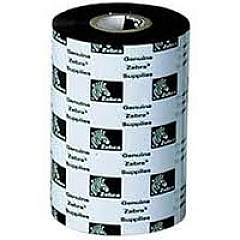
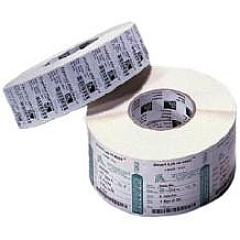
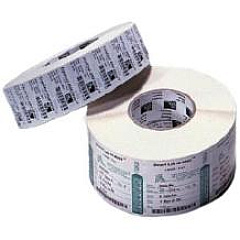
Zebra S4M Printer Ribbon

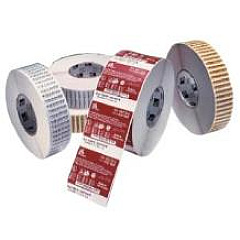
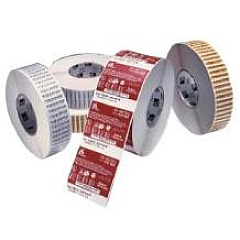
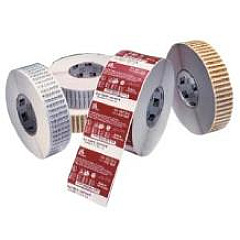
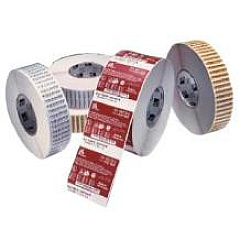
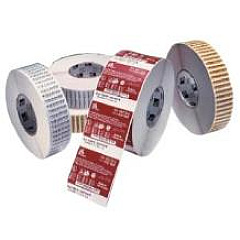
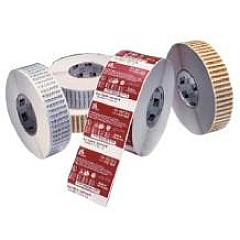
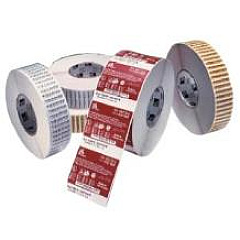
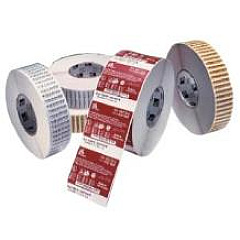
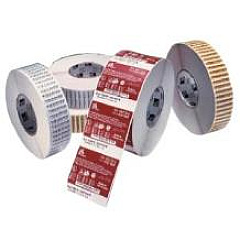
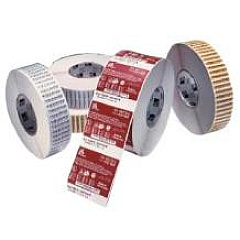
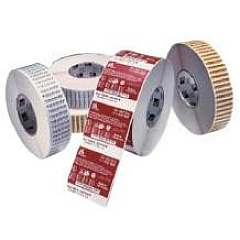
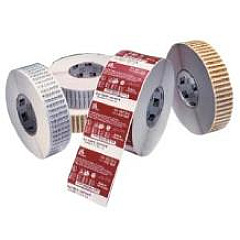
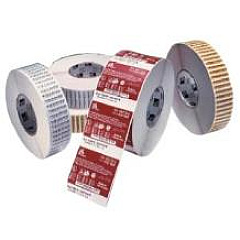
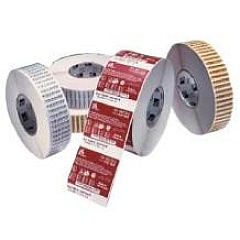
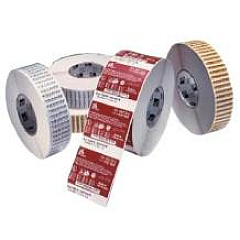
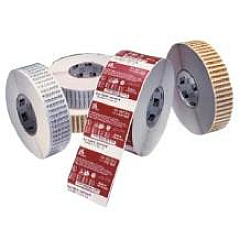
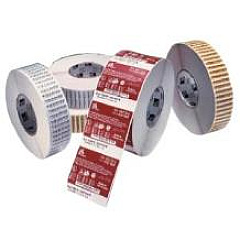
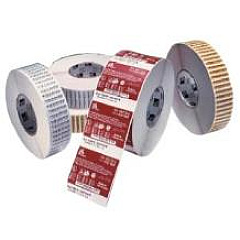
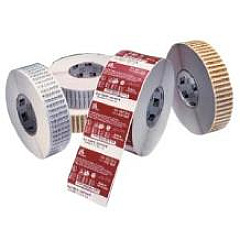
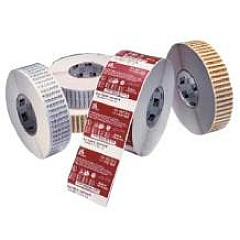
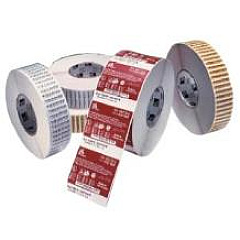
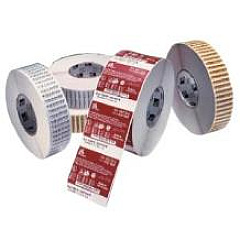
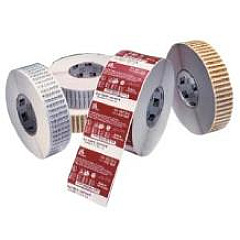
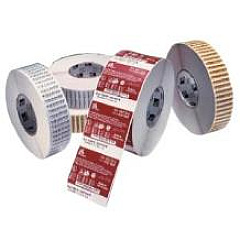
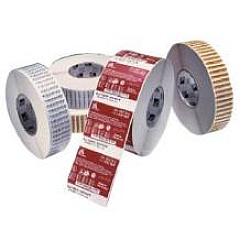
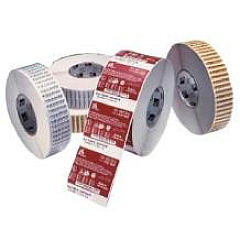
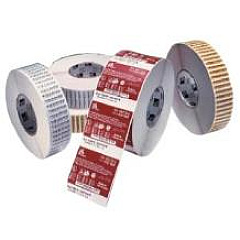
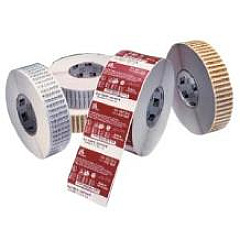
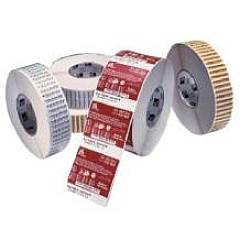
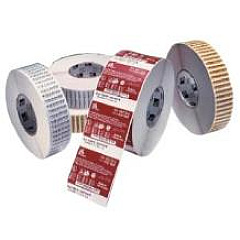
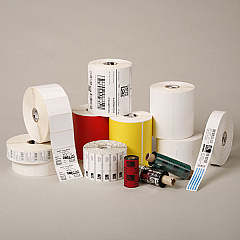
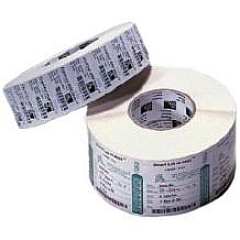
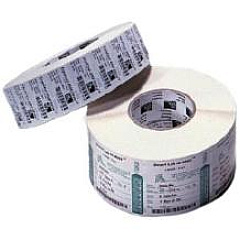
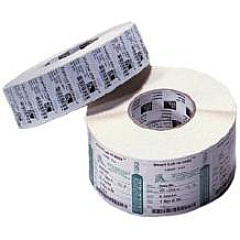
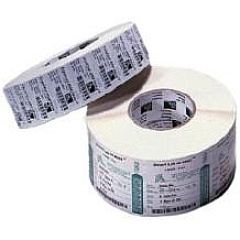
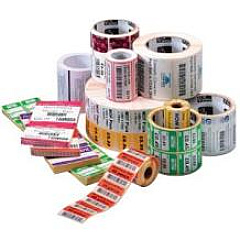
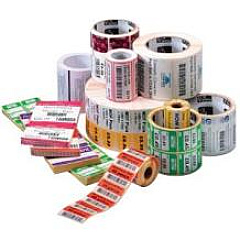
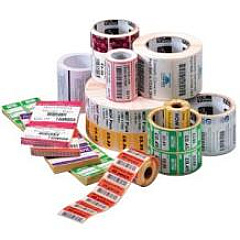
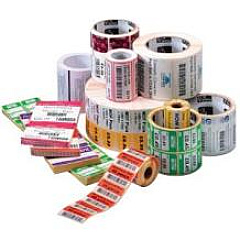
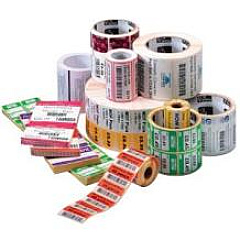
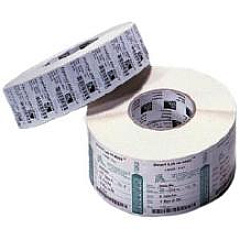
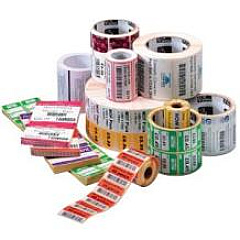
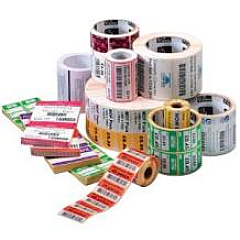
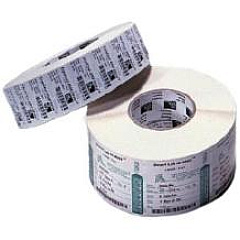
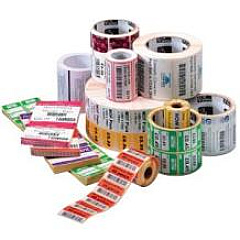
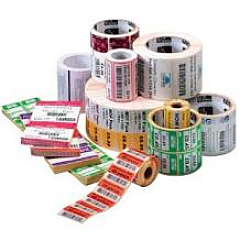
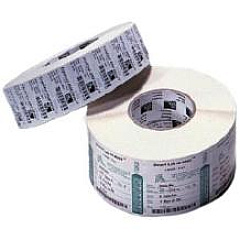
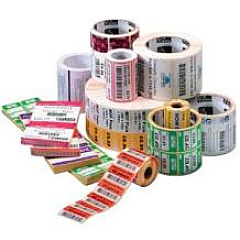
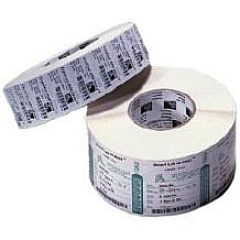
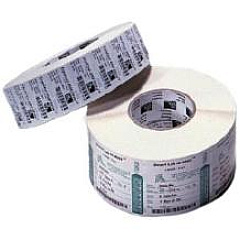
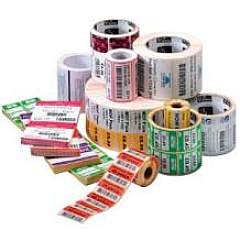
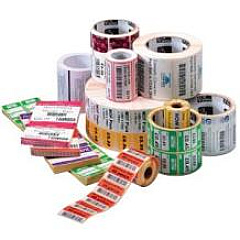
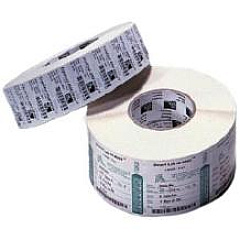
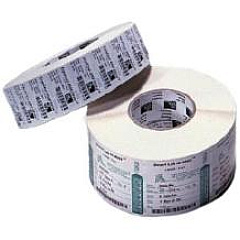
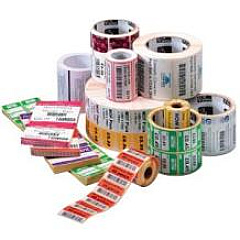
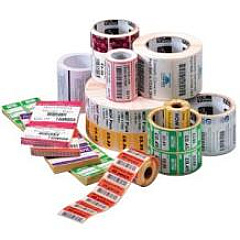
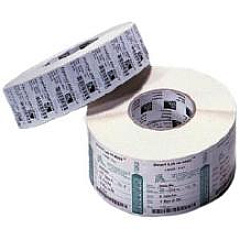
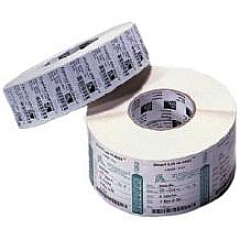
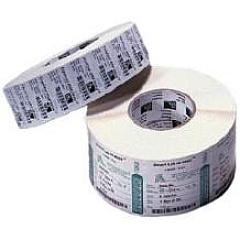
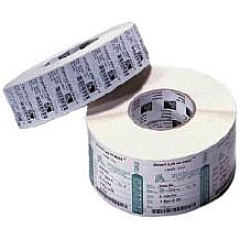
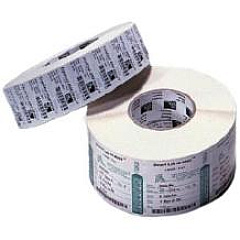
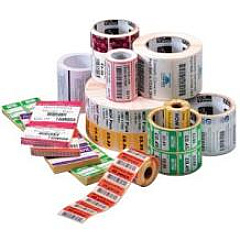
Zebra S4M Labels

Enhance your printing capabilities with Zebra S4M Printers Supplies, offering a comprehensive range of high-quality ribbons for optimal performance. Our selection includes various Zebra wax ribbons, such as the 02000BK and 02100BK series, available in multiple sizes to suit your specific needs. For more demanding applications, we offer the 03200BK and 05095BK resin ribbons, ensuring crisp, durable prints. The Zebra S4M Printers Supplies lineup also features specialty options like the 03200GS and 05095GS ribbons for unique printing requirements. Whether you need standard wax ribbons for everyday labeling or high-performance resin ribbons for long-lasting prints, our extensive collection of Zebra S4M Printers Supplies has you covered. Choose from a wide array of ribbon widths and lengths to maximize efficiency and minimize waste in your printing operations.

Zebra S4M Printers Supplies FAQs

  • What types of ribbons are available for Zebra S4M printers?

    Zebra S4M printers can use wax, resin, and wax-resin ribbons, including the 02000BK, 02100BK, 03200BK, and 05095BK series.

  • How do I choose the right ribbon for my Zebra S4M printer?

    Consider your printing application, label material, and durability requirements. Wax ribbons are suitable for paper labels, while resin ribbons offer better durability for synthetic materials.

  • What are the differences between wax and resin ribbons?

    Wax ribbons are more economical and suitable for short-term use, while resin ribbons offer better durability, chemical resistance, and print quality on synthetic materials.

  • How long do Zebra S4M printer ribbons last?

    The lifespan of a ribbon depends on its length and your printing volume. Most ribbons come in lengths ranging from 984 feet (300m) to 1,476 feet (450m).

  • Are Zebra S4M printer supplies compatible with other Zebra printer models?

    Some ribbons may be compatible with other Zebra models, but it's best to check the specific printer requirements to ensure compatibility.

  • How do I install a new ribbon in my Zebra S4M printer?

    Open the printer cover, place the new ribbon roll on the supply spindle, thread the ribbon through the print mechanism, and attach it to the take-up core. Refer to your printer's manual for detailed instructions.

  • What does the 'BK' in the ribbon part numbers stand for?

    The 'BK' in Zebra ribbon part numbers typically stands for 'Black,' indicating the color of the ribbon.

  • Can I use non-Zebra branded ribbons in my Zebra S4M printer?

    While third-party ribbons may work, using genuine Zebra supplies ensures optimal print quality and helps maintain your printer's warranty.

  • What do the numbers in the ribbon part numbers represent?

    The numbers typically indicate the ribbon's width and length. For example, in '02000BK06045', '060' represents a 60mm width, and '45' indicates a 450m length.

  • How can I determine which ribbon size I need for my Zebra S4M printer?

    Check your printer's specifications or measure the width of your current ribbon. Ensure the ribbon width is slightly narrower than your label width for optimal printing.

Warehouse Locations

Policy & Agreement | Copyright © 1995-2026 BlueDogInk.com
