




























Ads

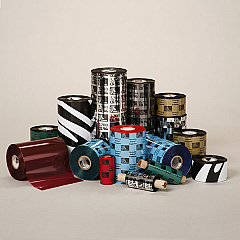
Zebra S300 Printer Ribbon

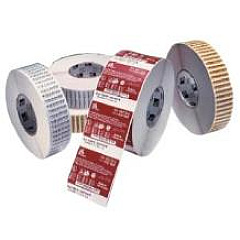
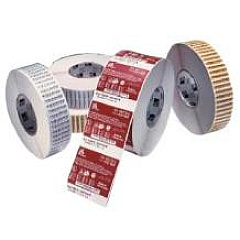
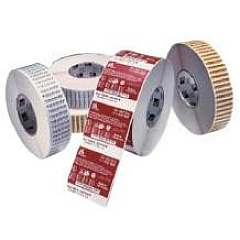
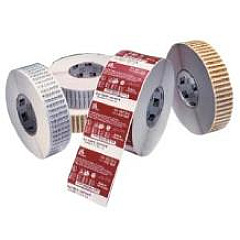
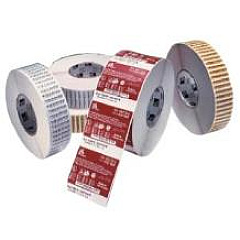
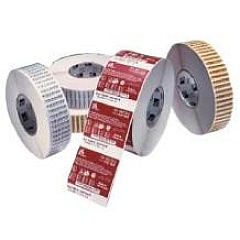
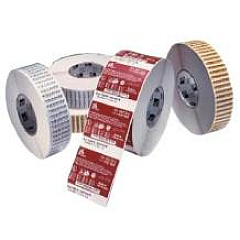
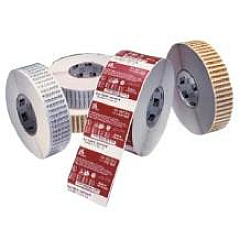
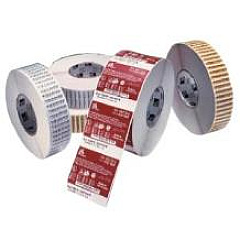
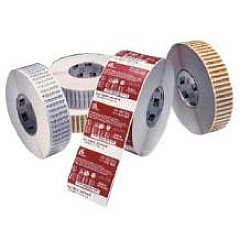
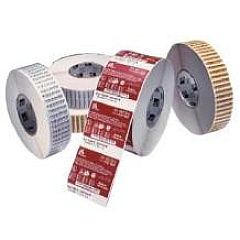
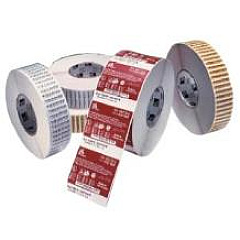
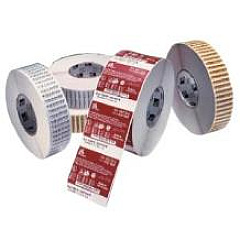
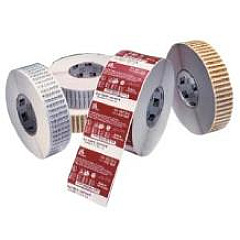
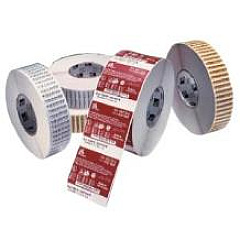
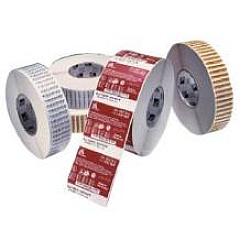
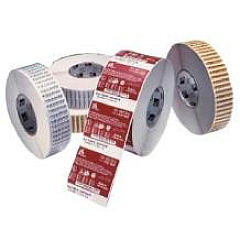
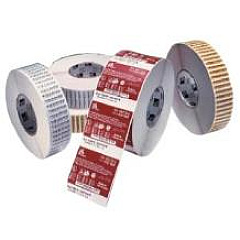
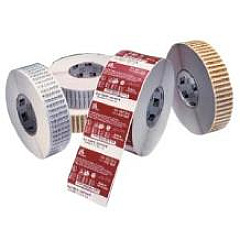
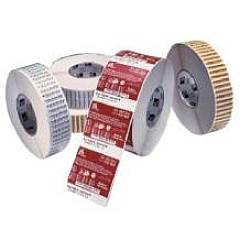
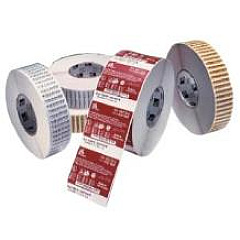
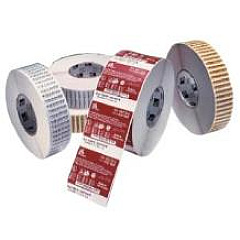
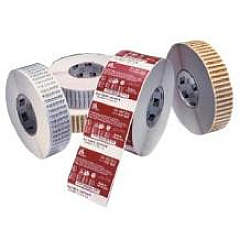
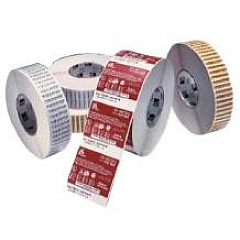
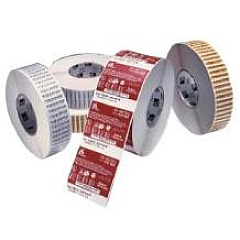
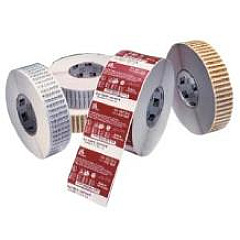
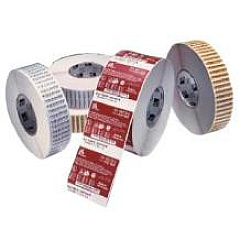
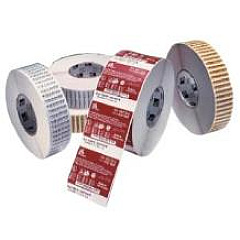
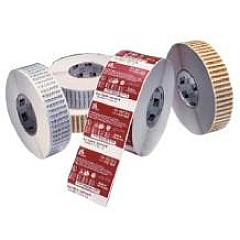
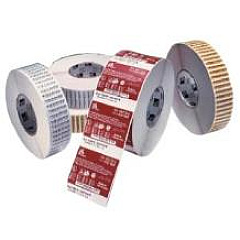
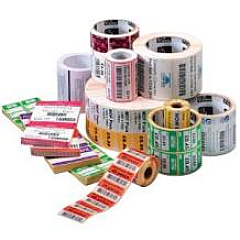
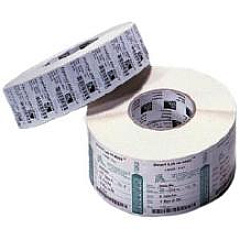
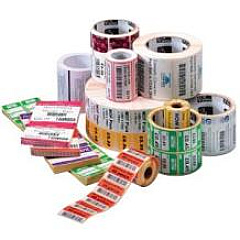
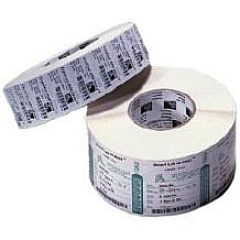
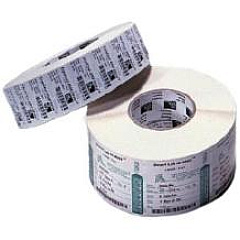
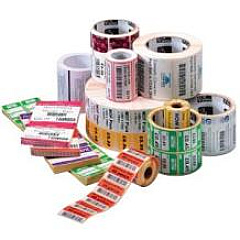
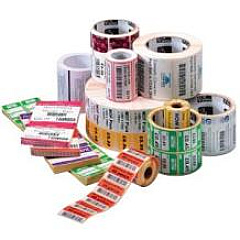
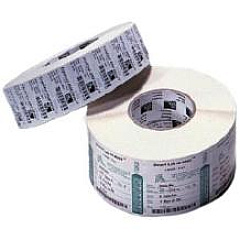
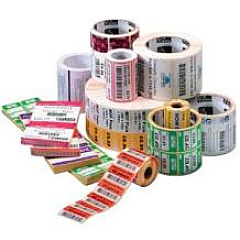
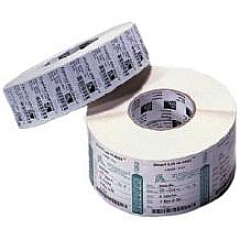
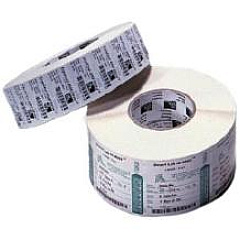
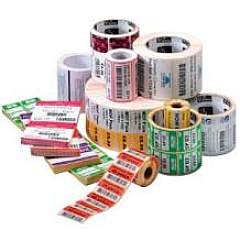
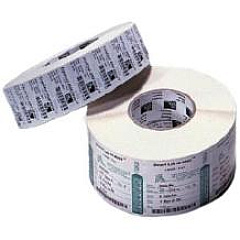
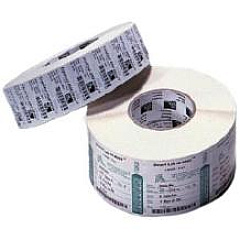
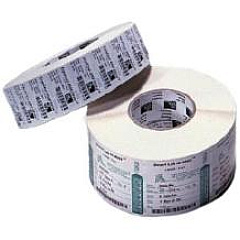
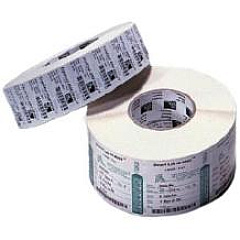
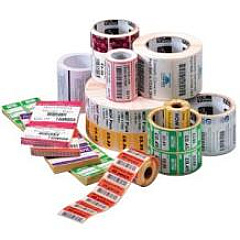
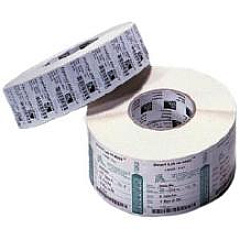
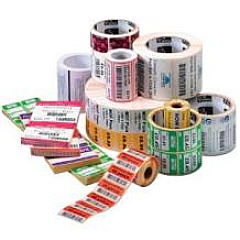
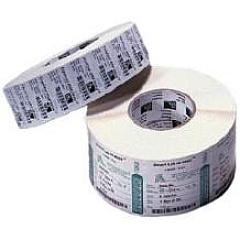
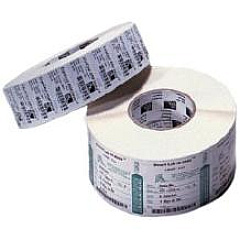
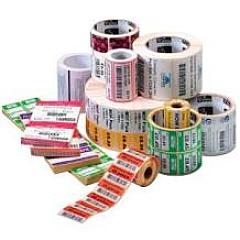
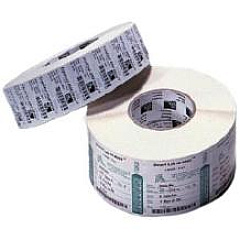
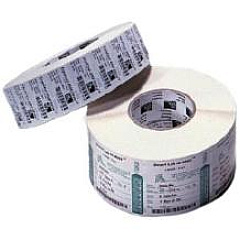
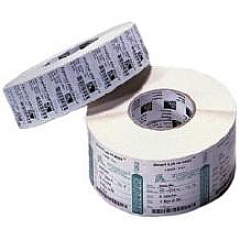
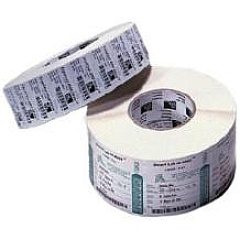
Zebra S300 Labels

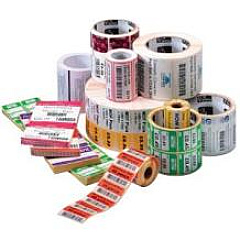
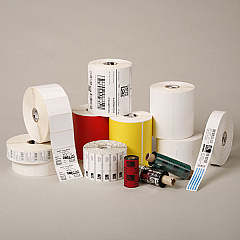
Enhance your printing capabilities with Zebra S300 Printers Supplies, offering a comprehensive range of high-quality wax and resin ribbons. These supplies are designed to meet diverse printing needs across various industries. From the Zebra 02000BK06045 Wax Ribbon to the Zebra 05100BK08945, our collection ensures optimal performance for your Zebra S300 printer. Whether you require standard black wax ribbons or specialized resin options, we have the perfect match for your labeling and barcode printing requirements. Our ribbons come in various sizes and formulations to accommodate different print widths and material types, guaranteeing crisp, durable prints every time. Choose Zebra S300 Printers Supplies for consistent, professional results that stand up to the demands of business, healthcare, education, and government applications.

Zebra S300 Printers Supplies FAQs

  • What types of ribbons are available for Zebra S300 printers?

    Zebra S300 printers use various wax and resin ribbons, including the 02000, 02100, 03200, and 05095 series.

  • How do I choose the right ribbon for my Zebra S300 printer?

    Select a ribbon based on your print width, material type, and desired durability. The product code indicates the ribbon type and size.

  • What's the difference between wax and resin ribbons?

    Wax ribbons are ideal for paper labels, while resin ribbons offer greater durability and are suitable for synthetic materials.

  • How long do Zebra S300 printer ribbons last?

    Ribbon lifespan varies based on usage, but most ribbons offer thousands of prints before needing replacement.

  • Are Zebra S300 printer supplies compatible with other Zebra printer models?

    Some ribbons may be compatible with other Zebra models, but it's best to check the specific printer requirements.

  • Can I use non-Zebra brand ribbons in my Zebra S300 printer?

    While possible, using genuine Zebra supplies ensures optimal print quality and prevents potential printer damage.

  • How do I install a new ribbon in my Zebra S300 printer?

    Consult your printer's user manual for specific instructions, as the process may vary slightly between models.

  • What print resolutions are supported by Zebra S300 printer supplies?

    Zebra S300 ribbons support various resolutions, typically ranging from 203 dpi to 300 dpi, depending on the printer model.

  • Are there color options available for Zebra S300 printer ribbons?

    While most ribbons are black, some specialized color options may be available for certain applications.

  • How should I store unused Zebra S300 printer ribbons?

    Store ribbons in a cool, dry place away from direct sunlight to maintain their quality and extend shelf life.

Warehouse Locations

Policy & Agreement | Copyright © 1995-2026 BlueDogInk.com
