




Ads

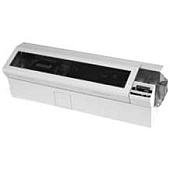
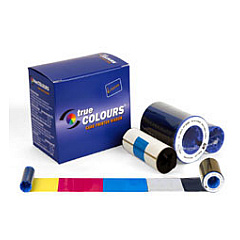
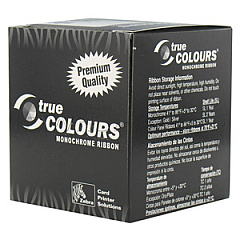
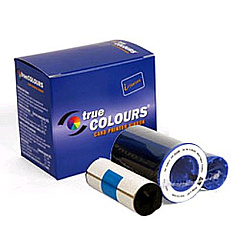
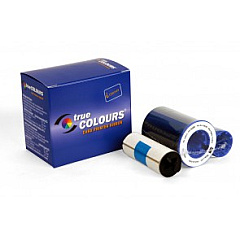
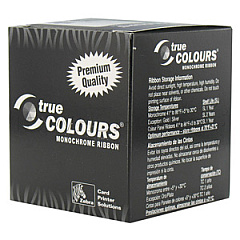
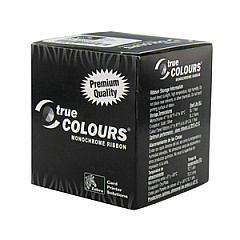
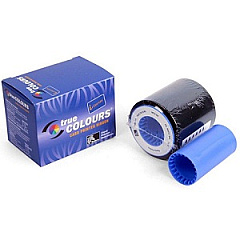
Zebra P520i Printer Ribbon

Enhance your printing capabilities with Zebra P520i Label Printers Supplies, designed to meet the diverse needs of businesses, educational institutions, government agencies, healthcare facilities, and wholesale operations. This comprehensive range of ribbon cartridges ensures optimal performance for your Zebra P520i printer, delivering crisp, long-lasting prints every time. From the versatile Zebra 800015-104 to the specialized Zebra 800015-543, our selection caters to various printing requirements. Whether you need vibrant color ribbons or durable monochrome options, these high-quality supplies guarantee consistent results across a wide range of applications. Invest in Zebra P520i Label Printers Supplies to maximize efficiency, reduce downtime, and produce professional-grade labels that stand out in any environment.

Zebra P520i Label Printers Supplies FAQs

  • What types of ribbon cartridges are compatible with the Zebra P520i printer?

    The Zebra P520i printer is compatible with various ribbon cartridges, including the 800015-104, 800015-106, 800015-107, 800015-109, 800015-301, 800015-440, 800015-448, 800015-450, 800015-460, 800015-540, and 800015-543 models.

  • How long do Zebra P520i ribbon cartridges typically last?

    The lifespan of a ribbon cartridge depends on usage and print volume. On average, a single cartridge can produce thousands of prints before requiring replacement.

  • Are these ribbon cartridges suitable for color printing?

    Yes, some of the ribbon cartridges in the Zebra P520i series are designed for color printing, while others are for monochrome printing. Check the specific model for its color capabilities.

  • Can I use non-Zebra brand ribbons in my P520i printer?

    It's recommended to use genuine Zebra supplies for optimal performance and to maintain your printer's warranty. Non-Zebra ribbons may not provide the same quality and could potentially damage your printer.

  • How do I install a new ribbon cartridge in my Zebra P520i printer?

    To install a new ribbon, open the printer cover, remove the old cartridge, align the new cartridge with the print head, and snap it into place. Refer to your printer's manual for detailed instructions.

  • What's the difference between the various Zebra P520i ribbon models?

    Different ribbon models are designed for specific printing needs, such as durability, color options, or compatibility with certain label materials. Consult the product descriptions for each model to determine the best fit for your requirements.

  • Are these ribbon cartridges environmentally friendly?

    Zebra is committed to environmental sustainability. Many of their ribbon cartridges are designed to be recyclable, and the company offers recycling programs for used supplies.

  • Can I use these ribbon cartridges for printing on different types of labels?

    Yes, Zebra P520i ribbon cartridges are compatible with various label materials. However, it's important to match the ribbon type with the appropriate label material for best results.

  • How should I store unused ribbon cartridges?

    Store unused ribbon cartridges in a cool, dry place away from direct sunlight. Keep them in their original packaging until ready for use to protect them from dust and damage.

  • Do these ribbon cartridges come with a warranty?

    Yes, genuine Zebra ribbon cartridges typically come with a warranty against defects in materials and workmanship. Check the specific product details or contact the seller for warranty information.

Warehouse Locations

Policy & Agreement | Copyright © 1995-2026 BlueDogInk.com
