




























Ads

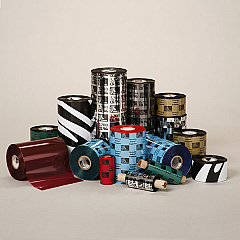
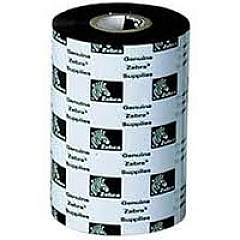
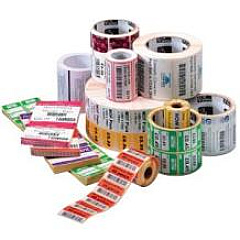
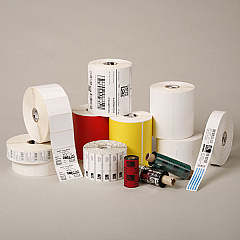
Zebra 220XiIII Printer Ribbon

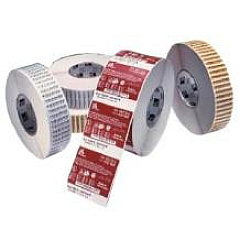
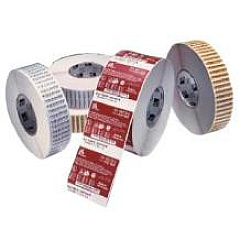
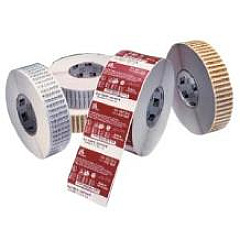
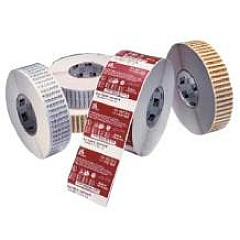
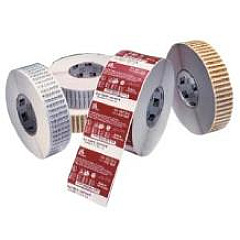
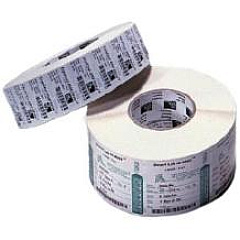
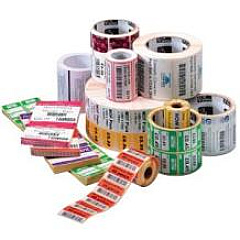
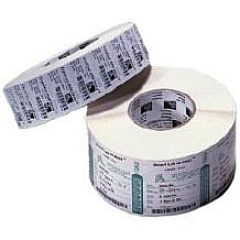
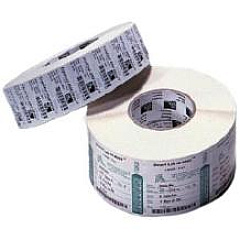
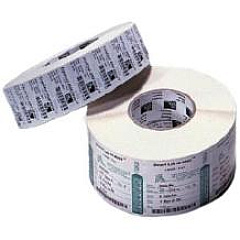
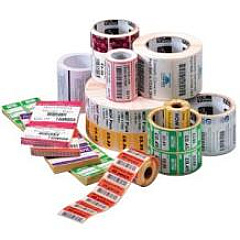
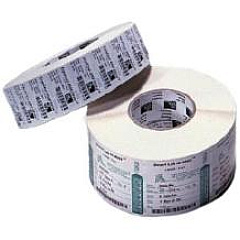
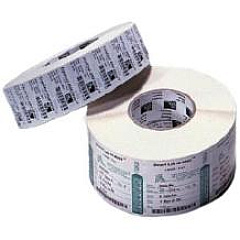
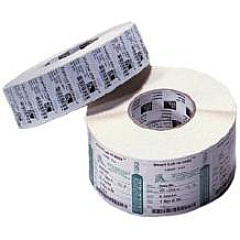
Zebra 220XiIII Labels

Enhance your printing experience with premium Zebra 220XiIII Printers Supplies. Our comprehensive range includes high-quality wax ribbons and ribbon cartridges designed specifically for Zebra 220XiIII printers. From the versatile Zebra 02000BK06045 Wax Ribbon to the specialized Zebra 05095BK06030 TT Ribbon, we offer a wide selection to meet your diverse printing needs. These supplies ensure crisp, durable prints for various applications in business, healthcare, and industrial settings. Our Zebra 220XiIII Printers Supplies are engineered to deliver consistent performance, optimal print quality, and extended printhead life. Whether you require narrow or wide ribbons, our collection includes sizes ranging from 4.02" to 22.04" to accommodate different label dimensions. Trust in the reliability and efficiency of genuine Zebra supplies to keep your 220XiIII printer running smoothly and producing professional-grade labels.

Zebra 220XiIII Printers Supplies FAQs

  • What types of ribbons are compatible with Zebra 220XiIII printers?

    Zebra 220XiIII printers are compatible with various wax, resin, and wax/resin ribbons, including the 02000, 02100, 03200, and 05095 series.

  • How do I choose the right ribbon width for my Zebra 220XiIII printer?

    Select a ribbon width that matches or slightly exceeds your label width. The Zebra 220XiIII supports ribbon widths ranging from 4.02" to 22.04".

  • What is the difference between wax and resin ribbons?

    Wax ribbons are ideal for paper labels and short-term use, while resin ribbons offer greater durability and are suitable for synthetic materials and harsh environments.

  • How often should I replace the ribbon in my Zebra 220XiIII printer?

    Replace the ribbon when you notice a decrease in print quality or when the ribbon is depleted. The frequency depends on your printing volume and ribbon length.

  • Are Zebra 220XiIII printer supplies compatible with other Zebra printer models?

    Some supplies may be compatible with other Zebra models, but it's best to check the specific printer requirements to ensure optimal performance.

  • How can I extend the life of my Zebra 220XiIII printhead?

    Use genuine Zebra supplies, clean the printhead regularly, and adjust the darkness setting to the lowest level that produces acceptable print quality.

  • What is the shelf life of Zebra 220XiIII printer ribbons?

    Unopened Zebra ribbons typically have a shelf life of one year when stored properly in a cool, dry environment away from direct sunlight.

  • Can I use third-party ribbons in my Zebra 220XiIII printer?

    While third-party ribbons may work, using genuine Zebra supplies ensures optimal print quality, printer performance, and warranty protection.

  • How do I install a new ribbon in my Zebra 220XiIII printer?

    Open the printer cover, place the new ribbon roll on the supply spindle, thread the ribbon through the print mechanism, and attach it to the take-up core. Refer to your printer manual for detailed instructions.

  • What should I do if I experience print quality issues with my Zebra 220XiIII printer?

    Check that you're using the correct ribbon type, clean the printhead, adjust print darkness settings, and ensure the ribbon is properly installed. If issues persist, contact Zebra support.

Warehouse Locations

Policy & Agreement | Copyright © 1995-2026 BlueDogInk.com
