








Ads

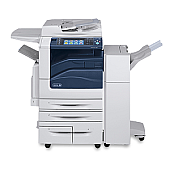
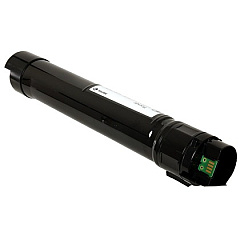
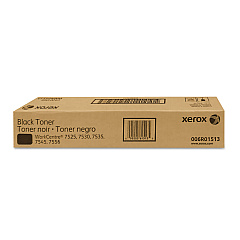
Xerox WorkCentre 7845 Black Toner Cartridges

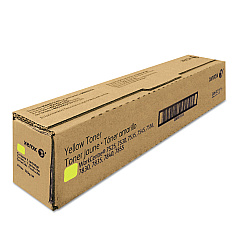
Xerox WorkCentre 7845 Color Toner Cartridges

Xerox WorkCentre 7845 Toner Set

Xerox WorkCentre 7845 Drum Units

Xerox WorkCentre 7845 Waste Toner Kits

Xerox WorkCentre 7845 Maintenance Kits

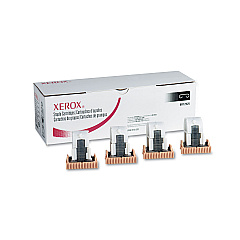
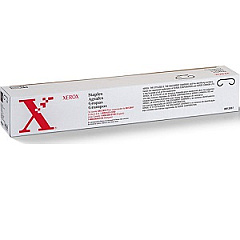
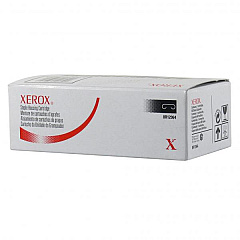
Xerox WorkCentre 7845 Printer Staples

Xerox WorkCentre 7845 Printer Accessories

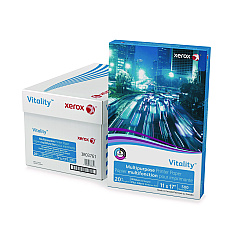
Xerox WorkCentre 7845 Copy Paper

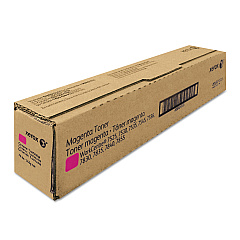
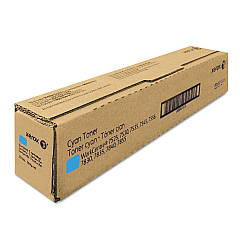
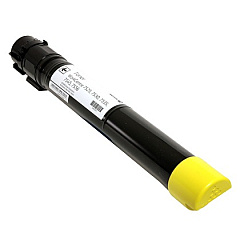
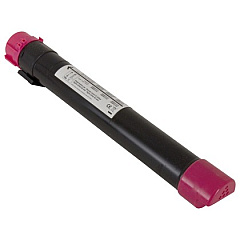
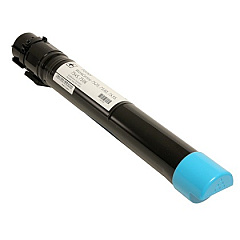
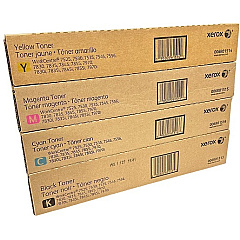
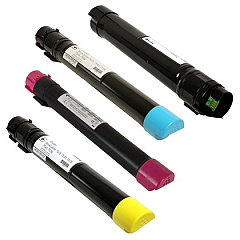
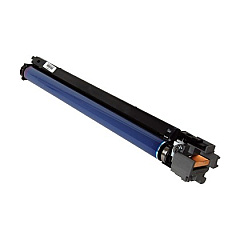
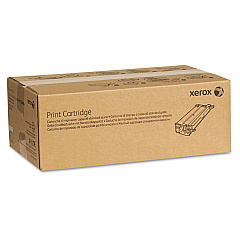
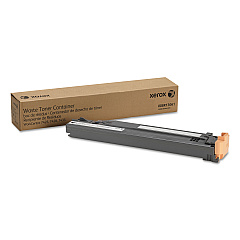
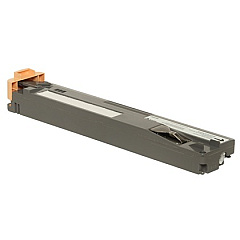
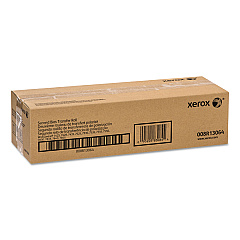
Ensure optimal performance and print quality with genuine Xerox WorkCentre 7845 Toner Cartridges and supplies. Our comprehensive range includes the essential 006R01513, 006R01514, 006R01515, and 006R01516 toner cartridges in black, yellow, magenta, and cyan, respectively. These high-yield cartridges are designed to deliver crisp text and vibrant colors across various WorkCentre models. We also offer the 001R00613 Transfer Belt Cleaner, 008R13061 Waste Toner Container, and 013R00662 Drum Cartridge to maintain your printer's efficiency. For finishing touches, choose from our selection of staple cartridges, including 008R12897, 008R12925, 008R12941, and 008R12964. Maximize your WorkCentre 7845's capabilities with the 320S00663 XPS Enablement Kit. Trust BlueDogInk.com for all your Xerox WorkCentre 7845 Toner Cartridges and supplies needs.

Xerox WorkCentre 7845 Toner Cartridges FAQs

  • How often should I replace the toner cartridges in my Xerox WorkCentre 7845?

    Replacement frequency depends on usage, but typically when print quality diminishes or the printer indicates low toner levels.

  • Are these toner cartridges compatible with other Xerox WorkCentre models?

    Yes, these cartridges are compatible with several WorkCentre models, including 7525, 7530, 7535, 7545, 7556, 7830, 7835, 7845, 7855, and 7970.

  • What is the purpose of the Transfer Belt Cleaner?

    The Transfer Belt Cleaner helps maintain print quality by removing excess toner and debris from the printer's transfer belt.

  • How do I know when to replace the Waste Toner Container?

    Your printer will typically alert you when the Waste Toner Container is full and needs replacement.

  • What is the XPS Enablement Kit used for?

    The XPS Enablement Kit allows your printer to process and print XPS (XML Paper Specification) documents.

  • Can I use third-party toner cartridges in my Xerox WorkCentre 7845?

    While third-party cartridges may work, using genuine Xerox toner cartridges ensures optimal print quality and printer performance.

  • How many pages can I expect to print with a single toner cartridge?

    Page yield varies by cartridge and usage, but typically ranges from 15,000 to 26,000 pages for standard capacity cartridges.

  • Are these supplies covered under Xerox warranty?

    Yes, genuine Xerox supplies are covered under Xerox warranty when used in compatible Xerox printers.

  • How should I store unused toner cartridges?

    Store unused cartridges in a cool, dry place away from direct sunlight and in their original packaging until ready for use.

  • What's the difference between the various staple cartridges available?

    Different staple cartridges are designed for specific finisher units and stapling capacities. Check your printer's documentation to determine the correct staple cartridge for your model.

Warehouse Locations

Policy & Agreement | Copyright © 1995-2026 BlueDogInk.com
