Ads

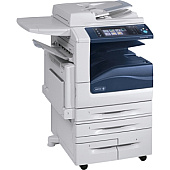
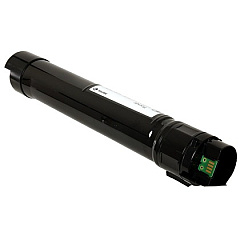
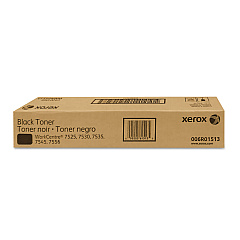
Xerox Workcentre 7535 Black Toner Cartridges

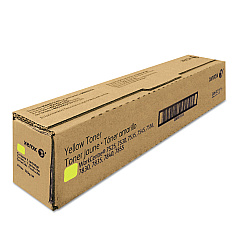
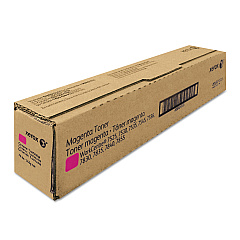
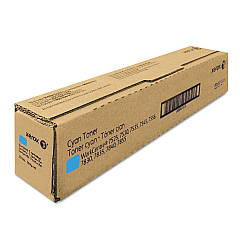
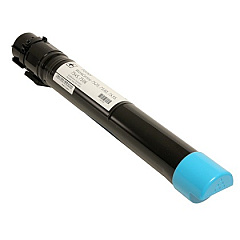
Xerox Workcentre 7535 Color Toner Cartridges

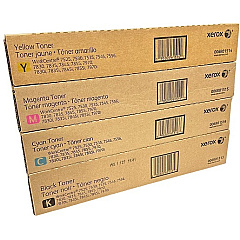
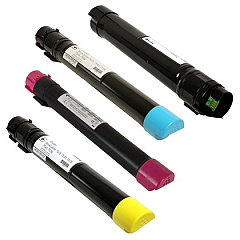
Xerox Workcentre 7535 Toner Set

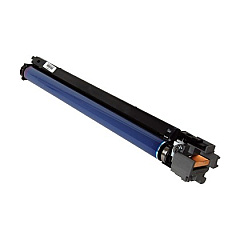
Xerox Workcentre 7535 Drum Units

Xerox Workcentre 7535 Waste Toner Kits

Xerox Workcentre 7535 Maintenance Kits

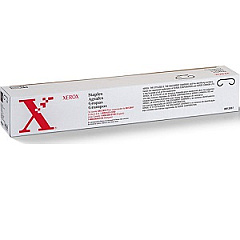
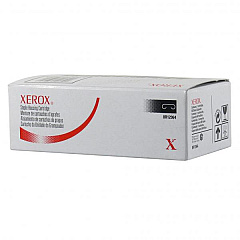
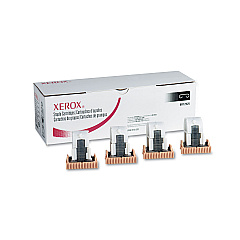
Xerox Workcentre 7535 Printer Staples

Xerox Workcentre 7535 Printer Parts

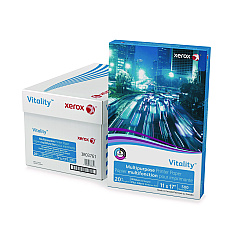
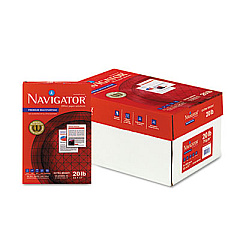
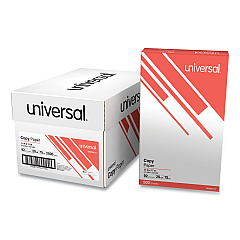
Xerox Workcentre 7535 Copy Paper

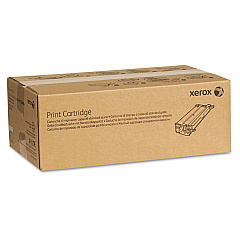
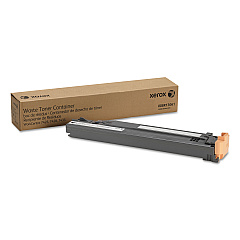
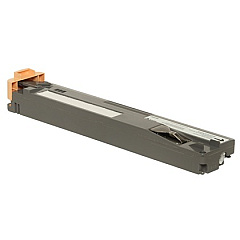
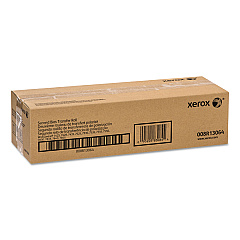
Ensure optimal performance for your Xerox Workcentre 7535 with our comprehensive range of genuine Xerox Workcentre 7535 Toner Cartridges and supplies. Our selection includes the essential 006R01513, 006R01514, 006R01515, and 006R01516 toner cartridges in black, cyan, magenta, and yellow, available individually or as a cost-effective 4-pack. We also offer the 001R00613 Transfer Belt Cleaner, 008R13061 Waste Toner Container, and 013R00662 Drum Cartridge to maintain your printer's efficiency. For finishing touches, choose from our variety of staple cartridges (008R12897, 008R12925, 008R12941, 008R12964) and the 604K56080 Paper Feed Kit. These high-quality supplies are compatible with multiple WorkCentre models, including 7525, 7530, 7535, 7545, 7556, 7830, 7835, 7845, 7855, and 7970, ensuring consistent, professional results for all your printing needs.

Xerox Workcentre 7535 Toner Cartridges FAQs

  • Are these toner cartridges genuine Xerox products?

    Yes, all toner cartridges and supplies listed are genuine Xerox products designed for optimal performance with your Xerox Workcentre 7535.

  • What is the page yield for the toner cartridges?

    Page yields vary by color and model. Please refer to the specific product details for accurate yield information.

  • Can I use these supplies with other Xerox WorkCentre models?

    Yes, many of these supplies are compatible with multiple WorkCentre models, including 7525, 7530, 7535, 7545, 7556, 7830, 7835, 7845, 7855, and 7970.

  • How often should I replace the drum cartridge?

    The drum cartridge typically needs replacement after processing 125,000 to 150,000 pages, depending on usage patterns.

  • What is the purpose of the transfer belt cleaner?

    The transfer belt cleaner helps maintain print quality by removing excess toner and debris from the printer's transfer belt.

  • How do I know when to replace the waste toner container?

    Your printer will display a message when the waste toner container needs to be replaced, typically after processing around 33,000 pages.

  • Are the staple cartridges easy to replace?

    Yes, Xerox designed the staple cartridges for easy replacement. Simply follow the instructions in your printer's user manual.

  • What is included in the Paper Feed Kit?

    The Paper Feed Kit typically includes feed rollers and separation pads to ensure smooth paper feeding and prevent multi-feeds or jams.

  • Can I recycle used toner cartridges and other supplies?

    Yes, Xerox offers a recycling program for used toner cartridges and other supplies. Check their website for details on how to participate.

  • How long can I store unused toner cartridges?

    Unopened toner cartridges can typically be stored for up to two years in a cool, dry place away from direct sunlight.

Warehouse Locations

Policy & Agreement | Copyright © 1995-2026 BlueDogInk.com