








Ads

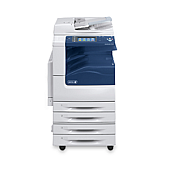
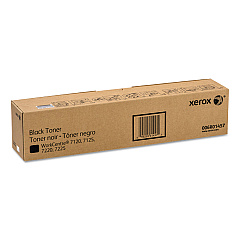
Xerox WorkCentre 7225 Black Toner Cartridges

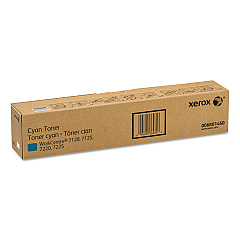
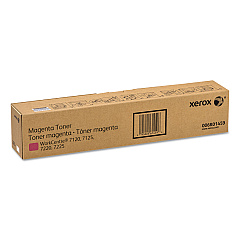
Xerox WorkCentre 7225 Color Toner Cartridges

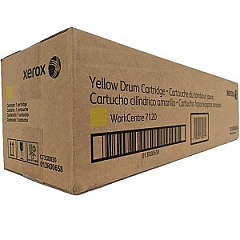
Xerox WorkCentre 7225 Drum Units

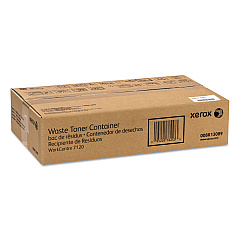
Xerox WorkCentre 7225 Waste Toner Kits

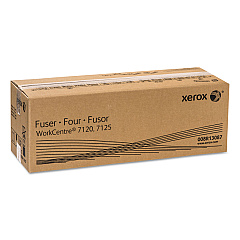
Xerox WorkCentre 7225 Fusers

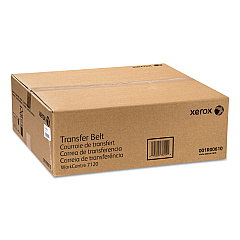
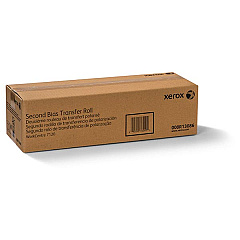
Xerox WorkCentre 7225 Transfer Units

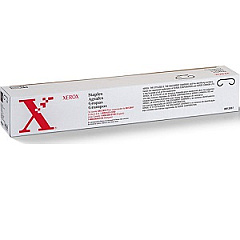
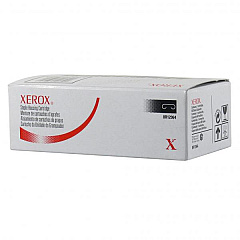
Xerox WorkCentre 7225 Printer Staples

Xerox WorkCentre 7225 Printer Parts

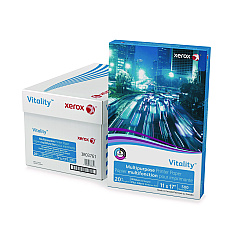
Xerox WorkCentre 7225 Copy Paper

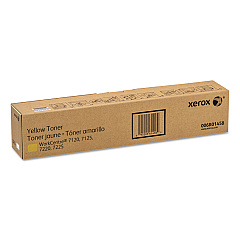
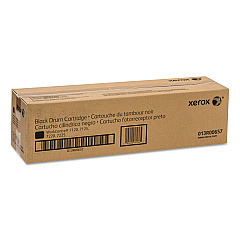
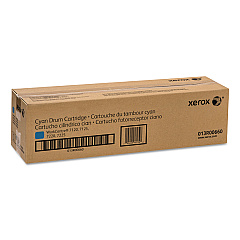
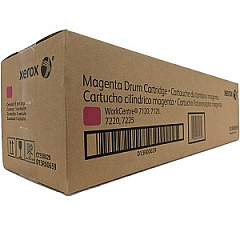
Enhance your printing experience with genuine Xerox WorkCentre 7225 Toner Cartridges and supplies. This comprehensive range includes high-quality toner cartridges in black, yellow, magenta, and cyan, ensuring vibrant and professional prints every time. The lineup also features essential components like the transfer belt, drum cartridges, and waste toner container to keep your WorkCentre 7225 running smoothly. For finishing touches, choose from various staple cartridge options. The second bias transfer roller and fuser unit guarantee optimal image transfer and fixing. Don't forget the paper feed kit to ensure seamless paper handling. By using authentic Xerox supplies, you'll maximize your printer's performance and longevity while maintaining exceptional print quality for all your business, educational, healthcare, or wholesale needs.

Xerox WorkCentre 7225 Toner Cartridges FAQs

  • How often should I replace the toner cartridges in my Xerox WorkCentre 7225?

    Replacement frequency depends on usage, but typically when print quality diminishes or the printer indicates low toner levels.

  • Are these Xerox WorkCentre 7225 Toner Cartridges compatible with other Xerox models?

    These cartridges are specifically designed for the WorkCentre 7225. Always check your printer's manual for compatibility.

  • How do I install the Xerox 001R00610 Transfer Belt?

    Refer to your printer's manual for detailed instructions. Generally, it involves opening the front cover and carefully sliding the new transfer belt into place.

  • What is the purpose of the Xerox 008R13089 Waste Toner Container?

    It collects excess toner during printing to prevent it from contaminating the printer or your prints.

  • How many pages can I expect to print with a single toner cartridge?

    Page yield varies depending on print density and content. Check the product specifications for estimated page yields.

  • Can I use third-party toner cartridges in my Xerox WorkCentre 7225?

    While possible, using genuine Xerox cartridges ensures optimal performance and maintains your printer's warranty.

  • How do I know when to replace the Xerox 013R00657 Black Drum Cartridge?

    Replace when print quality deteriorates or when prompted by the printer, typically after several thousand pages.

  • What's the difference between the various staple cartridges available?

    Different staple cartridges are designed for specific finisher units. Check your printer's configuration to determine the correct type.

  • How often should I replace the Xerox 008R13087 Fuser?

    Fuser life depends on usage. Replace when print quality issues occur or as recommended by your printer's maintenance schedule.

  • Is the Xerox 604K56080 Paper Feed Kit necessary for all WorkCentre 7225 printers?

    It's not always necessary but can improve paper handling and reduce jams in high-volume printing environments.

Warehouse Locations

Policy & Agreement | Copyright © 1995-2026 BlueDogInk.com
