





Ads

Xerox WorkCentre 7220 T Black Toner Cartridges

Xerox WorkCentre 7220 T Color Toner Cartridges

Xerox WorkCentre 7220 T Drum Units

Xerox WorkCentre 7220 T Waste Toner Kits

Xerox WorkCentre 7220 T Fusers

Xerox WorkCentre 7220 T Transfer Units

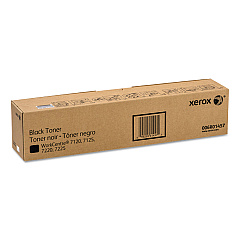
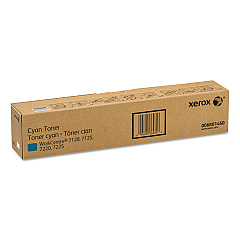
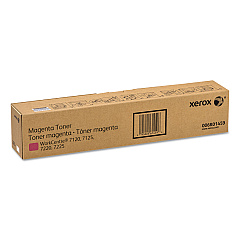
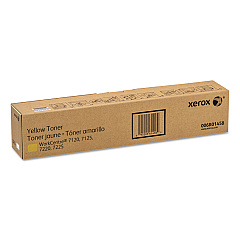
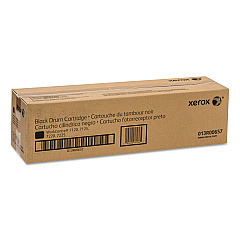
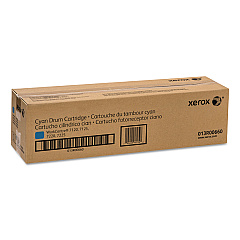
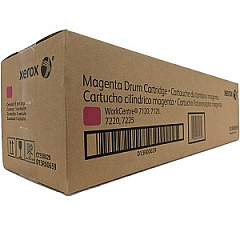
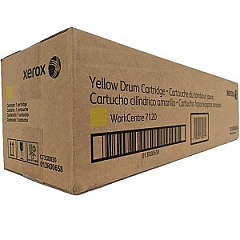
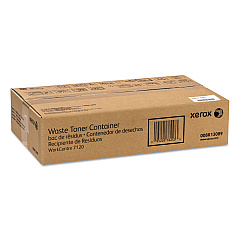
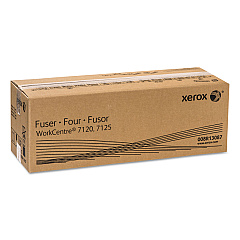
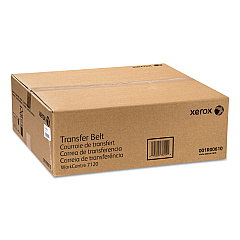
Enhance your printing experience with genuine Xerox WorkCentre 7220 T Toner Cartridges and supplies. This comprehensive range includes high-quality components such as the Xerox 001R00610 Transfer Belt and 008R13087 Fuser for optimal performance. The color toner set features Xerox 006R01457 Black, 006R01458 Yellow, 006R01459 Magenta, and 006R01460 Cyan cartridges, ensuring vibrant and accurate color reproduction. For extended durability, choose from Xerox 013R00657 Black, 013R00658 Yellow, 013R00659 Magenta, and 013R00660 Cyan Drum Cartridges. Don't forget the 008R13089 Waste Toner Container for efficient maintenance. By using genuine Xerox supplies, you'll maximize your WorkCentre 7220 T's output quality, reliability, and longevity. Trust in Xerox's commitment to excellence and keep your office running smoothly with these essential printing supplies.

Xerox WorkCentre 7220 T Printers Supplies FAQs

  • How often should I replace the toner cartridges in my Xerox WorkCentre 7220 T?

    Replacement frequency depends on usage, but typically when print quality diminishes or the printer indicates low toner levels.

  • Are these Xerox WorkCentre 7220 T Toner Cartridges compatible with other Xerox models?

    These cartridges are specifically designed for the WorkCentre 7220 T and may not be compatible with other models. Always check your printer's specifications.

  • How do I install a new toner cartridge in my Xerox WorkCentre 7220 T?

    Open the front cover, locate the empty cartridge, rotate and pull it out. Insert the new cartridge and rotate it to lock in place. Close the cover.

  • What is the page yield for these toner cartridges?

    Page yield varies by cartridge. For specific yields, please refer to the product descriptions or consult the Xerox website.

  • Can I use third-party toner cartridges in my Xerox WorkCentre 7220 T?

    While third-party cartridges may work, using genuine Xerox supplies ensures optimal performance and maintains your printer's warranty.

  • How do I know when to replace the drum cartridges?

    The printer will typically alert you when drum cartridges need replacement. You may also notice a decline in print quality.

  • What is the purpose of the Xerox 008R13089 Waste Toner Container?

    The waste toner container collects excess toner during printing. It should be replaced when full to maintain printer cleanliness and functionality.

  • How often should the Xerox 001R00610 Transfer Belt be replaced?

    The transfer belt typically lasts for several thousand pages. Replace it when indicated by the printer or if you notice print quality issues.

  • Are these supplies covered under Xerox's warranty?

    Yes, genuine Xerox supplies are covered under warranty when used in accordance with Xerox's guidelines.

  • Can I recycle used Xerox WorkCentre 7220 T Toner Cartridges?

    Yes, Xerox offers a recycling program for used cartridges. Visit their website or contact customer support for details on how to participate.

Warehouse Locations

Policy & Agreement | Copyright © 1995-2026 BlueDogInk.com
