







Ads

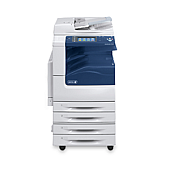
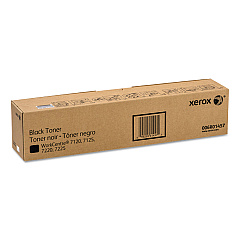
Xerox WorkCentre 7220 Black Toner Cartridges

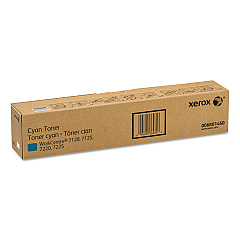
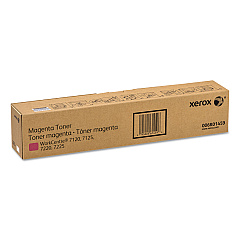
Xerox WorkCentre 7220 Color Toner Cartridges

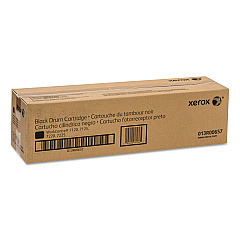
Xerox WorkCentre 7220 Drum Units

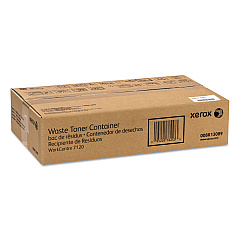
Xerox WorkCentre 7220 Waste Toner Kits

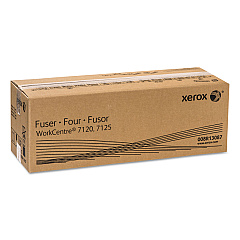
Xerox WorkCentre 7220 Fusers

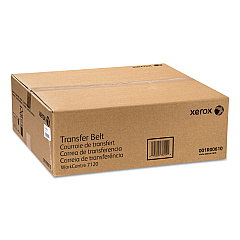
Xerox WorkCentre 7220 Transfer Units

Xerox WorkCentre 7220 Printer Staples

Xerox WorkCentre 7220 Printer Parts

Xerox WorkCentre 7220 Copy Paper

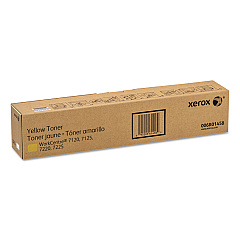
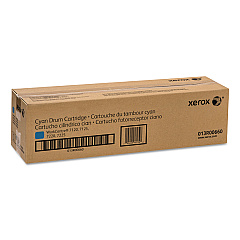
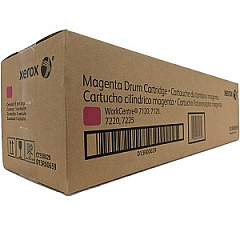
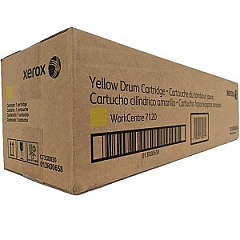
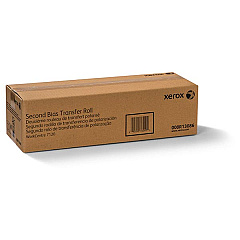
Enhance your printing experience with genuine Xerox WorkCentre 7220 Toner Cartridges and supplies. This comprehensive range includes high-quality toner cartridges in black, yellow, magenta, and cyan, ensuring vibrant and professional prints every time. The lineup also features essential components like the transfer belt, drum cartridges, and waste toner container to keep your printer running smoothly. For finishing touches, staple cartridges are available in various options. Maintain optimal performance with the second bias transfer roller, fuser, and paper feed kit. By choosing authentic Xerox supplies, you'll maximize the lifespan and efficiency of your WorkCentre 7220, delivering consistent, high-quality results for all your business, educational, healthcare, or government printing needs.

Xerox WorkCentre 7220 Toner Cartridges FAQs

  • How often should I replace the toner cartridges in my Xerox WorkCentre 7220?

    Replacement frequency depends on usage, but typically when print quality diminishes or the printer indicates low toner levels.

  • Are these toner cartridges compatible with other Xerox printer models?

    These cartridges are specifically designed for the Xerox WorkCentre 7220. Always check your printer's manual for compatibility.

  • What is the purpose of the transfer belt?

    The transfer belt moves toner from the drum cartridges onto the paper, ensuring accurate and consistent image transfer.

  • How do I know when to replace the drum cartridges?

    Your printer will typically alert you when drum cartridges need replacement, but they generally last longer than toner cartridges.

  • What is the function of the waste toner container?

    It collects excess toner that doesn't adhere to the paper during printing, keeping your machine clean and functioning properly.

  • Can I use third-party toner cartridges in my Xerox WorkCentre 7220?

    While possible, using genuine Xerox cartridges ensures optimal print quality and prevents potential damage to your printer.

  • How many pages can I expect to print with a single toner cartridge?

    Page yield varies depending on the specific cartridge and print content, but it's typically several thousand pages per cartridge.

  • What's the difference between the various staple cartridge options?

    Different staple cartridges are designed for various finisher units or stapling capacities. Check your printer's configuration to determine the correct option.

  • How often should the fuser be replaced?

    Fuser replacement is less frequent than toner cartridges. Your printer will indicate when replacement is necessary, typically after several hundred thousand prints.

  • What is the purpose of the paper feed kit?

    The paper feed kit contains rollers and separation pads that ensure smooth and reliable paper feeding, reducing paper jams and misfeeds.

Warehouse Locations

Policy & Agreement | Copyright © 1995-2026 BlueDogInk.com
