








Ads

Xerox WorkCentre 7120 Black Toner Cartridges

Xerox WorkCentre 7120 Color Toner Cartridges

Xerox WorkCentre 7120 Drum Units

Xerox WorkCentre 7120 Waste Toner Kits

Xerox WorkCentre 7120 Fusers

Xerox WorkCentre 7120 Transfer Units

Xerox WorkCentre 7120 Printer Parts

Xerox WorkCentre 7120 Copy Paper

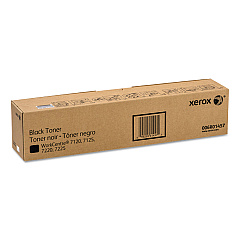
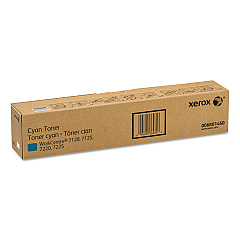
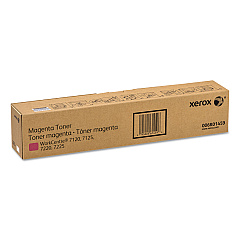
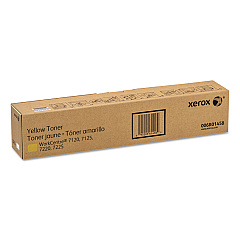
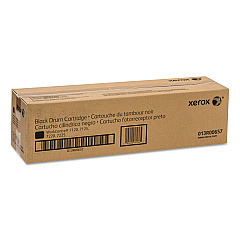
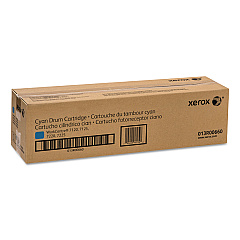
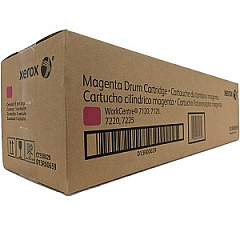
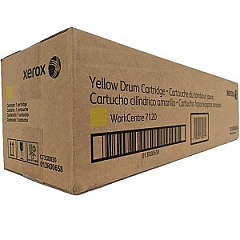
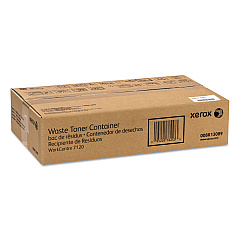
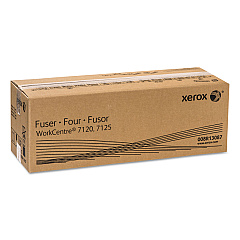
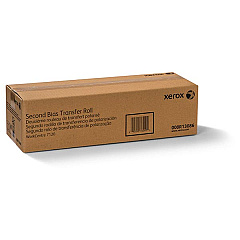
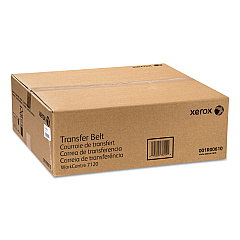
Enhance your printing experience with genuine Xerox WorkCentre 7120 Toner Cartridges and supplies. This comprehensive range includes high-quality components such as the 001R00610 Transfer Belt, 006R01457 Black Toner Cartridge, and color cartridges in Yellow (006R01458), Magenta (006R01459), and Cyan (006R01460). For optimal performance, utilize the 008R13086 Second Bias Transfer Roller, 008R13087 Fuser, and 008R13089 Waste Toner Container. Maintain crisp, vibrant prints with drum cartridges in Black (013R00657), Yellow (013R00658), Magenta (013R00659), and Cyan (013R00660). The 604K56080 Paper Feed Kit ensures smooth paper handling. By choosing authentic Xerox WorkCentre 7120 Toner Cartridges and supplies, you'll maximize print quality, minimize downtime, and extend the life of your printer, making it an ideal choice for businesses, schools, government offices, and healthcare facilities requiring reliable, high-volume printing solutions.

Xerox WorkCentre 7120 Toner Cartridges FAQs

  • How often should I replace the toner cartridges in my Xerox WorkCentre 7120?

    Replacement frequency depends on usage, but typically when print quality diminishes or the printer indicates low toner levels.

  • Are compatible toner cartridges available for the Xerox WorkCentre 7120?

    While compatible options exist, using genuine Xerox toner cartridges ensures optimal print quality and printer performance.

  • What is the page yield for Xerox WorkCentre 7120 toner cartridges?

    Page yields vary by cartridge, but typically range from 15,000 to 22,000 pages for color cartridges and up to 22,000 pages for black.

  • How do I install a new toner cartridge in the Xerox WorkCentre 7120?

    Open the front cover, rotate the cartridge lock lever, remove the old cartridge, insert the new one, and rotate the lever back to lock it in place.

  • Can I use Xerox WorkCentre 7120 toner cartridges in other Xerox models?

    These cartridges are specifically designed for the WorkCentre 7120 and may not be compatible with other models.

  • How long do drum cartridges last in the Xerox WorkCentre 7120?

    Drum cartridges typically last for about 67,000 pages, but this can vary based on usage and print conditions.

  • What should I do with used toner cartridges?

    Xerox offers a recycling program for used cartridges. Visit their website or contact your local Xerox representative for details.

  • How often should the waste toner container be replaced?

    The waste toner container should be replaced when the printer indicates it's full, typically after processing about 33,000 pages.

  • Can I store spare toner cartridges for long periods?

    Yes, store cartridges in a cool, dry place away from direct sunlight. Use within two years for best results.

  • How can I troubleshoot print quality issues with my Xerox WorkCentre 7120?

    Start by checking toner levels, cleaning the print heads, and ensuring you're using genuine Xerox toner cartridges. If issues persist, consult the user manual or contact Xerox support.

Warehouse Locations

Policy & Agreement | Copyright © 1995-2026 BlueDogInk.com
