







Ads

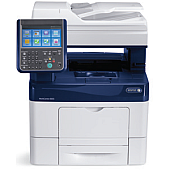
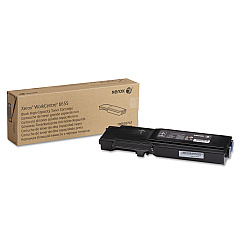
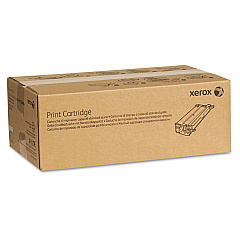
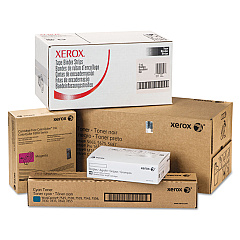
Xerox WorkCentre 6655XM Black Toner Cartridges

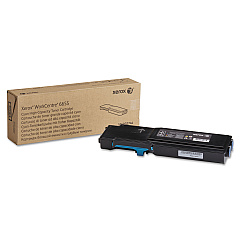
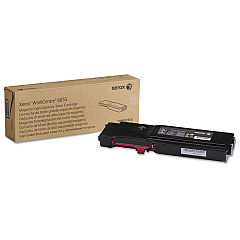
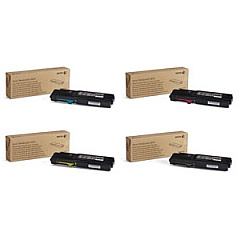
Xerox WorkCentre 6655XM Color Toner Cartridges

Xerox WorkCentre 6655XM Toner Set

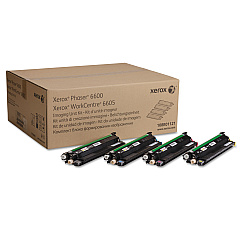
Xerox WorkCentre 6655XM Drum Units

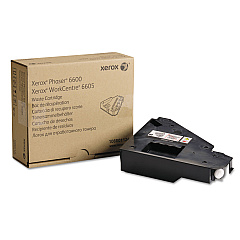
Xerox WorkCentre 6655XM Waste Toner Kits

Xerox WorkCentre 6655XM Fusers

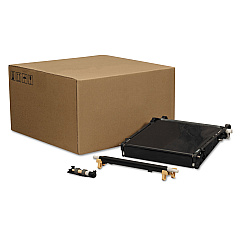
Xerox WorkCentre 6655XM Transfer Units

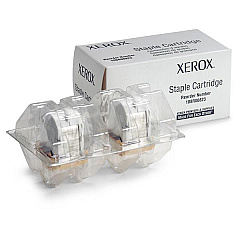
Xerox WorkCentre 6655XM Printer Staples

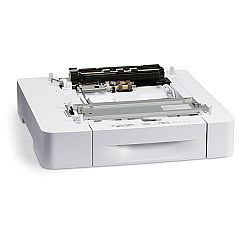
Xerox WorkCentre 6655XM Paper Trays

Xerox WorkCentre 6655XM Copy Paper

Enhance your printing experience with genuine Xerox WorkCentre 6655XM Toner Cartridges and supplies. This comprehensive range includes everything you need to keep your printer running smoothly, from high-quality toner cartridges in cyan, magenta, yellow, and black to essential maintenance items like imaging units, transfer kits, and fusers. The Xerox 6655 Toner Bundle offers a cost-effective solution for bulk printing needs. With options like the 008R12941 and 108R00823 Staple Cartridges, 097S04664 Paper Tray, and 108R01124 Waste Cartridge, you can optimize your workflow and reduce downtime. Trust in Xerox's commitment to quality and reliability to deliver exceptional print results for your business, educational, healthcare, or government needs. Invest in genuine Xerox supplies to maximize the performance and longevity of your WorkCentre 6655XM printer.

Xerox WorkCentre 6655XM Toner Cartridges FAQs

  • What is the page yield for Xerox WorkCentre 6655XM toner cartridges?

    The page yield varies by color. Black cartridges typically yield around 12,000 pages, while color cartridges (cyan, magenta, yellow) yield approximately 7,500 pages each.

  • Are these toner cartridges compatible with other Xerox printers?

    These cartridges are specifically designed for the Xerox WorkCentre 6655XM. Always check your printer's compatibility before purchasing.

  • How often should I replace the imaging unit kit?

    The 108R01121 Imaging Unit Kit typically needs replacement after processing about 60,000 pages, but this can vary based on usage patterns.

  • What's included in the Xerox 6655 Toner Bundle?

    The bundle usually includes one cartridge each of black, cyan, magenta, and yellow toners, offering a cost-effective option for purchasing all colors at once.

  • How do I know when to replace the waste cartridge?

    Your printer will typically alert you when the 108R01124 Waste Cartridge is nearing capacity. It's important to replace it promptly to avoid potential issues.

  • Can I use third-party toner cartridges in my Xerox WorkCentre 6655XM?

    While third-party options exist, using genuine Xerox cartridges ensures optimal print quality and prevents potential damage to your printer.

  • How long do unopened toner cartridges last?

    Unopened Xerox toner cartridges typically have a shelf life of about two years when stored in proper conditions (cool, dry place away from direct sunlight).

  • What's the purpose of the 108R01122 Transfer Unit Kit?

    The Transfer Unit Kit transfers toner from the imaging drums onto the paper. It's an essential component for maintaining print quality and typically needs replacement after processing about 100,000 pages.

  • How often should the 115R00088 Fuser be replaced?

    The fuser usually needs replacement after processing approximately 100,000 pages, but this can vary based on usage and print patterns.

  • Are these supplies covered under Xerox's warranty?

    Yes, genuine Xerox supplies are covered under warranty when used in compatible Xerox printers. Always check the specific warranty terms for your product.

Warehouse Locations

Policy & Agreement | Copyright © 1995-2026 BlueDogInk.com
