








Ads

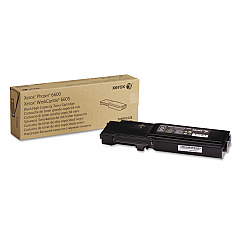
Xerox WorkCentre 6605 Black Toner Cartridges

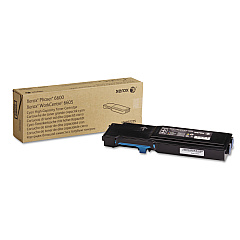
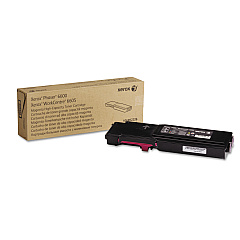
Xerox WorkCentre 6605 Color Toner Cartridges

Xerox WorkCentre 6605 Drum Units

Xerox WorkCentre 6605 Waste Toner Kits

Xerox WorkCentre 6605 Fusers

Xerox WorkCentre 6605 Maintenance Kits

Xerox WorkCentre 6605 Transfer Units

Xerox WorkCentre 6605 Paper Trays

Xerox WorkCentre 6605 Printer Accessories

Xerox WorkCentre 6605 Warranty and Services

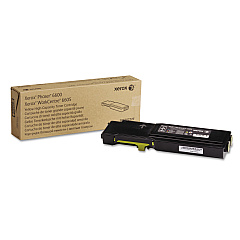
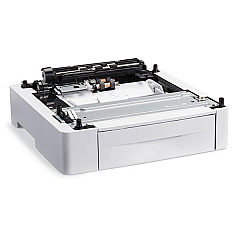
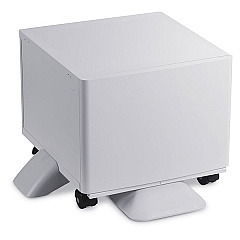
Enhance your printing experience with genuine Xerox WorkCentre 6605 Toner Cartridges and supplies. Our comprehensive range includes high-capacity color toners, imaging units, transfer kits, and waste cartridges to keep your printer running smoothly. Boost productivity with the 097S04400 Sheet Feeder and 497K13660 Printer Stand. Upgrade performance with the Xerox Productivity Kit, featuring a 160 GB Hard Drive for secure printing and advanced collation. For improved workflow, consider the Scan to PC Desktop Small Business Edition. Whether you need replacement parts like the 675K47673 Feed Roller Assembly or consumables such as the 115R00076 Fuser, we've got you covered. Trust in the quality and reliability of genuine Xerox supplies to deliver exceptional print results for your WorkCentre 6605.

Xerox WorkCentre 6605 Printers Supplies FAQs

  • What is the page yield for the high-capacity toner cartridges?

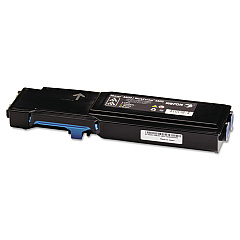
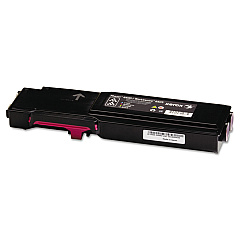
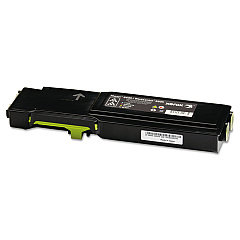
    The high-capacity toner cartridges (106R02241, 106R02242, 106R02243, 106R02244) yield approximately 6,000 pages for color and 8,000 pages for black.

  • Are these genuine Xerox toner cartridges?

    Yes, all toner cartridges and supplies listed are genuine Xerox products designed specifically for the WorkCentre 6605.

  • How often should I replace the imaging unit kit?

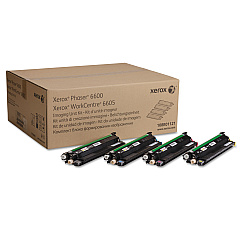
    The 108R01121 Imaging Unit Kit typically needs replacement after approximately 60,000 pages, depending on usage.

  • What does the Xerox Productivity Kit include?

    The Productivity Kit includes a 160 GB Hard Drive, Secure Print, Saved Print, HD Collation, and additional fonts and forms.

  • Can I use third-party toner cartridges in my Xerox WorkCentre 6605?

    While third-party cartridges may work, using genuine Xerox toner cartridges ensures optimal print quality and printer performance.

  • What is the purpose of the waste cartridge?

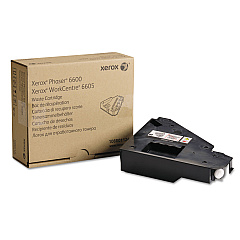
    The 108R01124 Waste Cartridge collects excess toner during the printing process and needs to be replaced periodically to maintain print quality.

  • How do I know when to replace the transfer unit kit?

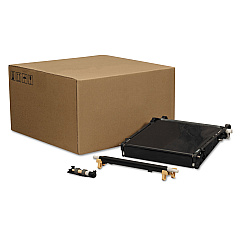
    The 108R01122 Transfer Unit Kit typically needs replacement after about 100,000 pages. Your printer will alert you when it's time to replace it.

  • What benefits does the Sheet Feeder provide?

    The 097S04400 Sheet Feeder increases the paper capacity of your printer, reducing the frequency of paper refills and improving overall productivity.

  • Is the Scan to PC Desktop Small Business Edition compatible with all operating systems?

    The Scan to PC Desktop Small Business Edition is compatible with most Windows operating systems. Check the specific system requirements for your version.

  • How long does the 115R00076 Fuser typically last?

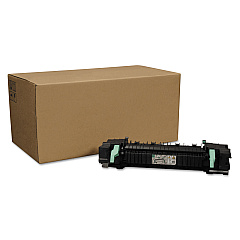
    The fuser unit typically lasts for about 100,000 pages, but this can vary depending on usage patterns and print volumes.

Warehouse Locations

Policy & Agreement | Copyright © 1995-2026 BlueDogInk.com
