







Ads

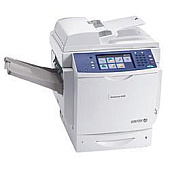
Xerox WorkCentre 6400SFS Black Toner Cartridges

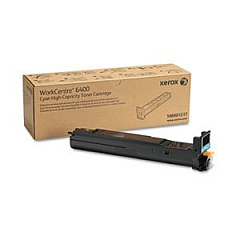
Xerox WorkCentre 6400SFS Color Toner Cartridges

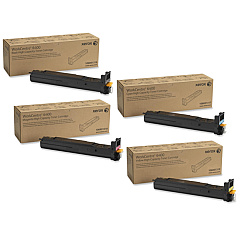
Xerox WorkCentre 6400SFS Toner Set

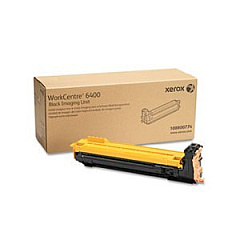
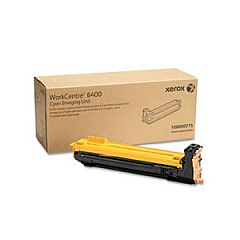
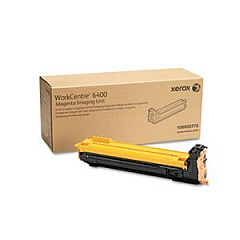
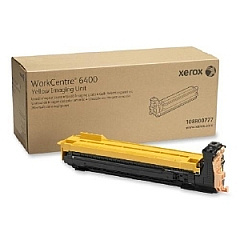
Xerox WorkCentre 6400SFS Drum Units

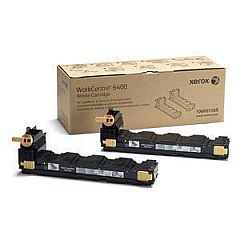
Xerox WorkCentre 6400SFS Waste Toner Kits

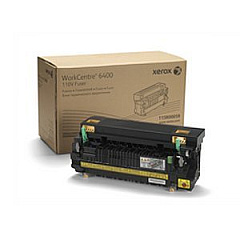
Xerox WorkCentre 6400SFS Fusers

Xerox WorkCentre 6400SFS Maintenance Kits

Xerox WorkCentre 6400SFS Transfer Units

Xerox WorkCentre 6400SFS Copy Paper

Enhance your printing capabilities with genuine Xerox WorkCentre 6400SFS Toner Cartridges. This comprehensive range includes high-quality black, cyan, magenta, and yellow toner cartridges, ensuring vibrant and professional output for all your business needs. The lineup features various capacities to suit different printing volumes, from standard to high-yield options. Additionally, the collection includes essential maintenance items such as drum cartridges, waste cartridges, transfer belts, and fusers to keep your WorkCentre 6400SFS running smoothly. By choosing authentic Xerox supplies, you guarantee optimal performance, superior print quality, and maximum page yield. Whether you're printing important documents, presentations, or marketing materials, these Xerox WorkCentre 6400SFS Toner Cartridges deliver consistent, reliable results that meet the demands of busy office environments.

Xerox WorkCentre 6400SFS Toner Cartridges FAQs

  • What is the page yield for the Xerox 106R01316 Black Toner Cartridge?

    The Xerox 106R01316 Black Toner Cartridge has a page yield of approximately 12,000 pages at 5% coverage.

  • Are these toner cartridges compatible with other Xerox printers?

    These toner cartridges are specifically designed for the Xerox WorkCentre 6400SFS and may not be compatible with other Xerox printer models.

  • How often should I replace the drum cartridges?

    Drum cartridges typically need replacement after processing about 30,000 to 50,000 pages, depending on usage and print conditions.

  • What is the purpose of the Xerox 106R01368 Waste Cartridge?

    The waste cartridge collects excess toner that isn't transferred to the paper during printing. It should be replaced when indicated by the printer.

  • Can I use third-party toner cartridges in my Xerox WorkCentre 6400SFS?

    While third-party cartridges may work, using genuine Xerox toner cartridges ensures optimal print quality and prevents potential damage to your printer.

  • How do I know when it's time to replace a toner cartridge?

    The printer will display a message on its control panel when a toner cartridge is running low or needs replacement.

  • What's the difference between standard and high-yield toner cartridges?

    High-yield cartridges contain more toner and can print more pages before needing replacement, making them more cost-effective for high-volume printing.

  • How should I store unused toner cartridges?

    Store unused toner cartridges in a cool, dry place away from direct sunlight. Keep them in their original packaging until ready for use.

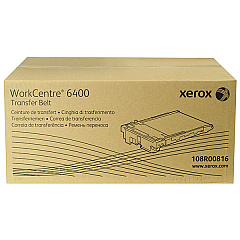
  • Is the Xerox 108R00816 Transfer Belt easy to replace?

    Yes, the transfer belt is designed for easy replacement. The printer manual provides step-by-step instructions for this maintenance task.

  • What is the function of the Xerox 108R00866 ADF Roller Kit?

    The ADF Roller Kit is used to maintain the Automatic Document Feeder, ensuring smooth and reliable paper feeding for scanning and copying tasks.

Warehouse Locations

Policy & Agreement | Copyright © 1995-2026 BlueDogInk.com
