








Ads

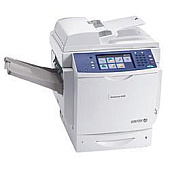
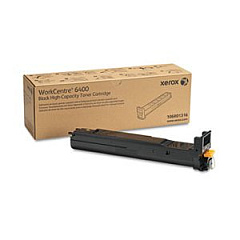
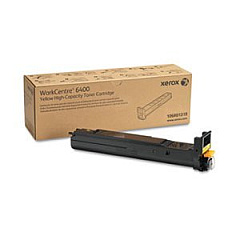
Xerox WorkCentre 6400S Black Toner Cartridges

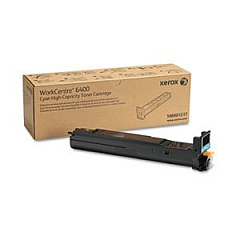
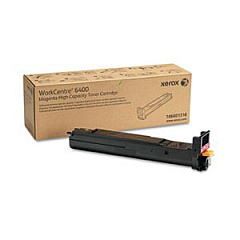
Xerox WorkCentre 6400S Color Toner Cartridges

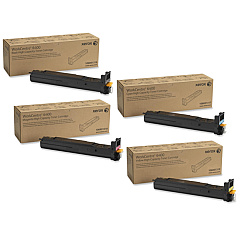
Xerox WorkCentre 6400S Toner Set

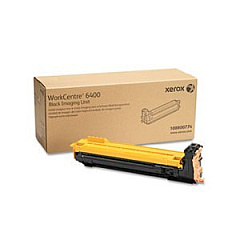
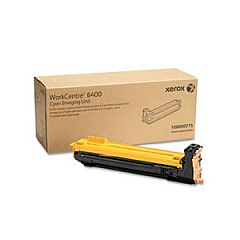
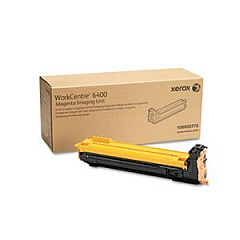
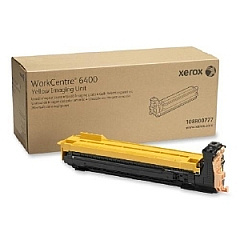
Xerox WorkCentre 6400S Drum Units

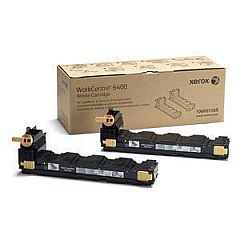
Xerox WorkCentre 6400S Waste Toner Kits

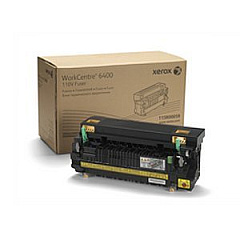
Xerox WorkCentre 6400S Fusers

Xerox WorkCentre 6400S Maintenance Kits

Xerox WorkCentre 6400S Transfer Units

Xerox WorkCentre 6400S Printer Accessories

Xerox WorkCentre 6400S Copy Paper

Enhance your printing capabilities with genuine Xerox WorkCentre 6400S Toner Cartridges and supplies. This comprehensive range includes high-quality black, cyan, magenta, and yellow toner cartridges, ensuring vibrant and professional output for all your business needs. The collection also features essential components like drum cartridges, waste cartridges, and a transfer belt to maintain optimal performance. Boost productivity with add-ons such as the 500-Sheet Paper Tray and ADF Roller Kit. For those seeking a complete solution, the Xerox 6400 Toner Cartridge Set offers convenience and value. Elevate your workflow efficiency with the Scan to PC Desktop Small Business Edition, and keep your equipment organized with the practical Storage Cart. Trust in Xerox's renowned quality to deliver exceptional results for your WorkCentre 6400S.

Xerox WorkCentre 6400S Toner Cartridges FAQs

  • What is the page yield for the standard toner cartridges?

    The standard black toner cartridge (106R01316) yields approximately 8,000 pages, while the standard color cartridges (106R01317, 106R01318, 106R01319) yield about 5,900 pages each.

  • Are high-capacity toner cartridges available for the WorkCentre 6400S?

    Yes, high-capacity cartridges are available for cyan (106R01320), magenta (106R01321), and yellow (106R01322), offering increased page yields.

  • How often should I replace the drum cartridges?

    Drum cartridges typically need replacement after processing about 30,000 pages, but this can vary based on usage patterns.

  • What is the purpose of the waste cartridge?

    The waste cartridge (106R01368) collects excess toner during printing and should be replaced when indicated by the printer to prevent spillage.

  • Can I use third-party toner cartridges in the WorkCentre 6400S?

    While third-party cartridges may work, using genuine Xerox cartridges ensures optimal print quality and prevents potential damage to your printer.

  • What is the function of the transfer belt?

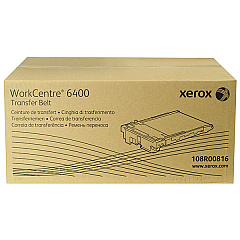
    The transfer belt (108R00816) helps move toner from the drum cartridges onto the paper during printing and should be replaced periodically for consistent print quality.

  • How does the 500-Sheet Paper Tray enhance productivity?

    The additional paper tray (097S03874) increases the printer's paper capacity, reducing the frequency of paper refills and minimizing workflow interruptions.

  • What is included in the ADF Roller Kit?

    The ADF Roller Kit (108R00866) typically includes replacement rollers for the Automatic Document Feeder, ensuring smooth paper feeding during scanning and copying.

  • What benefits does the Scan to PC Desktop Small Business Edition offer?

    This software (301K23432) enhances document management by allowing users to easily scan, organize, and share documents directly from the WorkCentre 6400S to their computers.

  • Is the Storage Cart necessary for the WorkCentre 6400S?

    While not essential, the Storage Cart (097S04552) provides a convenient mobile platform for the printer and storage for supplies, improving workspace organization and efficiency.

Warehouse Locations

Policy & Agreement | Copyright © 1995-2026 BlueDogInk.com
