





Ads

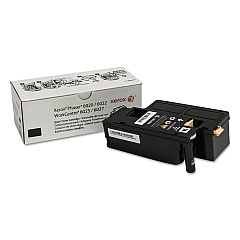
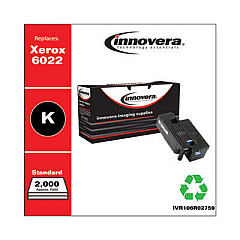
Xerox WorkCentre 6025 Vbi Black Toner Cartridges

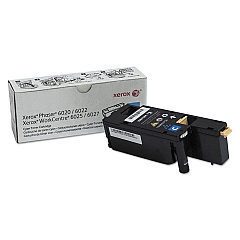
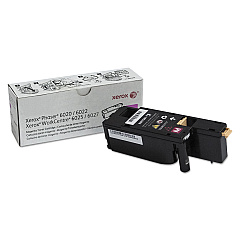
Xerox WorkCentre 6025 Vbi Color Toner Cartridges

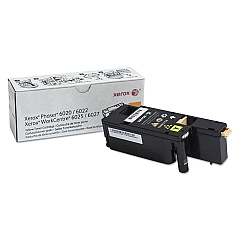
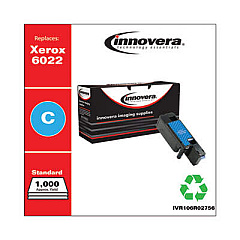
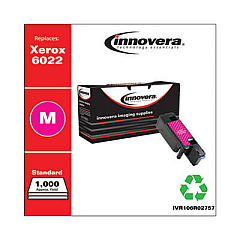
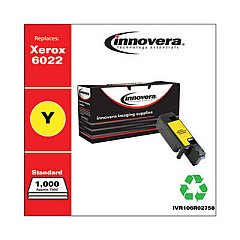
Enhance your printing experience with genuine Xerox WorkCentre 6025 Vbi Toner Cartridges. These high-quality cartridges are designed specifically for the Xerox WorkCentre 6025 Vbi printer, ensuring optimal performance and stunning print quality. The set includes Xerox 106R02756 Cyan, 106R02757 Magenta, 106R02758 Yellow, and 106R02759 Black toner cartridges, providing a complete color spectrum for all your printing needs. These cartridges deliver crisp text, vibrant graphics, and long-lasting prints, making them ideal for businesses, educational institutions, and healthcare facilities. With their reliable performance and impressive page yield, these toner cartridges help maximize productivity while minimizing downtime. Trust in Xerox's commitment to quality and innovation to keep your WorkCentre 6025 Vbi running smoothly and efficiently, producing professional-grade documents that make a lasting impression.

Xerox WorkCentre 6025 Vbi Toner Cartridges FAQs

  • What is the page yield for each Xerox WorkCentre 6025 Vbi toner cartridge?

    The page yield varies by color. Black cartridges typically yield around 2,000 pages, while color cartridges (cyan, magenta, and yellow) yield approximately 1,000 pages each.

  • Are these toner cartridges compatible with other Xerox printer models?

    These cartridges are specifically designed for the Xerox WorkCentre 6025 Vbi. They may not be compatible with other Xerox models.

  • How long do these toner cartridges typically last?

    The lifespan of the cartridges depends on usage, but under normal printing conditions, they can last several months to a year.

  • Can I use third-party or remanufactured cartridges instead of genuine Xerox cartridges?

    While third-party options exist, using genuine Xerox cartridges ensures optimal print quality and prevents potential damage to your printer.

  • How do I install these toner cartridges in my Xerox WorkCentre 6025 Vbi?

    Installation is simple. Open the printer's front cover, remove the old cartridge, and insert the new one until it clicks into place. Detailed instructions are provided in the printer's manual.

  • Are these toner cartridges environmentally friendly?

    Xerox is committed to sustainability. These cartridges can be recycled through Xerox's Green World Alliance program.

  • What should I do if I experience print quality issues after installing new cartridges?

    First, ensure the cartridges are properly installed. If issues persist, run the printer's cleaning and calibration cycles as outlined in the user manual.

  • Can I purchase these toner cartridges individually?

    Yes, each color cartridge can be purchased separately as needed.

  • How should I store unused toner cartridges?

    Store cartridges in a cool, dry place away from direct sunlight. Keep them in their original packaging until ready for use.

  • What is the warranty on these Xerox toner cartridges?

    Genuine Xerox toner cartridges typically come with a warranty against defects in materials and workmanship. Check the packaging or contact Xerox for specific warranty details.

Warehouse Locations

Policy & Agreement | Copyright © 1995-2026 BlueDogInk.com
