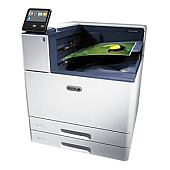
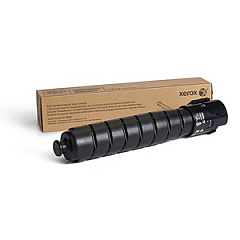
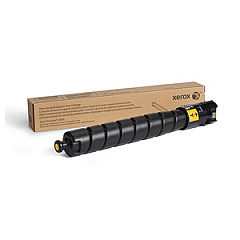






Xerox VersaLink C9000 Black Toner Cartridges

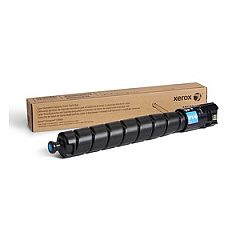
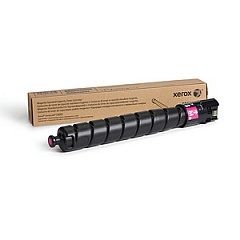
Xerox VersaLink C9000 Color Toner Cartridges

Xerox VersaLink C9000 Drum Units

Xerox VersaLink C9000 Waste Toner Kits

Xerox VersaLink C9000 Maintenance Kits

Xerox VersaLink C9000 Transfer Units

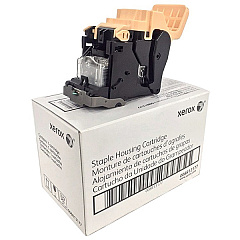
Xerox VersaLink C9000 Printer Staples

Xerox VersaLink C9000 Printer Accessories

Xerox VersaLink C9000 Printer Parts

Xerox VersaLink C9000 Warranty and Services

Enhance your printing capabilities with Xerox VersaLink C9000 Toner Cartridges and accessories. This comprehensive range includes essential components like staple cartridges, drum cartridges, and transfer belt cleaners. The high-capacity toner cartridges in cyan, magenta, yellow, and black ensure vibrant, long-lasting prints. Boost productivity with add-ons such as the 1040-Sheet Two Tray Module and 2000-Sheet High Capacity Feeder. The BR Finisher with Booklet Maker offers professional finishing options, while the Calibration and Color Management Software guarantees precise color reproduction. Whether you're in business, education, government, healthcare, or wholesale, the Xerox VersaLink C9000 Toner Cartridges and accessories provide the versatility and quality needed for demanding print environments.

Xerox VersaLink C9000 Toner Cartridges FAQs

  • What is the page yield of the Xerox VersaLink C9000 toner cartridges?

    The page yield varies depending on the specific cartridge. For exact yields, please refer to the product specifications for each individual toner cartridge.

  • Are these toner cartridges compatible with other Xerox printers?

    These toner cartridges are specifically designed for the Xerox VersaLink C9000 printer. They may not be compatible with other Xerox models.

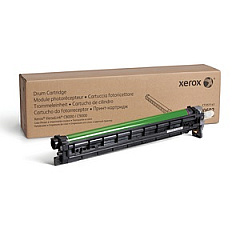
  • How often should I replace the drum cartridge?

    The drum cartridge (101R00602) typically needs replacement after processing approximately 190,000 pages, but this can vary based on usage patterns.

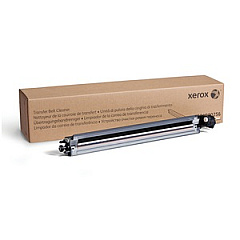
  • What is the purpose of the transfer belt cleaner?

    The transfer belt cleaner (104R00256) helps maintain print quality by removing excess toner and debris from the printer's transfer belt.

  • Can I use third-party toner cartridges with the Xerox VersaLink C9000?

    While third-party cartridges may work, using genuine Xerox toner cartridges ensures optimal print quality and printer performance.

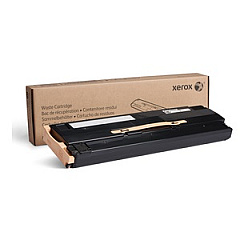
  • What is the function of the waste cartridge?

    The waste cartridge (108R01504) collects excess toner that isn't transferred to the paper during the printing process.

  • How do I install the 2000-Sheet High Capacity Feeder?

    The 2000-Sheet High Capacity Feeder (097S04845) requires either the Tandem Tray Module or Two Tray Module to be installed first.

  • What finishing options does the BR Booklet Maker Finisher offer?

    The BR Booklet Maker Finisher provides multi-position stapling, 2/3 hole punch, and saddle-stitch booklet making capabilities.

  • Is the Calibration and Color Management Software necessary?

    While not mandatory, the Calibration and Color Management Software helps ensure accurate and consistent color reproduction, which is crucial for professional-quality prints.

  • How often should I replace the feed rollers?

    Feed roller replacement frequency depends on usage. Monitor print quality and paper feeding performance to determine when replacement is necessary.

Warehouse Locations

Policy & Agreement | Copyright © 1995-2026 BlueDogInk.com
