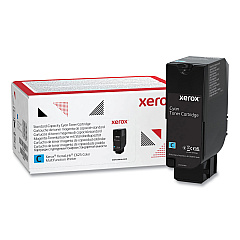
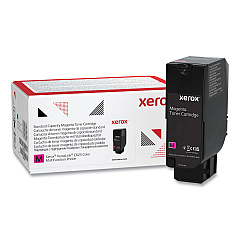
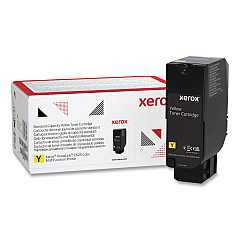
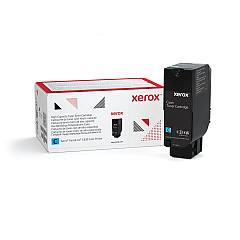





Xerox VersaLink C620 Black Toner Cartridges

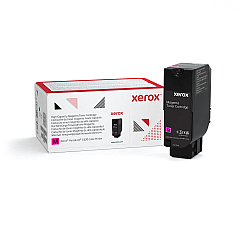
Xerox VersaLink C620 Color Toner Cartridges

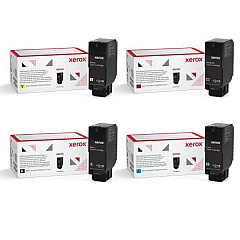
Xerox VersaLink C620 Toner Set

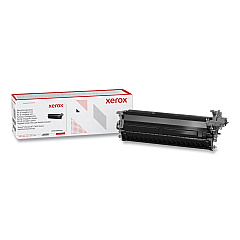
Xerox VersaLink C620 Drum Units

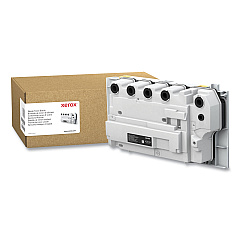
Xerox VersaLink C620 Waste Toner Kits

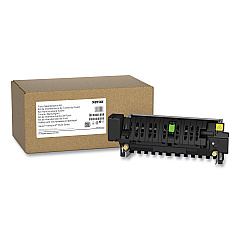
Xerox VersaLink C620 Fusers

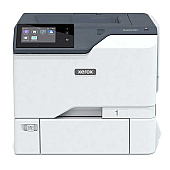
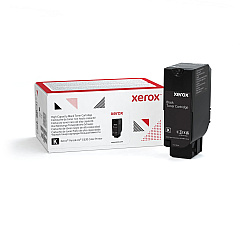
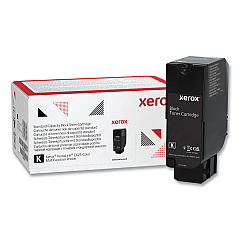
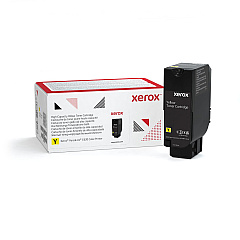
Enhance your printing experience with genuine Xerox VersaLink C620 Toner Cartridges. These high-quality consumables ensure optimal performance and vibrant output for your VersaLink C620 printer. Choose from a range of options, including standard and high-yield cartridges in black, cyan, magenta, and yellow. The 4-Color Toner Cartridge Bundle offers convenience and cost-effectiveness for busy offices. Maintain your printer's efficiency with the Xerox 008R13334 Waste Cartridge and extend its lifespan using the 115R00159 Fuser. For exceptional image quality, rely on the 013R00697 Black Imaging Kit and 013R00698 Color Imaging Kit. With Xerox VersaLink C620 Toner Cartridges, you'll consistently produce professional-grade documents that make a lasting impression on clients, colleagues, and stakeholders.

Xerox VersaLink C620 Toner Cartridges FAQs

  • What is the page yield for standard Xerox VersaLink C620 toner cartridges?

    Standard cartridges typically yield around 9,000 pages for black and 6,000 pages for each color (cyan, magenta, yellow).

  • How do high-yield toner cartridges differ from standard ones?

    High-yield cartridges offer a higher page yield, typically around 16,900 pages for black and 10,100 pages for each color, making them more cost-effective for high-volume printing.

  • Are Xerox VersaLink C620 Toner Cartridges compatible with other printer models?

    These cartridges are specifically designed for the VersaLink C620 printer and may not be compatible with other models. Always check your printer's specifications before purchasing.

  • How often should I replace the waste cartridge?

    The waste cartridge should be replaced when prompted by your printer, typically after processing about 30,000 pages.

  • What is the purpose of the imaging kit?

    The imaging kit contains the printer's photoconductor unit, which is essential for transferring toner onto paper. It helps maintain print quality and should be replaced periodically.

  • Can I use third-party toner cartridges in my Xerox VersaLink C620?

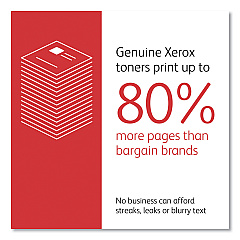
    While third-party cartridges may work, using genuine Xerox toner cartridges ensures optimal print quality and prevents potential damage to your printer.

  • How long does the fuser typically last?

    The fuser unit typically lasts for about 100,000 pages, but this can vary depending on usage patterns and print volumes.

  • What are the benefits of purchasing the 4-Color Toner Cartridge Bundle?

    The bundle offers convenience and potential cost savings compared to buying individual cartridges, making it ideal for offices with high print volumes.

  • How can I maximize the lifespan of my Xerox VersaLink C620 Toner Cartridges?

    To maximize cartridge life, use draft mode for internal documents, print in black and white when color isn't necessary, and ensure your printer is properly maintained.

  • Are Xerox VersaLink C620 Toner Cartridges environmentally friendly?

    Xerox offers a cartridge recycling program to minimize environmental impact. Additionally, using high-yield cartridges can reduce waste by requiring fewer replacements over time.

Warehouse Locations

Policy & Agreement | Copyright © 1995-2026 BlueDogInk.com
