










Ads

Xerox VersaLink C605XTP Black Toner Cartridges

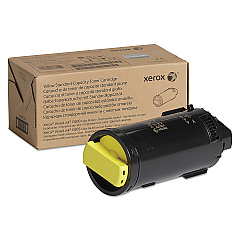
Xerox VersaLink C605XTP Color Toner Cartridges

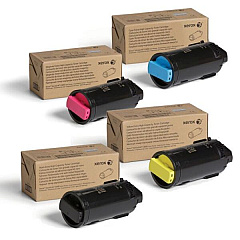
Xerox VersaLink C605XTP Toner Set

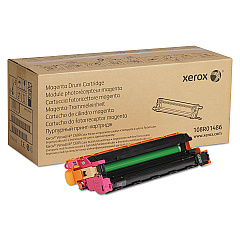
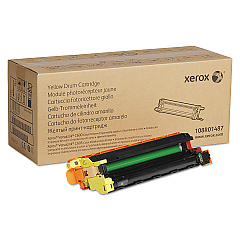
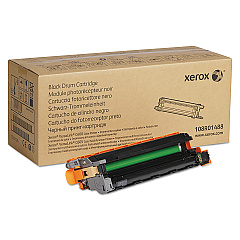
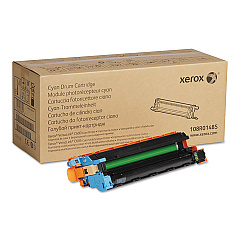
Xerox VersaLink C605XTP Drum Units

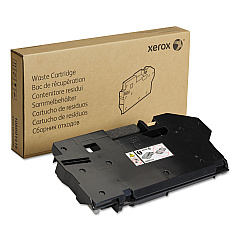
Xerox VersaLink C605XTP Waste Toner Kits

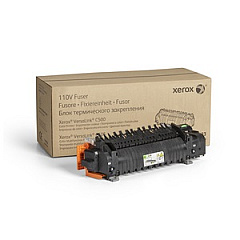
Xerox VersaLink C605XTP Fusers

Xerox VersaLink C605XTP Maintenance Kits

Xerox VersaLink C605XTP Printer Staples

Xerox VersaLink C605XTP Paper Trays

Xerox VersaLink C605XTP Printer Accessories

Xerox VersaLink C605XTP Copy Paper

Xerox VersaLink C605XTP Warranty and Services

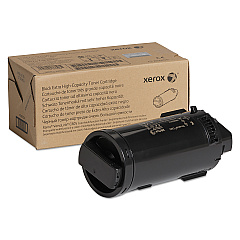
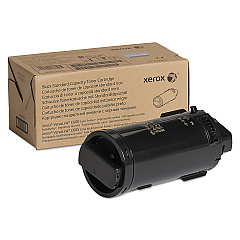
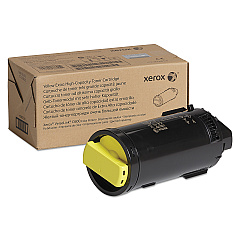
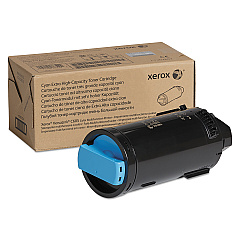
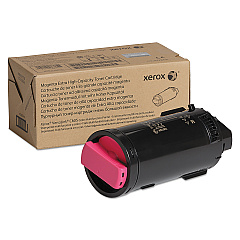
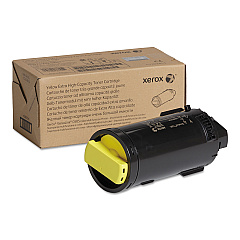
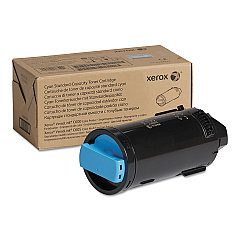
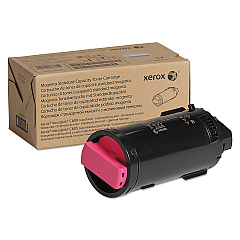
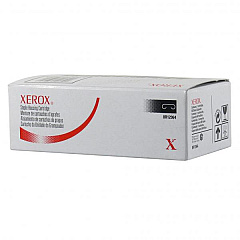
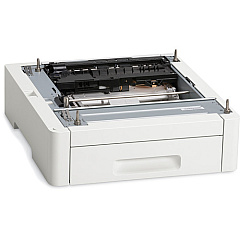
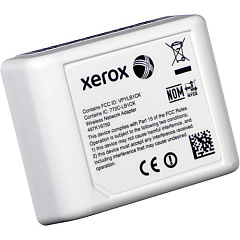
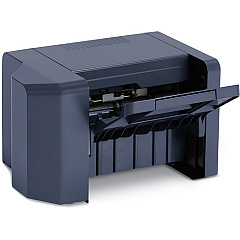
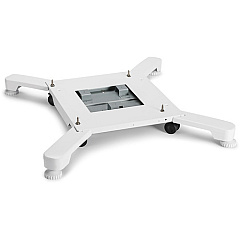
Enhance your printing capabilities with Xerox VersaLink C605XTP Toner Cartridges and accessories. This comprehensive range includes high-capacity toner cartridges in cyan, magenta, yellow, and black, ensuring vibrant and long-lasting prints. The VersaLink C605XTP supports various add-ons like staple cartridges, high-capacity feeders, and finishers to streamline your workflow. Maintain optimal performance with drum cartridges, waste cartridges, and maintenance kits. The wireless network adapter enables seamless connectivity, while the caster base provides mobility. Whether you're in business, education, government, healthcare, or wholesale, the Xerox VersaLink C605XTP Toner Cartridges and accessories offer reliable, high-quality printing solutions to meet your diverse needs.

Xerox VersaLink C605XTP Toner Cartridges FAQs

  • What is the page yield for the high-capacity toner cartridges?

    The high-capacity toner cartridges for the Xerox VersaLink C605XTP typically yield around 16,800 pages for color cartridges and 18,000 pages for black cartridges.

  • Are these toner cartridges compatible with other Xerox printers?

    These toner cartridges are specifically designed for the Xerox VersaLink C605XTP model and may not be compatible with other Xerox printers.

  • How often should I replace the drum cartridges?

    Drum cartridges typically need replacement after approximately 40,000 pages, but this can vary based on usage and print quality settings.

  • What is the purpose of the waste cartridge?

    The waste cartridge collects excess toner that isn't transferred to the paper during printing, helping to maintain print quality and prevent toner spills.

  • Can I use third-party toner cartridges with this printer?

    While third-party cartridges may work, using genuine Xerox toner cartridges ensures optimal print quality and prevents potential damage to your printer.

  • What is the function of the finisher accessory?

    The finisher accessory allows for advanced paper handling options, such as stapling and hole punching, to create professional-looking documents.

  • How does the wireless network adapter benefit users?

    The wireless network adapter enables the printer to connect to your Wi-Fi network, allowing for wireless printing from multiple devices without the need for direct cable connections.

  • What is included in the maintenance kit?

    The maintenance kit typically includes replacement parts that wear out over time, such as feed rollers, transfer rollers, and separation pads, to keep your printer running smoothly.

  • How often should the fuser be replaced?

    The fuser usually needs replacement after about 100,000 to 150,000 pages, depending on usage and the types of media being printed.

  • What is the benefit of using the high-capacity feeder?

    The high-capacity feeder increases the printer's paper capacity, reducing the frequency of paper refills and improving productivity for high-volume printing tasks.

Warehouse Locations

Policy & Agreement | Copyright © 1995-2026 BlueDogInk.com
