










Ads

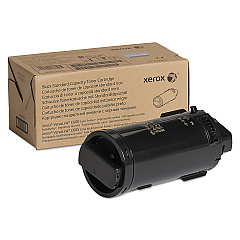
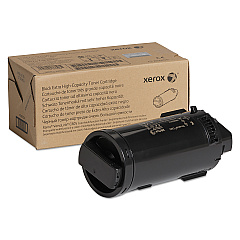
Xerox VersaLink C605XL Black Toner Cartridges

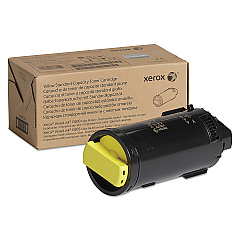
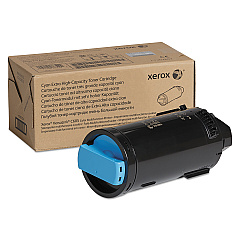
Xerox VersaLink C605XL Color Toner Cartridges

Xerox VersaLink C605XL Drum Units

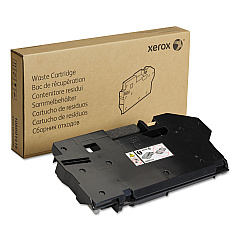
Xerox VersaLink C605XL Waste Toner Kits

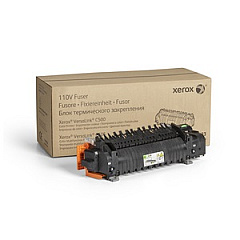
Xerox VersaLink C605XL Fusers

Xerox VersaLink C605XL Maintenance Kits

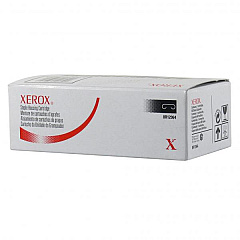
Xerox VersaLink C605XL Printer Staples

Xerox VersaLink C605XL Paper Trays

Xerox VersaLink C605XL Printer Accessories

Xerox VersaLink C605XL Copy Paper

Xerox VersaLink C605XL Warranty and Services

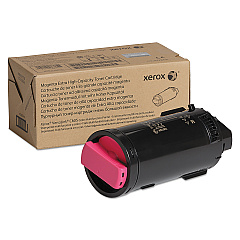
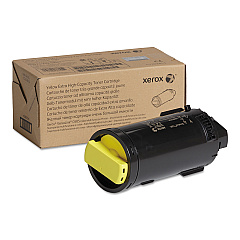
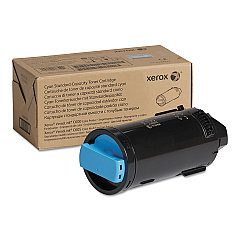
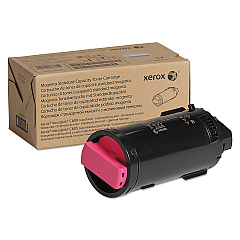
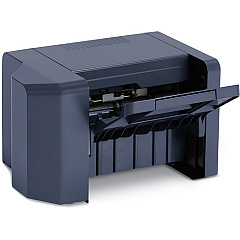
Enhance your printing capabilities with Xerox VersaLink C605XL Toner Cartridges and accessories. This comprehensive range includes high-capacity toner cartridges in cyan, magenta, yellow, and black, ensuring vibrant and long-lasting prints. The VersaLink C605XL supports various add-ons like staple cartridges, high-capacity feeders, and finishers for improved productivity. Maintain optimal performance with drum cartridges, waste cartridges, and maintenance kits. Upgrade your printer's functionality with wireless network adapters and additional paper trays. Whether you're a business, educational institution, government agency, healthcare provider, or wholesale operation, the Xerox VersaLink C605XL Toner Cartridges and accessories offer the quality and reliability you need for all your printing demands.

Xerox VersaLink C605XL Toner Cartridges FAQs

  • What is the page yield for the high-capacity toner cartridges?

    The high-capacity toner cartridges (106R03928, 106R03929, 106R03930, 106R03931) typically yield around 16,800 pages for color cartridges and 18,000 pages for black.

  • Are these toner cartridges compatible with other Xerox printers?

    These toner cartridges are specifically designed for the Xerox VersaLink C605XL printer and may not be compatible with other models.

  • How often should I replace the drum cartridges?

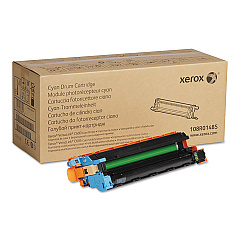
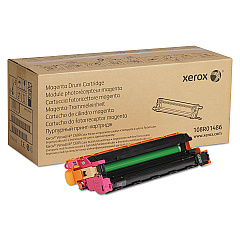
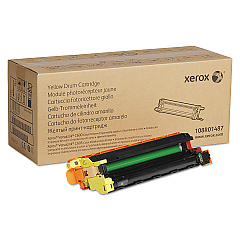
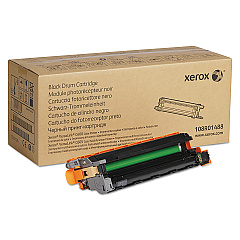
    Drum cartridges (108R01485, 108R01486, 108R01487, 108R01488) typically need replacement after approximately 40,000 pages, but this can vary based on usage.

  • What is the purpose of the waste cartridge?

    The waste cartridge (108R01416) collects excess toner during printing and should be replaced when full to maintain print quality and prevent leaks.

  • Can I use third-party toner cartridges with this printer?

    While third-party cartridges may work, using genuine Xerox toner cartridges ensures optimal print quality and prevents potential damage to your printer.

  • What does the maintenance kit include?

    The maintenance kit (108R01492) typically includes replacement parts for regular wear items such as feed rollers and separation pads.

  • How do I install the wireless network adapter?

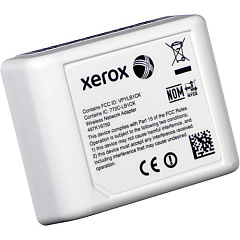
    The wireless network adapter (497K16750) can be easily installed by following the instructions provided in the user manual or contacting Xerox support for guidance.

  • What is the difference between the standard and high-capacity toner cartridges?

    High-capacity toner cartridges have a higher page yield than standard cartridges, allowing for more prints before replacement is needed.

  • How often should I replace the fuser unit?

    The fuser unit (115R00135) typically needs replacement after 100,000 to 150,000 pages, but this can vary based on usage and print volume.

  • Can I add additional paper trays to increase capacity?

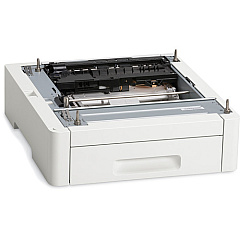
    Yes, you can add extra paper trays (097S04949) to increase the printer's paper capacity and support different paper sizes simultaneously.

Warehouse Locations

Policy & Agreement | Copyright © 1995-2026 BlueDogInk.com
