










Ads

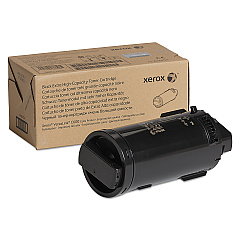
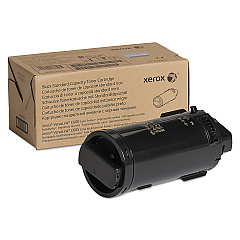
Xerox VersaLink C600 Black Toner Cartridges

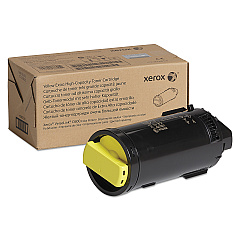
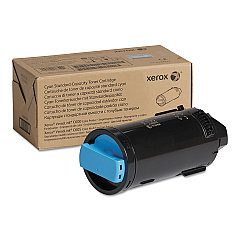
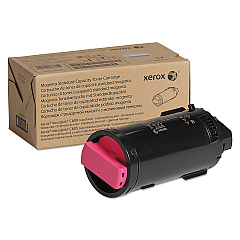
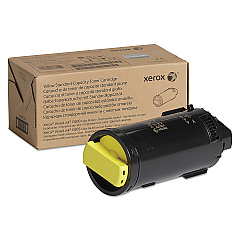
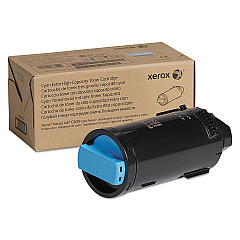
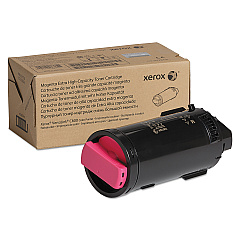
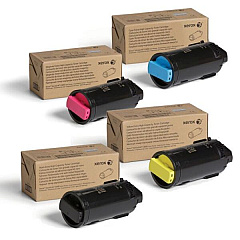
Xerox VersaLink C600 Color Toner Cartridges

Xerox VersaLink C600 Toner Set

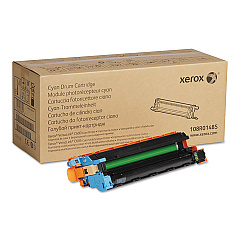
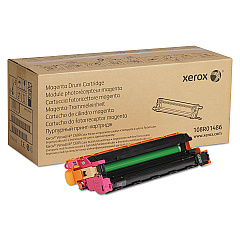
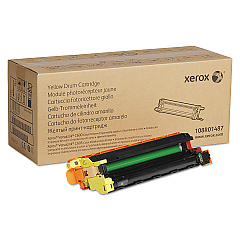
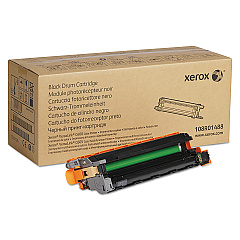
Xerox VersaLink C600 Drum Units

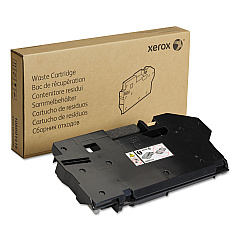
Xerox VersaLink C600 Waste Toner Kits

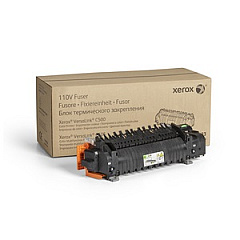
Xerox VersaLink C600 Fusers

Xerox VersaLink C600 Maintenance Kits

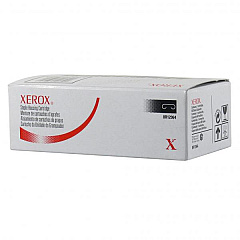
Xerox VersaLink C600 Printer Staples

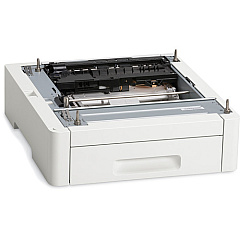
Xerox VersaLink C600 Paper Trays

Xerox VersaLink C600 Printer Accessories

Xerox VersaLink C600 Copy Paper

Xerox VersaLink C600 Warranty and Services

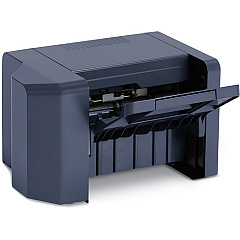
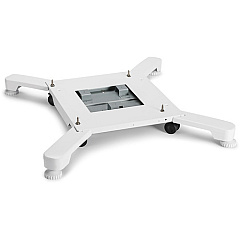
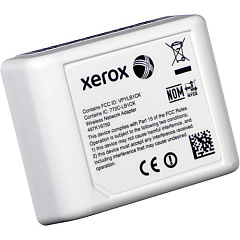
Enhance your printing experience with genuine Xerox VersaLink C600 Toner Cartridges and supplies. This comprehensive range includes high-capacity toner cartridges in cyan, magenta, yellow, and black, ensuring vibrant color output and crisp text. The VersaLink C600 series also offers drum cartridges, waste cartridges, and maintenance kits for optimal performance. Boost productivity with add-ons like the high-capacity feeder, paper tray, and finisher. The wireless network adapter enables seamless connectivity. For convenience, consider the Xerox VersaLink C600 Toner Bundle. With staple cartridges, fusers, and caster base options, this versatile printer adapts to your office needs. Trust in Xerox's quality to deliver professional results and keep your VersaLink C600 running smoothly.

Xerox VersaLink C600 Toner Cartridges FAQs

  • What is the page yield for Xerox VersaLink C600 toner cartridges?

    Page yields vary by cartridge. High-capacity cartridges typically yield around 10,000 pages for color and 12,000 for black.

  • Are compatible toner cartridges available for the VersaLink C600?

    While compatible options exist, using genuine Xerox toner cartridges ensures optimal print quality and printer performance.

  • How often should I replace the drum cartridges?

    Drum cartridges typically need replacement after 40,000 to 60,000 pages, depending on usage patterns.

  • What's included in the Xerox VersaLink C600 Toner Bundle?

    The bundle usually includes a set of high-capacity toner cartridges (cyan, magenta, yellow, and black).

  • Can I use the same toner cartridges for other Xerox printers?

    Toner cartridges are model-specific. Always check compatibility before purchasing.

  • How do I install the Wireless Network Adapter?

    The adapter plugs into the USB port on the back of the printer. Follow the printer's menu prompts to complete setup.

  • What's the purpose of the waste cartridge?

    The waste cartridge collects excess toner during printing. Replace it when prompted to maintain print quality.

  • How many additional sheets can the High Capacity Feeder hold?

    The High Capacity Feeder typically adds 2,000 sheets to your printer's paper capacity.

  • What does the Maintenance Kit include?

    The Maintenance Kit usually contains a fuser, transfer roller, and feed rollers to keep your printer in top condition.

  • Is the Caster Base necessary?

    The Caster Base is optional but provides mobility for your printer, which can be useful in office environments.

Warehouse Locations

Policy & Agreement | Copyright © 1995-2026 BlueDogInk.com
