
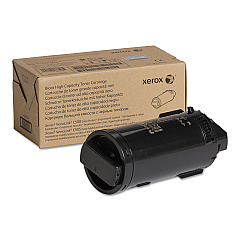
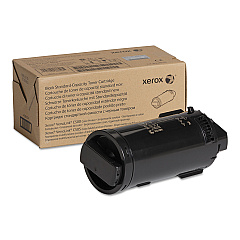









Xerox VersaLink C500DN Black Toner Cartridges

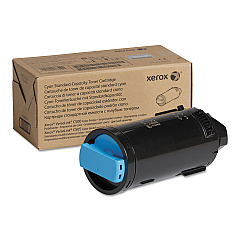
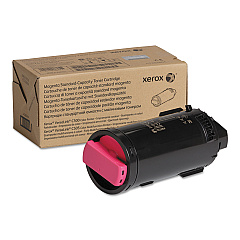
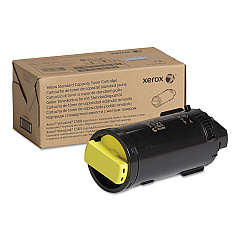
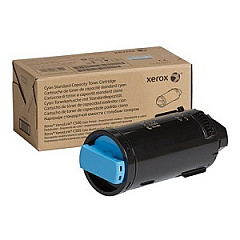
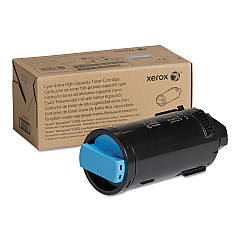
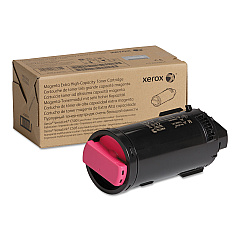
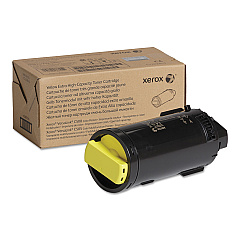
Xerox VersaLink C500DN Color Toner Cartridges

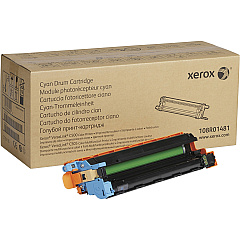
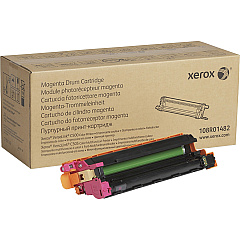
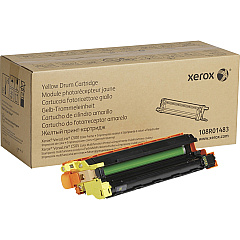
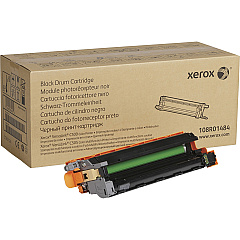
Xerox VersaLink C500DN Drum Units

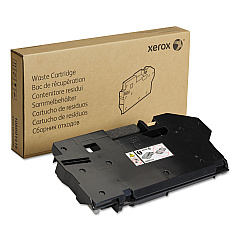
Xerox VersaLink C500DN Waste Toner Kits

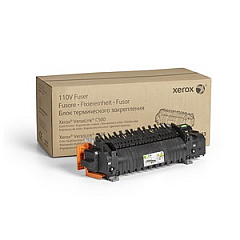
Xerox VersaLink C500DN Fusers

Xerox VersaLink C500DN Maintenance Kits

Xerox VersaLink C500DN Paper Trays

Xerox VersaLink C500DN Printer Accessories

Xerox VersaLink C500DN Copy Paper

Xerox VersaLink C500DN Warranty and Services

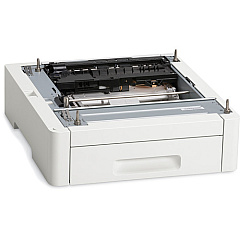
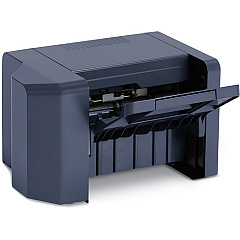
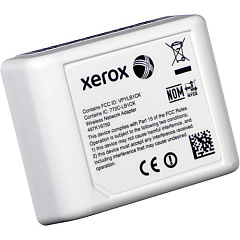
Enhance your printing capabilities with genuine Xerox VersaLink C500DN Toner Cartridges and accessories. This comprehensive range includes high-capacity feeders, paper trays, and finishers to streamline your workflow. Choose from a variety of toner cartridges in cyan, magenta, yellow, and black to produce vibrant, professional-quality prints. The collection also features drum cartridges, maintenance kits, and fusers to keep your printer running smoothly. For added convenience, consider the wireless network adapter for seamless connectivity. Whether you're a small business or a large corporation, these Xerox supplies ensure optimal performance and longevity for your VersaLink C500DN printer. Invest in authentic Xerox products to maintain print quality and protect your equipment, maximizing productivity and minimizing downtime.

Xerox VersaLink C500DN Toner Cartridges FAQs

  • What is the page yield for the high-capacity toner cartridges?

    The high-capacity toner cartridges for the Xerox VersaLink C500DN typically yield around 5,200 pages for color cartridges and 12,100 pages for black cartridges.

  • Are these toner cartridges compatible with other Xerox printers?

    These toner cartridges are specifically designed for the Xerox VersaLink C500DN model. They may not be compatible with other Xerox printer models.

  • How often should I replace the drum cartridges?

    Drum cartridges typically need replacement after processing about 40,000 pages, but this can vary based on usage and print content.

  • What is the purpose of the waste cartridge?

    The waste cartridge collects excess toner that isn't transferred to the paper during printing. It should be replaced when indicated by the printer to prevent leaks and maintain print quality.

  • Can I use third-party toner cartridges in my Xerox VersaLink C500DN?

    While third-party cartridges may work, using genuine Xerox toner cartridges is recommended to ensure optimal print quality and to maintain your printer's warranty.

  • What does the maintenance kit include?

    The maintenance kit typically includes components that wear out over time, such as feed rollers, transfer rollers, and separation pads, to keep your printer functioning properly.

  • How do I install the wireless network adapter?

    The wireless network adapter can be easily installed by following the instructions provided in the user manual. Generally, it involves plugging the adapter into a designated port on the printer.

  • What is the difference between the standard and high-capacity toner cartridges?

    High-capacity toner cartridges contain more toner and can print more pages before needing replacement, making them more cost-effective for high-volume printing.

  • How often should I replace the fuser unit?

    The fuser unit typically needs replacement after processing about 100,000 pages, but this can vary based on usage patterns and environmental conditions.

  • Are these supplies covered under the printer's warranty?

    Genuine Xerox supplies are typically covered under the printer's warranty. Using non-Xerox supplies may void the warranty, so it's best to use authentic Xerox products.

Warehouse Locations

Policy & Agreement | Copyright © 1995-2026 BlueDogInk.com
