
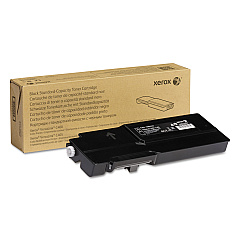
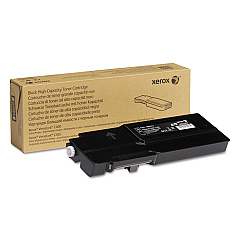
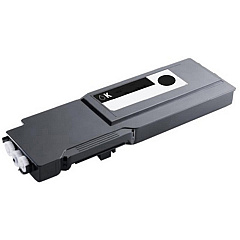
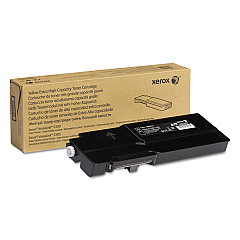
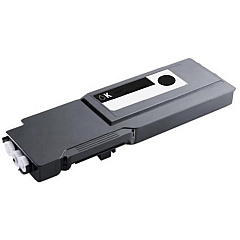
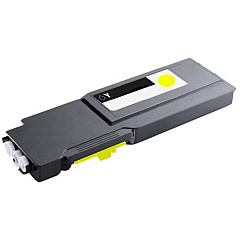
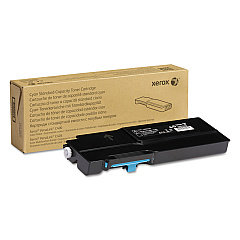
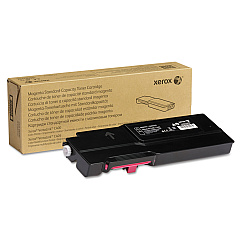
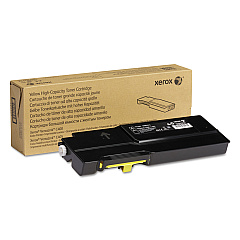
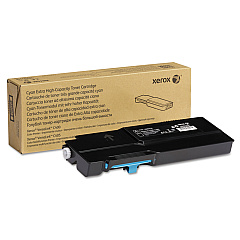
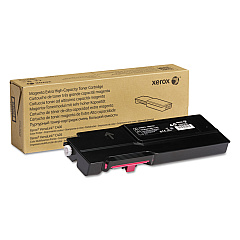
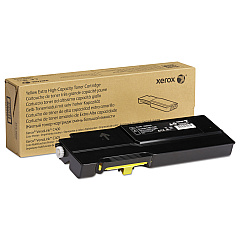
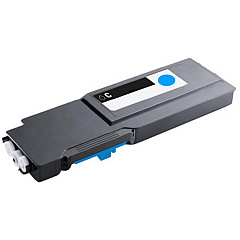
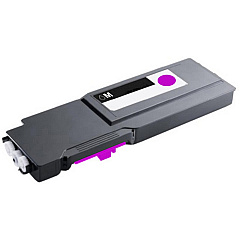
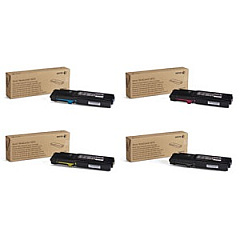
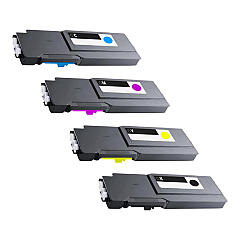
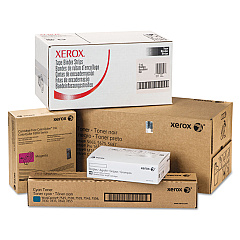








Xerox VersaLink C400DN Black Toner Cartridges

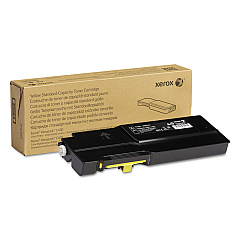
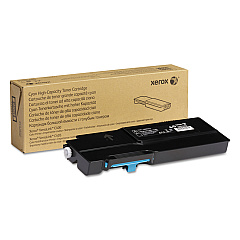
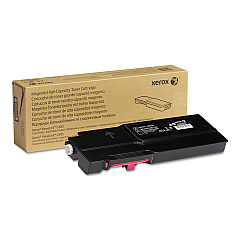
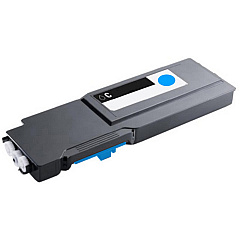
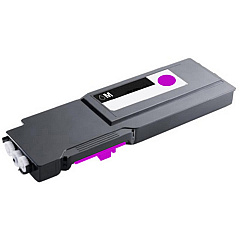
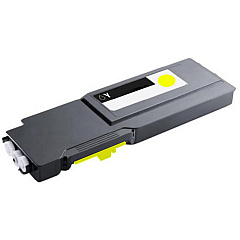
Xerox VersaLink C400DN Color Toner Cartridges

Xerox VersaLink C400DN Toner Set

Xerox VersaLink C400DN Drum Units

Xerox VersaLink C400DN Waste Toner Kits

Xerox VersaLink C400DN Fusers

Xerox VersaLink C400DN Transfer Units

Xerox VersaLink C400DN Paper Trays

Xerox VersaLink C400DN Printer Accessories

Xerox VersaLink C400DN Copy Paper

Xerox VersaLink C400DN Warranty and Services

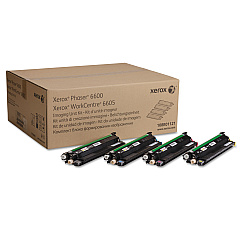
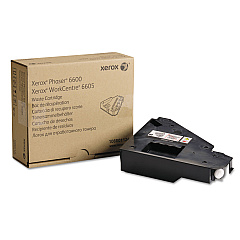
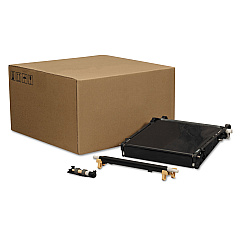
Enhance your printing capabilities with Xerox VersaLink C400DN Toner Cartridges and supplies. This comprehensive range includes standard and high-capacity toner cartridges in black, yellow, cyan, and magenta, ensuring vibrant and professional-quality prints. The lineup also features essential components like imaging units, transfer kits, and waste cartridges to maintain optimal performance. For increased efficiency, consider the 4-Color Toner Cartridge Bundle or the C400-C405 Toner Bundle. Upgrade your printer's functionality with the sheet feeder, wireless network adapter, or printer stand. Whether you're a small business, educational institution, or healthcare facility, these genuine Xerox supplies guarantee exceptional results and reliability for your VersaLink C400DN printer.

Xerox VersaLink C400DN Toner Cartridges FAQs

  • What is the difference between standard, high-capacity, and extra high-capacity toner cartridges?

    Standard cartridges have the lowest page yield, high-capacity cartridges offer more pages, and extra high-capacity cartridges provide the highest page yield, reducing the frequency of replacements.

  • Are these toner cartridges compatible with other Xerox printers?

    These cartridges are specifically designed for the Xerox VersaLink C400DN printer. Always check your printer's compatibility before purchasing toner cartridges.

  • How often should I replace the imaging unit kit?

    The imaging unit kit typically needs replacement after processing about 60,000 pages, but this can vary based on usage patterns and print content.

  • What is the purpose of the waste cartridge?

    The waste cartridge collects excess toner that isn't fused onto the paper during printing. It should be replaced when indicated by the printer to maintain print quality and prevent leaks.

  • Can I use third-party toner cartridges with my Xerox VersaLink C400DN?

    While third-party cartridges may work, using genuine Xerox toner cartridges ensures optimal print quality, reliability, and maintains your printer's warranty.

  • What is the benefit of the 4-Color Toner Cartridge Bundle?

    The bundle provides a complete set of high-capacity toner cartridges, offering convenience and potential cost savings compared to purchasing cartridges individually.

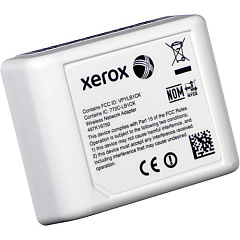
  • How do I install the Wireless Network Adapter?

    The Wireless Network Adapter can be easily installed by following the instructions provided in the user manual. It typically involves plugging the adapter into a designated port on the printer.

  • What is the purpose of the fuser unit?

    The fuser unit applies heat and pressure to melt and bond the toner onto the paper. It's an essential component for producing high-quality prints.

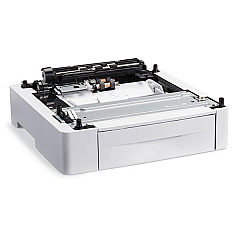
  • How many additional sheets can the Sheet Feeder (097S04400) hold?

    The Xerox 097S04400 Sheet Feeder can hold an additional 550 sheets of paper, increasing the printer's total paper capacity.

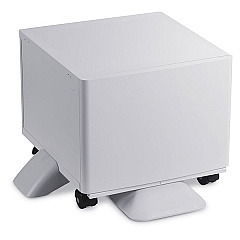
  • Is the Printer Stand necessary for the VersaLink C400DN?

    The Printer Stand is not necessary but can be beneficial for ergonomics and storage. It elevates the printer to a comfortable height and provides space for storing paper and supplies.

Warehouse Locations

Policy & Agreement | Copyright © 1995-2026 BlueDogInk.com
