








Ads

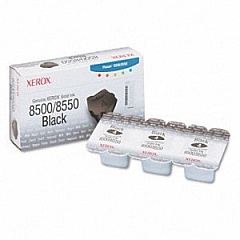
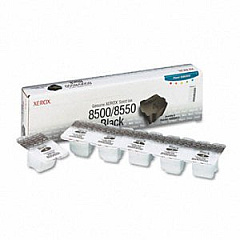
Xerox Phaser 8550 Black Ink Cartridges

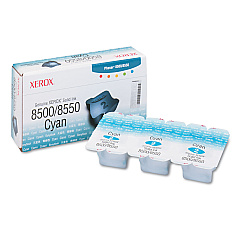
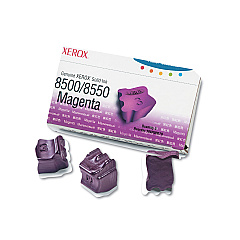
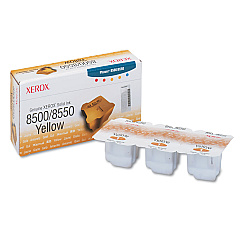
Xerox Phaser 8550 Color Ink Cartridges

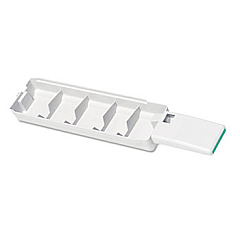
Xerox Phaser 8550 Waste Toner Kits

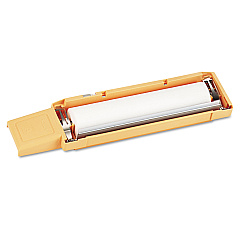
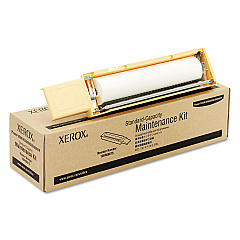
Xerox Phaser 8550 Maintenance Kits

Xerox Phaser 8550 Copy Paper

Xerox Phaser 8550 Photo Paper

Enhance your printing experience with genuine Xerox Phaser 8550 Ink Cartridges. These high-quality solid ink sticks deliver vibrant, long-lasting prints for your business needs. Available in black, cyan, magenta, and yellow, these cartridges ensure consistent color accuracy and sharp text. The Xerox Phaser 8550 printer utilizes innovative solid ink technology, offering eco-friendly printing with minimal waste. Maintain your printer's peak performance with the 108R00675 and 108R00676 maintenance kits, ensuring smooth operation and extended device life. The 109R00754 waste tray efficiently collects residual ink, keeping your workspace clean. Whether you're printing professional documents, marketing materials, or colorful presentations, Xerox Phaser 8550 Ink Cartridges provide reliable, high-quality results. Trust in Xerox's commitment to excellence and choose authentic supplies for optimal print quality and printer longevity.

Xerox Phaser 8550 Printers Supplies FAQs

  • How long do Xerox Phaser 8550 Ink Cartridges last?

    The lifespan of these cartridges varies depending on usage, but typically they can print several thousand pages before needing replacement.

  • Are these ink cartridges compatible with other Xerox printers?

    No, these cartridges are specifically designed for the Xerox Phaser 8550 printer model.

  • What is solid ink technology?

    Solid ink technology uses wax-based ink sticks that melt and are applied to the paper, offering vibrant colors and minimal waste.

  • How often should I replace the maintenance kit?

    Maintenance kit replacement frequency depends on usage, but typically it's recommended every 10,000 to 30,000 prints.

  • Can I use third-party ink cartridges in my Xerox Phaser 8550?

    While third-party options exist, using genuine Xerox cartridges ensures optimal print quality and prevents potential damage to your printer.

  • What's the difference between the 108R00668 and 108R00672 black ink cartridges?

    These are different sizes of black ink cartridges, with the 108R00672 typically offering a higher page yield.

  • How do I install the solid ink sticks?

    Simply open the ink loader cover, insert the color-coded ink sticks into their corresponding slots, and close the cover.

  • What's the purpose of the waste tray?

    The waste tray collects excess ink and debris, helping to maintain print quality and prevent printer damage.

  • Are these ink cartridges environmentally friendly?

    Yes, solid ink technology produces minimal waste and the cartridges are designed with eco-friendly materials.

  • Can I recycle used Xerox Phaser 8550 Ink Cartridges?

    Yes, Xerox offers a recycling program for used cartridges, promoting environmental sustainability.

Warehouse Locations

Policy & Agreement | Copyright © 1995-2026 BlueDogInk.com
