





Ads

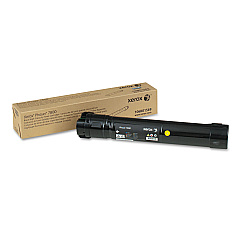
Xerox Phaser 7800DX Black Toner Cartridges

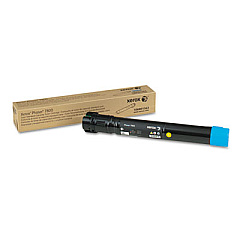
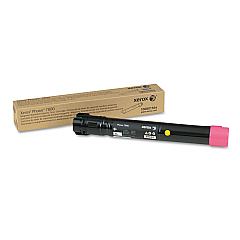
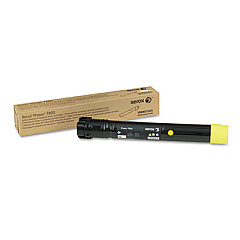
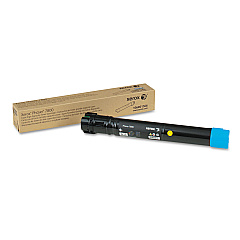
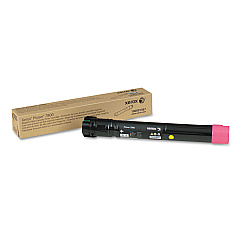
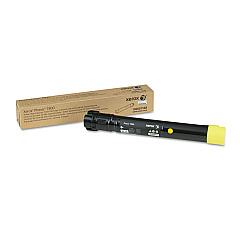
Xerox Phaser 7800DX Color Toner Cartridges

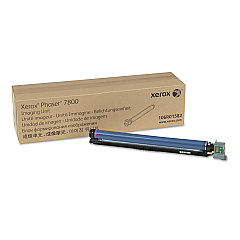
Xerox Phaser 7800DX Drum Units

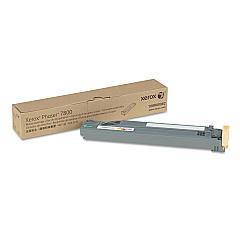
Xerox Phaser 7800DX Waste Toner Kits

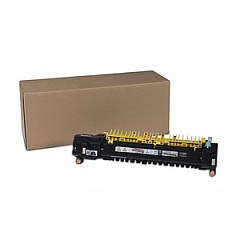
Xerox Phaser 7800DX Fusers

Xerox Phaser 7800DX Maintenance Kits

Xerox Phaser 7800DX Transfer Units

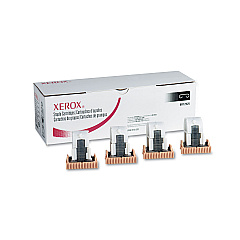
Xerox Phaser 7800DX Printer Staples

Xerox Phaser 7800DX Printer Accessories

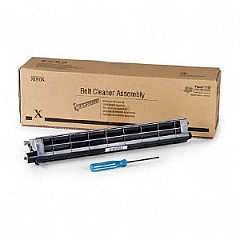
Xerox Phaser 7800DX Printer Parts

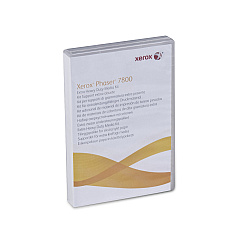
Enhance your printing experience with genuine Xerox Phaser 7800DX Toner Cartridges and supplies. This comprehensive range includes high-capacity cyan, magenta, yellow, and black toner cartridges, ensuring vibrant color output and crisp text. The Xerox Phaser 7800DX also utilizes various maintenance items such as the imaging unit, waste cartridge, and fuser assembly to maintain optimal performance. For heavy-duty printing needs, the Extra Heavy Duty Media Kit is available. The printer's functionality is further extended with staple cartridges for finishing options. Essential components like the IBT cleaner unit, suction filter, transfer roller, and paper feed kit ensure smooth operation and consistent print quality. By using authentic Xerox supplies, you can maximize your Phaser 7800DX's lifespan and produce professional-grade prints that meet the demands of businesses, educational institutions, government agencies, healthcare facilities, and wholesale operations.

Xerox Phaser 7800DX Printers Supplies FAQs

  • How often should I replace the toner cartridges in my Xerox Phaser 7800DX?

    Replacement frequency depends on usage, but typically when print quality diminishes or the printer indicates low toner levels.

  • Are compatible toner cartridges available for the Xerox Phaser 7800DX?

    While compatible options may exist, using genuine Xerox toner cartridges ensures optimal print quality and printer performance.

  • What is the page yield for the high-capacity toner cartridges?

    Page yields vary by color, but high-capacity cartridges typically offer yields of 17,200 pages for cyan, magenta, and yellow, and 24,000 pages for black.

  • How do I install the Xerox 008R12925 Staple Cartridge?

    Refer to your printer's user manual for specific instructions on installing the staple cartridge in the finisher unit.

  • What is the purpose of the Xerox 097S04341 Extra Heavy Duty Media Kit?

    This kit enhances the printer's ability to handle heavier paper stocks and specialized media types.

  • How often should the Xerox 108R00982 Waste Cartridge be replaced?

    The waste cartridge should be replaced when indicated by the printer, typically after processing approximately 20,000 pages.

  • What is the function of the Xerox 108R01036 IBT Cleaner Unit?

    The IBT Cleaner Unit helps maintain the cleanliness of the Intermediate Belt Transfer, ensuring consistent print quality.

  • Can I replace the Xerox 115R00073 Fuser Assembly myself?

    While it's possible, it's recommended to have a trained technician replace the fuser assembly to ensure proper installation and avoid potential damage.

  • What signs indicate that the Xerox 108R01053 Transfer Roller needs replacement?

    Poor print quality, such as spotty or inconsistent prints, may indicate the need for a transfer roller replacement.

  • Is the Xerox 604K56080 Paper Feed Kit necessary for all paper types?

    The Paper Feed Kit helps ensure smooth paper feeding for various paper types and weights, but it's especially useful for specialty media.

Warehouse Locations

Policy & Agreement | Copyright © 1995-2026 BlueDogInk.com
