








Ads

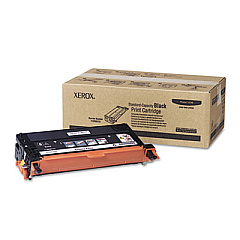
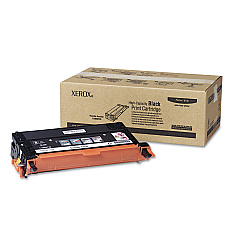
Xerox Phaser 6180MFP Black Toner Cartridges

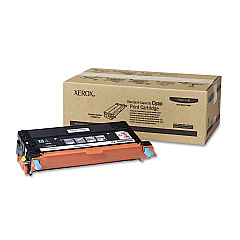
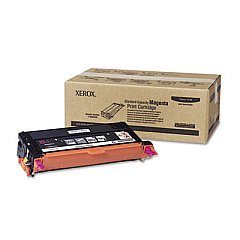
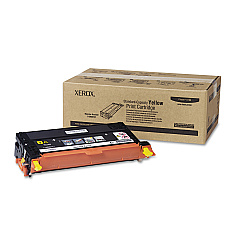
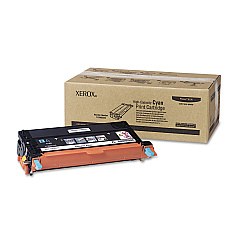
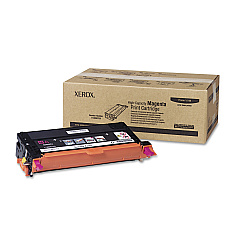
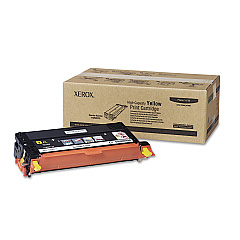
Xerox Phaser 6180MFP Color Toner Cartridges

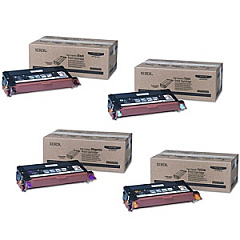
Xerox Phaser 6180MFP Toner Set

Xerox Phaser 6180MFP Maintenance Kits

Xerox Phaser 6180MFP Printer Accessories

Xerox Phaser 6180MFP Printer Parts

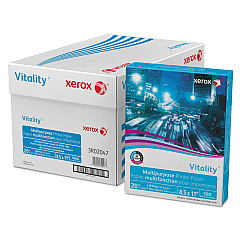
Xerox Phaser 6180MFP Copy Paper

Enhance your printing experience with genuine Xerox Phaser 6180MFP Toner Cartridges and accessories. This comprehensive range includes high-yield cyan, magenta, yellow, and black toner cartridges, ensuring vibrant color and crisp text for all your documents. Boost productivity with the 250-Sheet Cassette and 512 MB Memory Expansion. Maintain optimal performance with the Feed Roller Assembly, Fuser Assembly, and ADF Roller Kit. For added convenience, consider the Xerox 6180 Toner Cartridge Set for a complete color refresh. Elevate your workflow efficiency with the Scan to PC Desktop Small Business Edition, supporting up to 5 seats. Trust in Xerox's quality to deliver exceptional results for your business, educational, healthcare, or wholesale printing needs.

Xerox Phaser 6180MFP Printers Supplies FAQs

  • What is the yield of the high-capacity toner cartridges for the Xerox Phaser 6180MFP?

    The high-capacity toner cartridges (113R00723, 113R00724, 113R00725, 113R00726) typically yield around 6,000 pages for color and 8,000 pages for black.

  • Are compatible toner cartridges available for the Xerox Phaser 6180MFP?

    While compatible cartridges may be available, we recommend using genuine Xerox toner cartridges for optimal print quality and to maintain your printer's warranty.

  • How often should I replace the ADF Roller Kit?

    The Xerox ADF Roller Kit (604K44130) has a yield of approximately 100,000 pages. Replace it when you notice issues with paper feeding or after reaching the yield limit.

  • What is the purpose of the 512 MB Memory Expansion?

    The 512 MB Memory Expansion (097S03635) increases the printer's processing power, allowing for faster handling of complex print jobs and improved overall performance.

  • Can I use the Scan to PC Desktop Small Business Edition with multiple computers?

    Yes, the Xerox Scan to PC Desktop Small Business Edition (301K23432) supports up to 5 seats, allowing multiple users to benefit from its features.

  • How do I know when to replace the Fuser Assembly?

    Replace the Fuser Assembly (675K92001) when you notice print quality issues such as toner not fusing properly to the paper or when prompted by the printer's maintenance alert.

  • What is the difference between the standard and high-capacity toner cartridges?

    High-capacity cartridges (113R00723-726) offer a higher page yield compared to standard cartridges (113R00719-722), making them more cost-effective for high-volume printing.

  • Is the 250-Sheet Cassette easy to install?

    Yes, the Xerox 250-Sheet Cassette (050K57916) is designed for easy installation, allowing you to quickly increase your printer's paper capacity.

  • How often should I replace the Feed Roller Assembly?

    The Feed Roller Assembly (675K47673) should be replaced when you experience frequent paper jams or misfeeds, typically after processing a large number of pages.

  • Can I recycle used Xerox Phaser 6180MFP toner cartridges?

    Yes, Xerox offers a recycling program for used toner cartridges. Visit their website or contact customer support for information on how to participate in their eco-friendly recycling initiative.

Warehouse Locations

Policy & Agreement | Copyright © 1995-2026 BlueDogInk.com
