







Ads

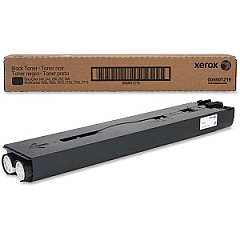
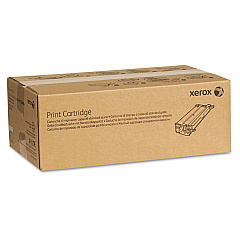
Xerox DocuColor 242 Black Toner Cartridges

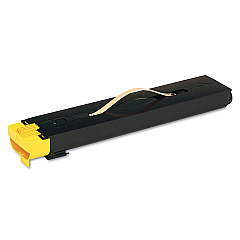
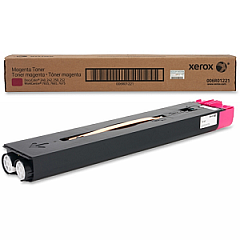
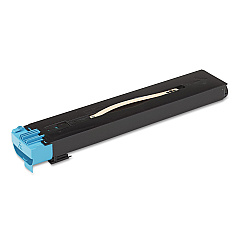
Xerox DocuColor 242 Color Toner Cartridges

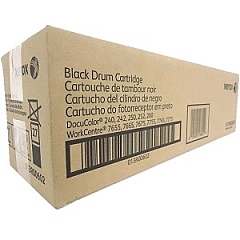
Xerox DocuColor 242 Drum Units

Xerox DocuColor 242 Waste Toner Kits

Xerox DocuColor 242 Fusers

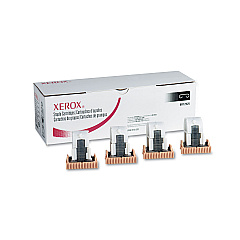
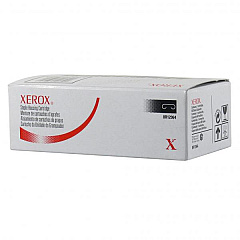
Xerox DocuColor 242 Printer Staples

Enhance your printing capabilities with genuine Xerox DocuColor 242 Toner Cartridges and supplies. This comprehensive range includes high-quality black, yellow, magenta, and cyan toner cartridges (006R01219, 006R01220, 006R01221, 006R01222) to deliver vibrant, professional-grade prints. Maintain your device's performance with essential components like staple cartridges (008R12925, 008R12941, 008R12964, 008R13041), fuser unit (008R12988), and waste toner container (008R12990). For optimal image quality, utilize the black and color drum cartridges (013R00602, 013R00603). These authentic Xerox supplies ensure consistent, superior results for your DocuColor 242, making them ideal for businesses, educational institutions, government offices, healthcare facilities, and wholesale operations requiring top-notch color printing solutions.

Xerox DocuColor 242 Printers Supplies FAQs

  • What is the page yield for Xerox DocuColor 242 toner cartridges?

    The page yield varies by color. Black typically yields around 30,000 pages, while color cartridges yield approximately 34,000 pages each.

  • Are these toner cartridges compatible with other Xerox models?

    These cartridges are specifically designed for the Xerox DocuColor 242. Always check your printer's compatibility before purchasing.

  • How often should I replace the drum cartridges?

    Drum cartridges typically need replacement after processing about 150,000 pages, but this can vary based on usage patterns.

  • What is the purpose of the waste toner container?

    The waste toner container collects excess toner during printing to prevent it from contaminating the printer or prints.

  • Can I use third-party toner cartridges in my Xerox DocuColor 242?

    While third-party cartridges may work, using genuine Xerox supplies ensures optimal print quality and prevents potential damage to your printer.

  • How do I know when it's time to replace a toner cartridge?

    Your printer will display a message indicating low toner levels. You can also check toner levels through the printer's control panel or software interface.

  • What's the difference between the various staple cartridges listed?

    Different staple cartridges are designed for specific finisher units. Consult your printer's manual to determine which staple cartridge is appropriate for your configuration.

  • How often should the fuser unit be replaced?

    The fuser unit typically needs replacement after processing about 200,000 pages, but this can vary based on usage and print types.

  • Are these supplies covered under Xerox warranty?

    Yes, genuine Xerox supplies are covered under warranty when used in accordance with the printer's specifications.

  • Can I recycle used Xerox toner cartridges and supplies?

    Yes, Xerox offers a recycling program for used cartridges and supplies. Visit their website or contact customer support for details on how to participate.

Warehouse Locations

Policy & Agreement | Copyright © 1995-2026 BlueDogInk.com
