





Ads

Xerox Colorqube 9302 Black Ink Cartridges

Xerox Colorqube 9302 Color Ink Cartridges

Xerox Colorqube 9302 Maintenance Kits

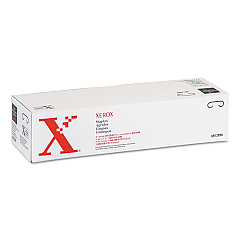
Xerox Colorqube 9302 Printer Staples

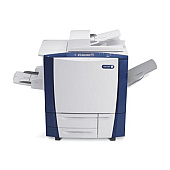
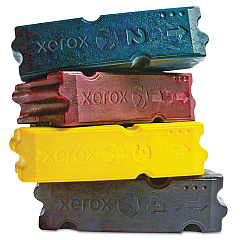
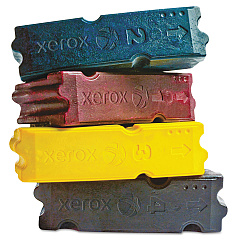
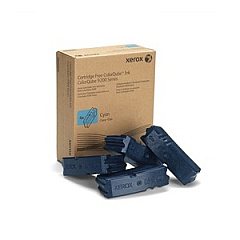
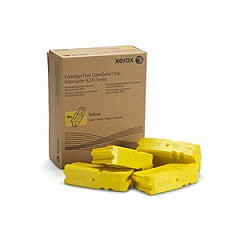
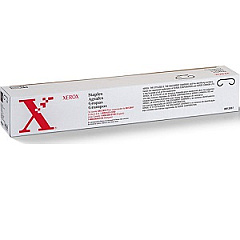
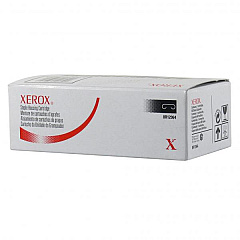
Enhance your printing experience with genuine Xerox Colorqube 9302 Ink Cartridges. This high-performance printer utilizes a range of specialized supplies to deliver exceptional color quality and efficiency. From staple cartridges like the 008R12897 and 008R12898 to the vibrant solid inks in cyan (108R00829), magenta (108R00830), yellow (108R00831), and black (108R00832), each component is designed for optimal performance. The 108R00989 Cleaning Unit ensures your printer maintains its pristine condition. Whether you're printing business documents, educational materials, or healthcare reports, these Xerox Colorqube 9302 Ink Cartridges provide consistent, professional results. With a focus on quality and reliability, Xerox supplies are the perfect choice for businesses, schools, government offices, and healthcare facilities looking to maximize their printing capabilities and minimize downtime.

Xerox Colorqube 9302 Ink Cartridges FAQs

  • How often should I replace the Xerox Colorqube 9302 Ink Cartridges?

    Replacement frequency depends on usage, but typically when print quality diminishes or the printer indicates low ink levels.

  • Are these ink cartridges compatible with other Xerox printers?

    These cartridges are specifically designed for the Xerox Colorqube 9302. Always check your printer's compatibility before purchasing.

  • What is the difference between solid ink and traditional ink cartridges?

    Solid ink is a wax-based ink that melts when heated, offering vibrant colors and less waste compared to traditional liquid ink cartridges.

  • How many pages can I print with one set of ink cartridges?

    Page yield varies depending on the specific cartridge and print content, but typically ranges from 9,000 to 16,500 pages per color.

  • What is the purpose of the cleaning unit?

    The cleaning unit helps maintain print quality by removing excess ink and debris from the printer's internal components.

  • Can I use third-party ink cartridges in my Xerox Colorqube 9302?

    While third-party options exist, using genuine Xerox supplies ensures optimal performance and maintains your printer's warranty.

  • How should I store unused ink cartridges?

    Store cartridges in a cool, dry place away from direct sunlight. Keep them in their original packaging until ready for use.

  • What should I do with empty ink cartridges?

    Xerox offers a recycling program for empty cartridges. Check their website or contact your local Xerox representative for details.

  • How often should the staple cartridges be replaced?

    Replace staple cartridges when they run out or when the printer indicates low staple levels. Frequency depends on usage.

  • Is it necessary to replace all color cartridges at once?

    Not necessarily. You can replace individual color cartridges as needed, but it's often recommended to maintain balanced color output.

Warehouse Locations

Policy & Agreement | Copyright © 1995-2026 BlueDogInk.com
