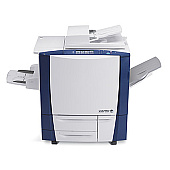






Xerox Colorqube 9203 Multifunction Printers Supplies

Ads

Xerox Colorqube 9203 Black Ink Cartridges

Xerox Colorqube 9203 Color Ink Cartridges

Xerox Colorqube 9203 Printer Staples

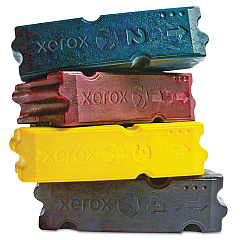
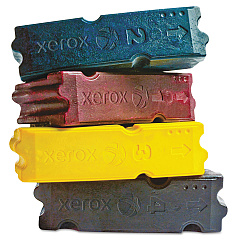
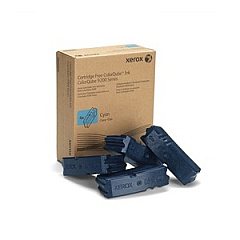
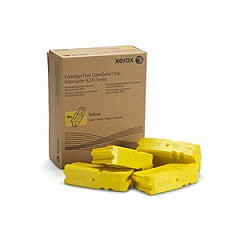
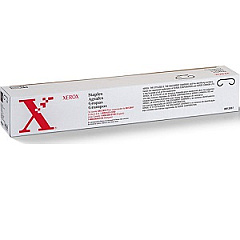
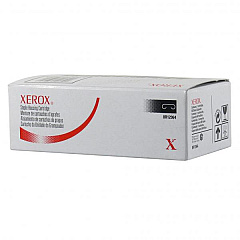
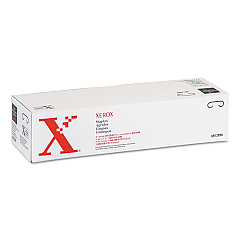
Enhance your printing experience with genuine Xerox Colorqube 9203 Ink Cartridges. This high-performance printer utilizes a range of specialized ink cartridges to deliver exceptional color quality and efficiency. From the Xerox 008R12897 and 008R12898 Staple Cartridges for professional document finishing, to the vibrant 108R00829 Cyan, 108R00830 Magenta, 108R00831 Yellow, and 108R00832 Black Solid Inks, every component is designed to maximize your printer's capabilities. The Xerox 008R12941 and 008R12964 Staple Cartridges ensure seamless document binding. With these authentic Xerox supplies, you'll achieve crisp text, vivid graphics, and long-lasting prints. Whether you're producing business documents, marketing materials, or creative projects, Xerox Colorqube 9203 Ink Cartridges deliver the quality and reliability you need to make a lasting impression.

Xerox Colorqube 9203 Multifunction Printers Supplies FAQs

  • How long do Xerox Colorqube 9203 Ink Cartridges typically last?

    The lifespan of ink cartridges varies depending on usage, but on average, they can last for several thousand pages.

  • Are these ink cartridges compatible with other Xerox printers?

    These cartridges are specifically designed for the Xerox Colorqube 9203 and may not be compatible with other models.

  • How can I tell when it's time to replace my ink cartridges?

    Your printer will display a message indicating low ink levels, or you may notice a decrease in print quality.

  • Can I use third-party ink cartridges in my Xerox Colorqube 9203?

    While third-party cartridges may work, using genuine Xerox cartridges ensures optimal performance and print quality.

  • What's the difference between solid ink and traditional liquid ink?

    Solid ink is a wax-based ink that melts when heated, offering vibrant colors and less waste compared to liquid ink cartridges.

  • How should I store unused ink cartridges?

    Store cartridges in a cool, dry place away from direct sunlight, and keep them in their original packaging until ready for use.

  • Are these ink cartridges environmentally friendly?

    Xerox solid ink cartridges produce less waste than traditional cartridges and are part of Xerox's commitment to sustainability.

  • What should I do with empty ink cartridges?

    Xerox offers a recycling program for empty cartridges, helping to reduce environmental impact.

  • How often should I replace the staple cartridges?

    Staple cartridge replacement frequency depends on usage. Replace when the printer indicates low staples or when stapling quality decreases.

  • Can I mix different brands of ink in my Xerox Colorqube 9203?

    It's not recommended to mix ink brands. Using only genuine Xerox ink ensures the best print quality and printer performance.

Warehouse Locations

Policy & Agreement | Copyright © 1995-2026 BlueDogInk.com
