






Ads

Xerox ColorQube 8880DN Black Ink Cartridges

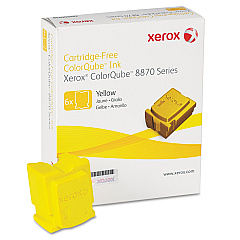
Xerox ColorQube 8880DN Color Ink Cartridges

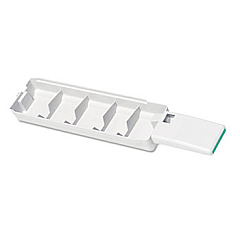
Xerox ColorQube 8880DN Waste Toner Kits

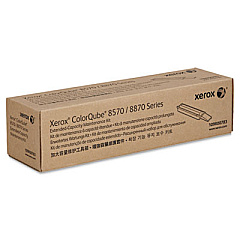
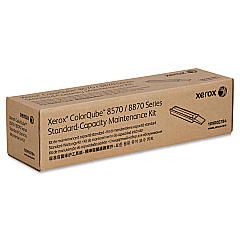
Xerox ColorQube 8880DN Maintenance Kits

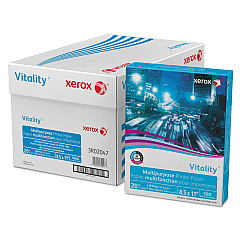
Xerox ColorQube 8880DN Copy Paper

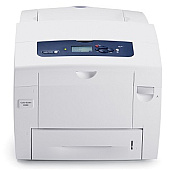
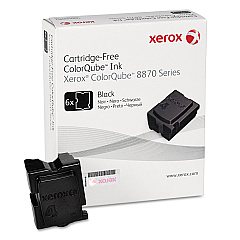
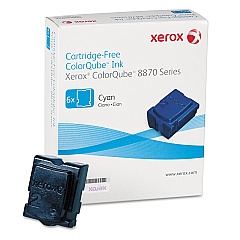
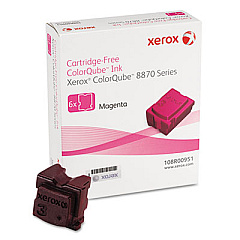
Enhance your printing experience with genuine Xerox ColorQube 8880DN Ink Cartridges. This high-performance printer utilizes innovative solid ink technology, offering vibrant color output and cost-effective printing solutions for businesses, schools, and healthcare facilities. The ColorQube 8880DN supports a range of ink sticks, including Cyan (108R00950), Magenta (108R00951), Yellow (108R00952), and Black (108R00953). To maintain optimal performance, the printer also requires periodic replacement of the Waste Tray (109R00754) and Maintenance Kits (109R00783 and 109R00784). By using authentic Xerox supplies, you ensure consistent print quality, reduced environmental impact, and maximum efficiency for your ColorQube 8880DN. Whether you're producing marketing materials, educational resources, or healthcare documentation, these ink cartridges deliver professional results that make a lasting impression.

Xerox ColorQube 8880DN Toner Cartridges FAQs

  • How long do Xerox ColorQube 8880DN ink sticks last?

    The lifespan of ink sticks varies depending on usage, but typically they can print several thousand pages before needing replacement.

  • Are Xerox ColorQube 8880DN ink sticks compatible with other Xerox printers?

    No, these ink sticks are specifically designed for the ColorQube 8880DN model and may not be compatible with other Xerox printers.

  • How often should I replace the Waste Tray?

    The Waste Tray should be replaced when prompted by the printer, which is typically after several thousand prints.

  • What's included in the Maintenance Kit?

    The Maintenance Kit typically includes components like rollers, belts, and other parts that require periodic replacement to maintain printer performance.

  • Can I use third-party ink sticks in my Xerox ColorQube 8880DN?

    While third-party options may exist, using genuine Xerox supplies is recommended to ensure optimal print quality and prevent potential damage to your printer.

  • How do I install new ink sticks in the ColorQube 8880DN?

    Simply open the ink loader door, insert the ink stick into the correct color-coded slot, and close the door. The printer will melt and use the ink as needed.

  • Are Xerox ColorQube 8880DN ink sticks environmentally friendly?

    Yes, Xerox solid ink technology produces less waste compared to traditional toner cartridges, making it a more environmentally friendly option.

  • Can I recycle used Xerox ColorQube 8880DN ink sticks?

    Xerox offers a recycling program for used solid ink sticks. Check their website for details on how to participate.

  • How do I know when it's time to replace an ink stick?

    The printer will display a message on its control panel when an ink stick needs to be replaced.

  • What's the difference between the 109R00783 and 109R00784 Maintenance Kits?

    These kits may contain different components or be designed for different maintenance intervals. Consult your printer manual or Xerox support for specific details.

Warehouse Locations

Policy & Agreement | Copyright © 1995-2026 BlueDogInk.com
