






Ads

Xerox ColorQube 8880 Black Ink Cartridges

Xerox ColorQube 8880 Color Ink Cartridges

Xerox ColorQube 8880 Waste Toner Kits

Xerox ColorQube 8880 Maintenance Kits

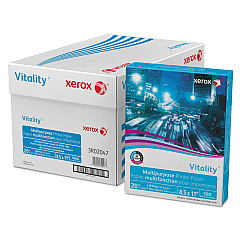
Xerox ColorQube 8880 Copy Paper

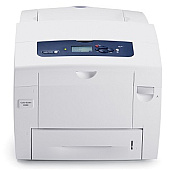
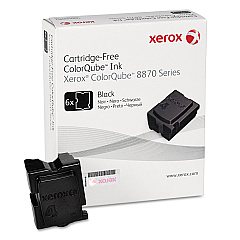
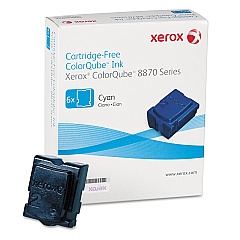
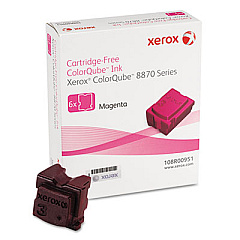
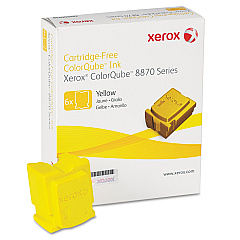
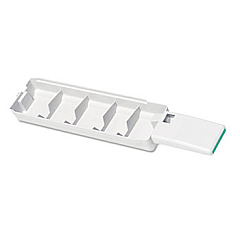
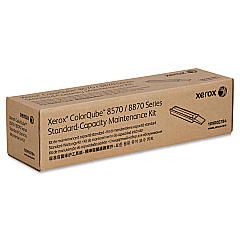
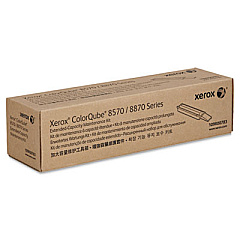
Enhance your printing experience with genuine Xerox ColorQube 8880 Ink Cartridges. These high-quality supplies ensure optimal performance and vibrant output for your ColorQube 8880 printer. The range includes cyan, magenta, yellow, and black ink sticks (108R00950, 108R00951, 108R00952, 108R00953), delivering rich, consistent colors for all your documents. To maintain peak efficiency, the printer also requires a waste tray (109R00754) and maintenance kits (109R00783, 109R00784). These Xerox ColorQube 8880 Ink Cartridges are designed to produce sharp text and vivid graphics, making them ideal for businesses, schools, government offices, and healthcare facilities. With their solid ink technology, these cartridges offer eco-friendly printing solutions, reducing waste and environmental impact. Trust in Xerox's renowned quality to keep your ColorQube 8880 running smoothly and producing professional results every time.

Xerox ColorQube 8880 Toner Cartridges FAQs

  • How long do Xerox ColorQube 8880 ink sticks last?

    The lifespan of ink sticks varies depending on usage, but typically each color can print around 17,300 pages at 5% coverage.

  • Are these ink cartridges compatible with other Xerox printers?

    No, these ink cartridges are specifically designed for the Xerox ColorQube 8880 printer model.

  • How often should I replace the waste tray?

    The waste tray should be replaced when prompted by the printer, typically after about 30,000 prints.

  • What's included in the maintenance kit?

    The maintenance kit includes components like rollers, belts, and other parts that require periodic replacement to maintain printer performance.

  • Can I use third-party ink sticks in my Xerox ColorQube 8880?

    While third-party options exist, using genuine Xerox supplies ensures optimal print quality and prevents potential damage to your printer.

  • How do I install new ink sticks?

    Simply open the ink loader door, insert the ink stick into the correct color-coded slot, and close the door. The printer will melt and use the ink as needed.

  • Are these ink sticks environmentally friendly?

    Yes, Xerox solid ink technology produces less waste than traditional toner cartridges and is more environmentally friendly.

  • How can I tell when it's time to replace an ink stick?

    The printer will display a message on its control panel when an ink stick needs to be replaced.

  • Can I buy these supplies in bulk for my office?

    Yes, bulk purchasing options are available for businesses and organizations that require large quantities of supplies.

  • What's the shelf life of unopened ink sticks?

    Unopened ink sticks can last for several years when stored properly in a cool, dry place away from direct sunlight.

Warehouse Locations

Policy & Agreement | Copyright © 1995-2026 BlueDogInk.com
