





Ads

Xerox ColorQube 8580/N Black Ink Cartridges

Xerox ColorQube 8580/N Color Ink Cartridges

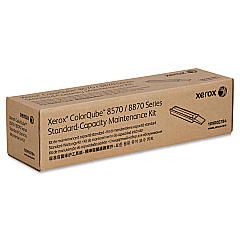
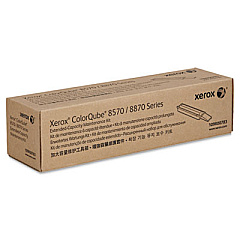
Xerox ColorQube 8580/N Maintenance Kits

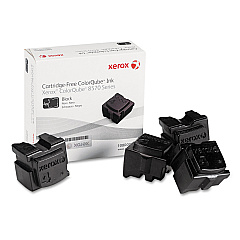
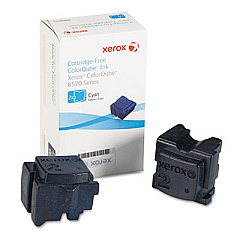
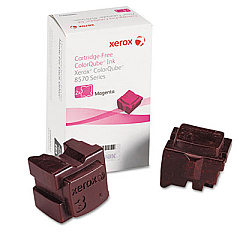
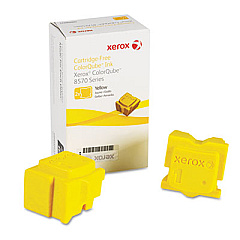
Enhance your printing experience with genuine Xerox ColorQube 8580/N Ink Cartridges. This high-performance printer utilizes innovative solid ink technology, delivering vibrant, long-lasting prints for your business, educational institution, or healthcare facility. The ColorQube 8580/N supports a range of ink sticks, including Cyan (108R00926), Magenta (108R00927), Yellow (108R00928), and Black (108R00930). These eco-friendly ink sticks produce less waste compared to traditional cartridges, reducing your environmental impact. To maintain optimal performance, the printer also uses maintenance kits (109R00783 and 109R00784) that ensure consistent print quality. Whether you're printing reports, presentations, or marketing materials, Xerox ColorQube 8580/N Ink Cartridges provide the reliability and quality you need for professional results. Invest in genuine Xerox supplies to maximize your printer's potential and keep your operations running smoothly.

Xerox ColorQube 8580/N Ink Cartridges FAQs

  • How long do Xerox ColorQube 8580/N ink sticks last?

    The lifespan of ink sticks varies depending on usage, but typically they can print thousands of pages before needing replacement.

  • Are these ink sticks compatible with other Xerox printers?

    No, these ink sticks are specifically designed for the Xerox ColorQube 8580/N printer model.

  • How often should I replace the maintenance kit?

    Maintenance kit replacement intervals depend on usage. The printer will typically alert you when it's time to replace the kit.

  • Can I use third-party ink sticks in my Xerox ColorQube 8580/N?

    While third-party options exist, using genuine Xerox ink sticks ensures optimal print quality and prevents potential damage to your printer.

  • What's the difference between the two maintenance kits?

    The 109R00783 and 109R00784 maintenance kits contain different components for various printer parts. Consult your printer manual for specific details.

  • How do I install new ink sticks in my Xerox ColorQube 8580/N?

    Simply open the ink loader door, insert the ink stick into the correct color-coded slot, and close the door. The printer will melt the ink as needed.

  • Are these ink sticks environmentally friendly?

    Yes, Xerox solid ink sticks produce less waste than traditional cartridges and are designed with environmental sustainability in mind.

  • Can I buy individual color ink sticks or do I need to purchase a complete set?

    You can purchase individual color ink sticks as needed, allowing you to replace only the colors that are running low.

  • What should I do if my prints appear faded or have streaks?

    First, ensure you're using genuine Xerox ink sticks. If the issue persists, you may need to clean the print head or replace the maintenance kit.

  • How do I know when it's time to replace an ink stick?

    The Xerox ColorQube 8580/N has an indicator on its display that shows the ink levels for each color. Replace the ink stick when prompted by the printer.

Warehouse Locations

Policy & Agreement | Copyright © 1995-2026 BlueDogInk.com
