






Ads

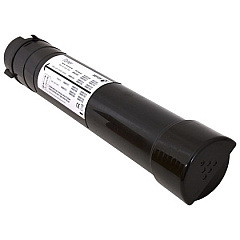
Xerox AltaLink C8070H Black Toner Cartridges

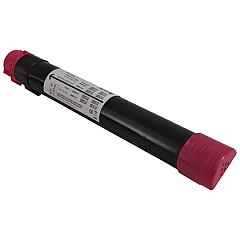
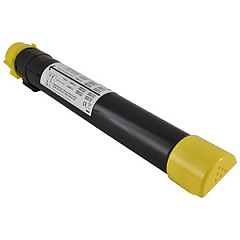
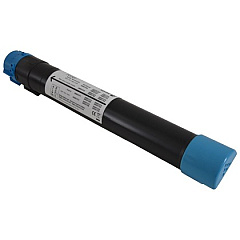
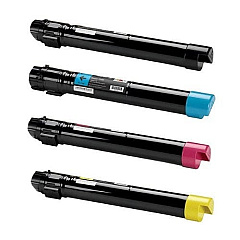
Xerox AltaLink C8070H Color Toner Cartridges

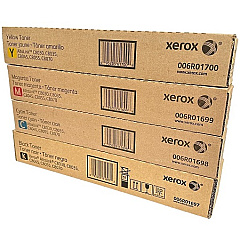
Xerox AltaLink C8070H Toner Set

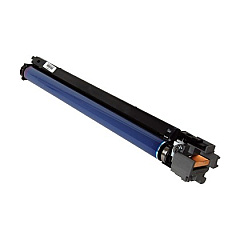
Xerox AltaLink C8070H Drum Units

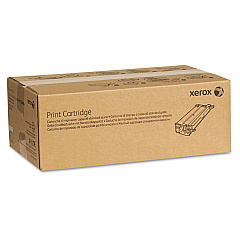
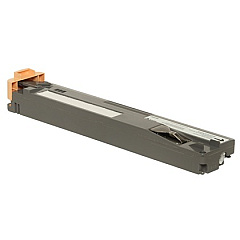
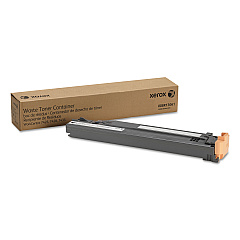
Xerox AltaLink C8070H Waste Toner Kits

Xerox AltaLink C8070H Maintenance Kits

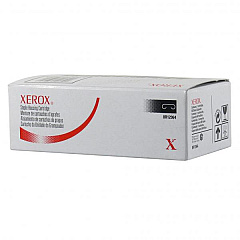
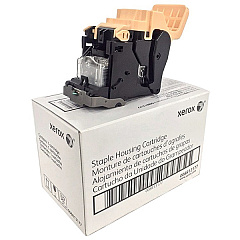
Xerox AltaLink C8070H Printer Staples

Enhance your printing capabilities with Xerox AltaLink C8070H Toner Cartridges, designed for optimal performance in high-volume office environments. This comprehensive range includes black, cyan, magenta, and yellow toner cartridges, along with essential maintenance components like the transfer belt cleaner, drum cartridge, and waste toner container. Compatible with various AltaLink models, including C8030, C8035, C8045, C8055, and C8070, these genuine Xerox supplies ensure consistent, high-quality output for all your printing needs. From crisp text documents to vibrant color presentations, these toner cartridges deliver exceptional results while maximizing efficiency and minimizing downtime. Trust in Xerox's commitment to quality and reliability to keep your AltaLink C8070H running smoothly, meeting the demands of busy workplaces across various sectors.

Xerox AltaLink C8070H Printers Supplies FAQs

  • What is the page yield for Xerox AltaLink C8070H toner cartridges?

    Page yields vary by color. Black toner typically yields around 26,000 pages, while color cartridges (cyan, magenta, yellow) yield approximately 15,000 pages each.

  • Are these toner cartridges compatible with other Xerox AltaLink models?

    Yes, these cartridges are compatible with AltaLink C8030, C8035, C8045, C8055, and C8070 models.

  • How often should I replace the drum cartridge?

    The drum cartridge (013R00662) typically needs replacement after processing about 200,000 pages.

  • What is the purpose of the waste toner container?

    The waste toner container collects excess toner during printing. It should be replaced when indicated by the printer to prevent toner spills.

  • Can I use third-party toner cartridges in my Xerox AltaLink C8070H?

    While third-party cartridges may work, using genuine Xerox toner cartridges ensures optimal print quality and printer performance.

  • How do I know when it's time to replace a toner cartridge?

    The printer's control panel will display a message when a toner cartridge is running low or needs replacement.

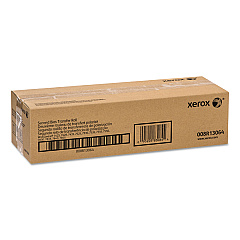
  • What is the function of the transfer belt cleaner?

    The transfer belt cleaner (001R00613) helps maintain print quality by removing residual toner from the transfer belt.

  • Are these toner cartridges environmentally friendly?

    Xerox toner cartridges are designed with environmental sustainability in mind and can be recycled through Xerox's Green World Alliance program.

  • How long do unopened toner cartridges last?

    Unopened toner cartridges can last up to two years when stored in a cool, dry place away from direct sunlight.

  • What should I do if I experience print quality issues?

    If you experience print quality issues, first ensure you're using genuine Xerox toner cartridges. If problems persist, consult your printer's user manual or contact Xerox support for assistance.

Warehouse Locations

Policy & Agreement | Copyright © 1995-2026 BlueDogInk.com
