







Ads

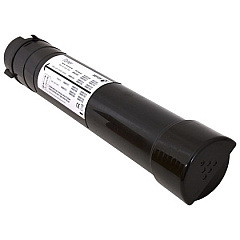
Xerox AltaLink C8035 Black Toner Cartridges

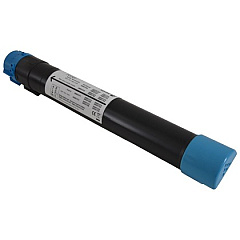
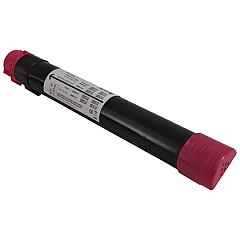
Xerox AltaLink C8035 Color Toner Cartridges

Xerox AltaLink C8035 Toner Set

Xerox AltaLink C8035 Drum Units

Xerox AltaLink C8035 Waste Toner Kits

Xerox AltaLink C8035 Maintenance Kits

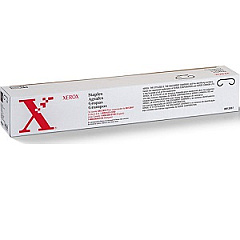
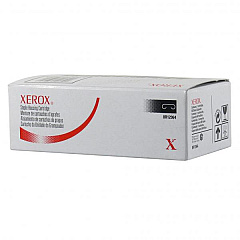
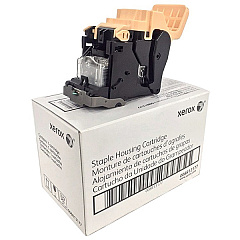
Xerox AltaLink C8035 Printer Staples

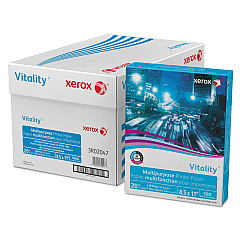
Xerox AltaLink C8035 Copy Paper

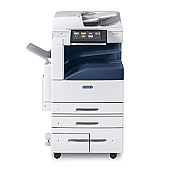
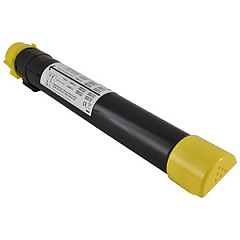
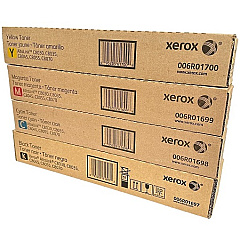
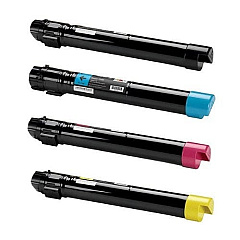
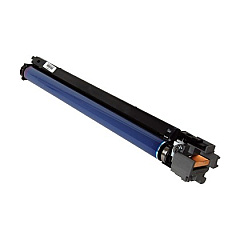
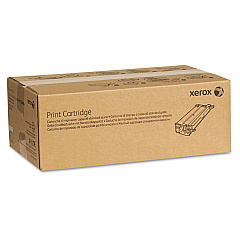
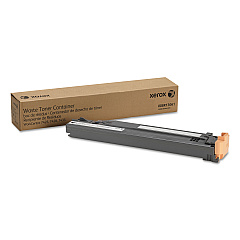
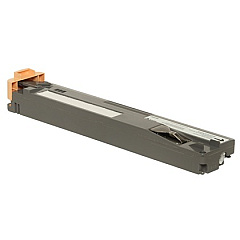
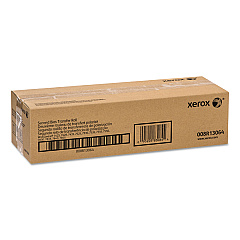
Enhance your printing experience with genuine Xerox AltaLink C8035 Toner Cartridges. These high-quality supplies ensure optimal performance for your Xerox AltaLink C8035 multifunction printer. The comprehensive range includes black, cyan, magenta, and yellow toner cartridges, as well as essential maintenance items like the transfer belt cleaner, drum cartridge, and waste toner container. Compatible with various AltaLink models, including C8030, C8045, C8055, and C8070, these cartridges deliver exceptional print quality and reliability. Whether you need individual colors or a cost-effective 4-pack, our selection has you covered. Don't forget to stock up on staple cartridges for seamless document finishing. Trust in Xerox's genuine supplies to maximize your printer's efficiency and produce professional-grade documents every time.

Xerox AltaLink C8035 Toner Cartridges FAQs

  • Are these toner cartridges compatible with other Xerox AltaLink models?

    Yes, these cartridges are compatible with AltaLink C8030, C8035, C8045, C8055, and C8070 models.

  • What is the page yield for the black toner cartridge?

    The page yield varies depending on print coverage, but typically ranges from 26,000 to 30,000 pages for the black cartridge.

  • Are these genuine Xerox toner cartridges?

    Yes, all the toner cartridges listed are genuine Xerox products.

  • How often should I replace the drum cartridge?

    The drum cartridge typically needs replacement after 125,000 to 150,000 pages, depending on usage.

  • Can I buy individual color cartridges or do I need to purchase a set?

    You can purchase individual color cartridges or opt for a 4-pack containing all colors.

  • What is the purpose of the waste toner container?

    The waste toner container collects excess toner during printing to prevent it from contaminating the printer.

  • How do I know when to replace the transfer belt cleaner?

    Your printer will display a message when it's time to replace the transfer belt cleaner, typically after 160,000 prints.

  • Are the staple cartridges compatible with all finisher options?

    Different staple cartridges are designed for specific finisher options. Check your printer's manual to ensure compatibility.

  • What's the difference between the various staple cartridge options?

    The different staple cartridge options vary in capacity and are designed for specific finisher models or stapling requirements.

  • How can I maximize the lifespan of my toner cartridges?

    To maximize toner life, use draft mode for internal documents, print in black and white when color isn't necessary, and keep your printer well-maintained.

Warehouse Locations

Policy & Agreement | Copyright © 1995-2026 BlueDogInk.com
