





Ads

Samsung MultiXpress X7500LX Black Toner Cartridges

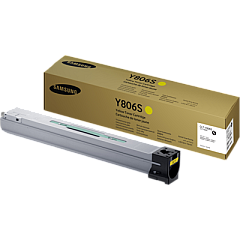
Samsung MultiXpress X7500LX Color Toner Cartridges

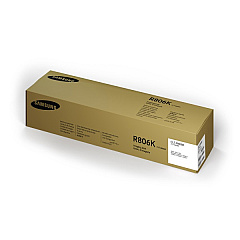
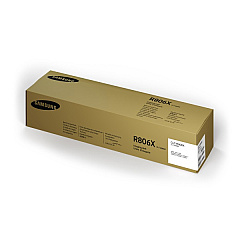
Samsung MultiXpress X7500LX Drum Units

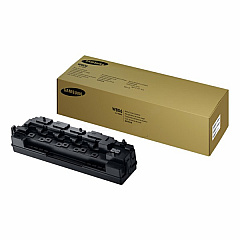
Samsung MultiXpress X7500LX Waste Toner Kits

Samsung MultiXpress X7500LX Fusers

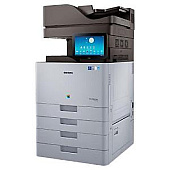
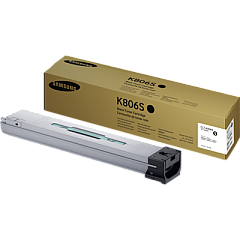
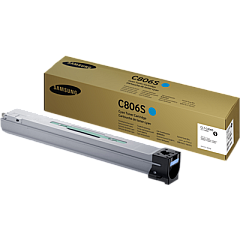
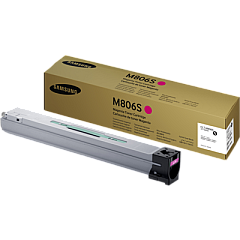
Enhance your printing experience with genuine Samsung MultiXpress X7500LX Toner Cartridges. These high-quality supplies ensure optimal performance and exceptional print quality for your Samsung MultiXpress X7500LX printer. The comprehensive range includes cyan, black, magenta, and yellow toner cartridges, as well as imaging units for both color and black-and-white printing. The CLT-W806 Waste Toner Container efficiently manages excess toner, while the JC91-01195A Fuser Unit maintains consistent heat distribution for crisp, professional results. By choosing authentic Samsung supplies, you'll maximize your printer's lifespan and produce vibrant, long-lasting prints. Whether you're printing high-volume documents for business, education, healthcare, or government applications, these reliable toner cartridges deliver consistent, high-quality output page after page. Invest in Samsung MultiXpress X7500LX Toner Cartridges for unparalleled performance and superior print quality.

Samsung MultiXpress X7500LX Toner Cartridges FAQs

  • How long do Samsung MultiXpress X7500LX toner cartridges typically last?

    The lifespan of toner cartridges varies depending on usage, but they generally yield between 30,000 to 45,000 pages for color cartridges and up to 45,000 pages for black cartridges.

  • Are these toner cartridges compatible with other Samsung printer models?

    These toner cartridges are specifically designed for the Samsung MultiXpress X7500LX printer. They may not be compatible with other models.

  • How often should I replace the imaging units?

    Imaging units typically need replacement after processing about 200,000 pages for black and 150,000 pages for color units.

  • What is the purpose of the waste toner container?

    The waste toner container collects excess toner that isn't fused onto the paper during printing, helping to maintain print quality and prevent toner leaks.

  • How do I know when it's time to replace a toner cartridge?

    Your printer will display a message indicating low toner levels. You may also notice a decrease in print quality.

  • Can I use third-party or refilled toner cartridges in my Samsung MultiXpress X7500LX?

    While third-party cartridges may work, using genuine Samsung toner cartridges ensures optimal print quality and prevents potential damage to your printer.

  • How should I store unused toner cartridges?

    Store unused cartridges in a cool, dry place away from direct sunlight. Keep them in their original packaging until ready for use.

  • What's the difference between the black imaging unit and the color imaging unit?

    The black imaging unit is used for monochrome printing, while the color imaging unit is used for color printing. They have different lifespans and should be replaced separately.

  • How often should the fuser unit be replaced?

    The fuser unit typically needs replacement after processing about 300,000 pages, but this can vary based on usage and print environment.

  • Are these toner cartridges environmentally friendly?

    Samsung designs its toner cartridges with environmental considerations in mind, using recyclable materials where possible. They also offer a recycling program for used cartridges.

Warehouse Locations

Policy & Agreement | Copyright © 1995-2026 BlueDogInk.com
