









Ads

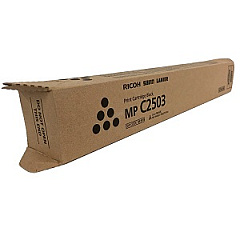
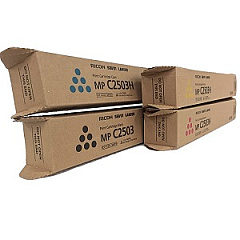
Ricoh MP C2003 Black Toner Cartridges

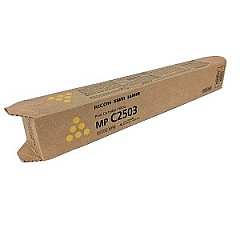
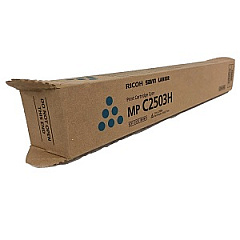
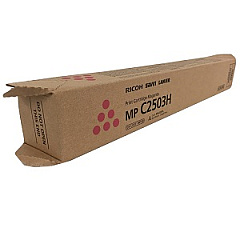
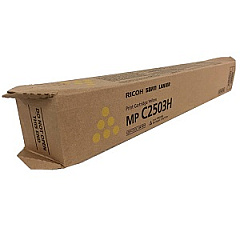
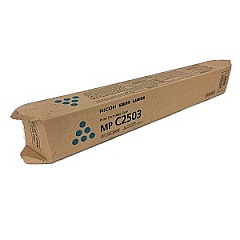
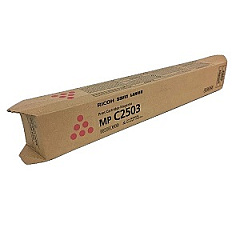
Ricoh MP C2003 Color Toner Cartridges

Ricoh MP C2003 Toner Set

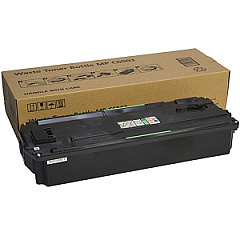
Ricoh MP C2003 Waste Toner Kits

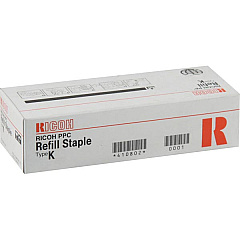
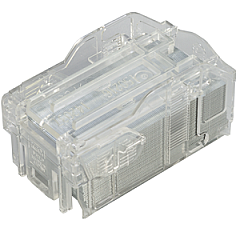
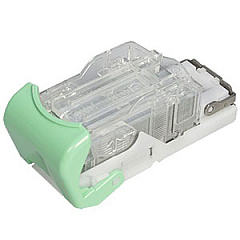
Ricoh MP C2003 Printer Staples

  • Ricoh 415010 Staple Cartridge

    Item 415010

    Ricoh 415010 Staple Cartridge

    Staple Refill Type T for SR3210/SR3230 Finishers; 2 cartridges (5,000 staples ea..

    Status

    In Stock

    $35.99

  • Ricoh 415009 Staple Cartridge

    Item 415009

    Ricoh 415009 Staple Cartridge

    Staple Set Type T for SR3210/SR3230 Finishers; 1 cartridge (5,000 staples)..

    Status

    In Stock

    $31.99

  • Ricoh 410802 Staple Cartridge

    Item 410802

    Ricoh 410802 Staple Cartridge

    410802 (Type K) Staple Cartridge Refill 3-Pack; 5,000 Staples per Cartridge..

    Status

    In Stock

    $74.99

Ricoh MP C2003 Copy Paper

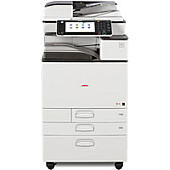
Enhance your printing experience with genuine Ricoh MP C2003 Toner Cartridges, designed for optimal performance and superior print quality. This comprehensive range includes black, cyan, magenta, and yellow toner cartridges (841918, 841919, 841920, 841921, 841922, 841923, 841924), ensuring vibrant color output and crisp text. The lineup also features staple cartridges (410802, 415009, 415010) for efficient document finishing and a waste toner bottle (416890) for easy maintenance. Whether you're a business, educational institution, government agency, healthcare provider, or wholesale operation, these Ricoh MP C2003 Toner Cartridges deliver consistent, professional results. With high-yield options available, you can minimize downtime and maximize productivity. Trust in Ricoh's commitment to quality and reliability to keep your MP C2003 multifunction printer running smoothly and producing exceptional documents.

Ricoh MP C2003 Toner Cartridges FAQs

  • How long do Ricoh MP C2003 Toner Cartridges typically last?

    The lifespan of toner cartridges varies depending on usage, but on average, they can print between 15,000 to 30,000 pages for color cartridges and up to 33,000 pages for black cartridges.

  • Are these toner cartridges compatible with other Ricoh printer models?

    These cartridges are specifically designed for the Ricoh MP C2003 model. Always check your printer's compatibility before purchasing toner cartridges.

  • How can I tell when it's time to replace my toner cartridge?

    Your Ricoh MP C2003 printer will display a message when toner levels are low. You may also notice a decrease in print quality or faded prints.

  • Can I use third-party toner cartridges in my Ricoh MP C2003?

    While third-party cartridges may work, using genuine Ricoh toner cartridges ensures optimal print quality and prevents potential damage to your printer.

  • How should I store unused toner cartridges?

    Store toner cartridges in a cool, dry place away from direct sunlight. Keep them in their original packaging until ready for use.

  • What's the difference between the standard and high-yield toner cartridges?

    High-yield cartridges contain more toner and can print more pages than standard cartridges, making them more cost-effective for high-volume printing.

  • How often should I replace the waste toner bottle?

    The waste toner bottle typically needs replacement after processing toner from 3-4 complete sets of color cartridges. Your printer will alert you when it's time to replace it.

  • Are these toner cartridges environmentally friendly?

    Ricoh is committed to environmental sustainability. Many of their toner cartridges are recyclable, and they offer a recycling program for used cartridges.

  • How do I install a new toner cartridge in my Ricoh MP C2003?

    Open the front panel of the printer, locate the empty cartridge, remove it, and insert the new cartridge until it clicks into place. Detailed instructions are provided in your printer's manual.

  • What should I do if I experience print quality issues after installing a new cartridge?

    First, ensure the cartridge is properly installed. If issues persist, run a print quality test from your printer's control panel. If problems continue, contact Ricoh customer support for assistance.

Warehouse Locations

Policy & Agreement | Copyright © 1995-2026 BlueDogInk.com
