





Ads

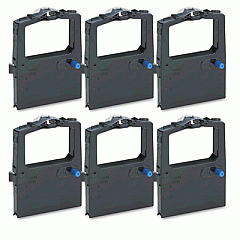
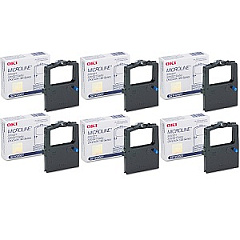
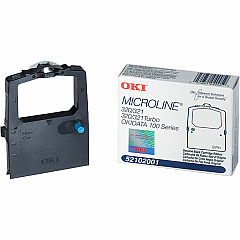
Oki Microline 182 Dot Matrix Ribbon

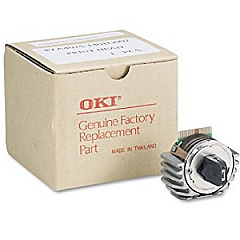
Oki Microline 182 Printheads

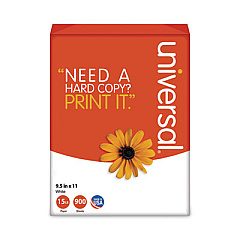
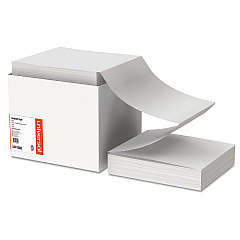
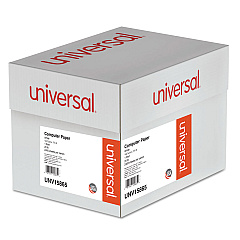
Oki Microline 182 Copy Paper

Enhance your printing experience with genuine Oki Microline 182 Ink Cartridges, designed to deliver exceptional quality and reliability. Our selection includes the essential Okidata 42666401 Printhead, ensuring crisp and clear text output. For consistent, high-quality prints, choose the Okidata 52102001 Black Ribbon Cartridge, available individually or in a convenient Ribbon Cartridge Box. These authentic supplies are specifically engineered for optimal performance with your Oki Microline 182 printer, guaranteeing professional results every time. Whether you're printing important business documents, educational materials, or healthcare records, these ink cartridges provide the durability and longevity you need. Trust in the superior print quality and cost-effectiveness of genuine Oki supplies to keep your Microline 182 running smoothly and efficiently, meeting the demands of your busy office or organization.

Oki Microline 182 Printers Supplies FAQs

  • How long does an Okidata 52102001 Black Ribbon Cartridge last?

    The Okidata 52102001 Black Ribbon Cartridge typically yields around 3 million characters, depending on usage and print density.

  • Is the Okidata 42666401 Printhead compatible with other Oki printers?

    The Okidata 42666401 Printhead is specifically designed for the Oki Microline 182 and may not be compatible with other printer models.

  • How often should I replace the printhead in my Oki Microline 182?

    Printhead replacement frequency depends on usage, but typically it should be replaced when print quality noticeably deteriorates or after several ribbon cartridge changes.

  • Can I use third-party ink cartridges in my Oki Microline 182?

    While third-party cartridges may work, using genuine Oki supplies ensures optimal performance and prevents potential damage to your printer.

  • What's the difference between buying individual cartridges and the Ribbon Cartridge Box?

    The Ribbon Cartridge Box typically contains multiple cartridges, offering better value for high-volume users, while individual cartridges are suitable for lower-volume needs.

  • How do I install the Okidata 52102001 Black Ribbon Cartridge?

    To install, open the printer cover, remove the old cartridge, align the new cartridge with the print head, and snap it into place. Refer to your printer manual for detailed instructions.

  • Are these ink cartridges environmentally friendly?

    Oki strives to produce environmentally responsible products. The cartridges can often be recycled through Oki's recycling program.

  • What should I do if I experience poor print quality with new cartridges?

    First, ensure the cartridge is properly installed. If issues persist, try cleaning the printhead. If problems continue, contact Oki customer support.

  • Can I store unused ink cartridges for long periods?

    Yes, unused cartridges can be stored for extended periods. Keep them in their original packaging in a cool, dry place away from direct sunlight.

  • Does using genuine Oki cartridges affect my printer's warranty?

    Using genuine Oki cartridges helps maintain your printer's warranty. Using third-party supplies may void the warranty if they cause damage to the printer.

Warehouse Locations

Policy & Agreement | Copyright © 1995-2026 BlueDogInk.com
