





Ads

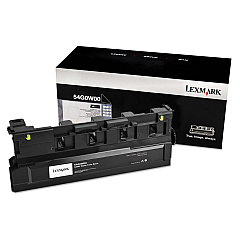
Lexmark XM9145 Waste Toner Kits

Lexmark XM9145 Transfer Units

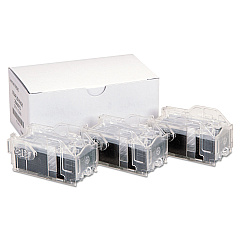
Lexmark XM9145 Printer Staples

Lexmark XM9145 Printer Accessories

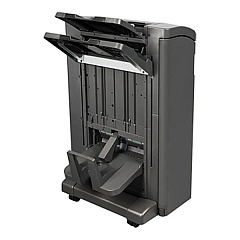
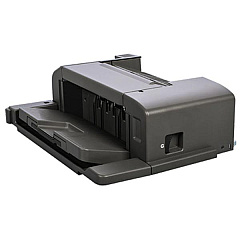
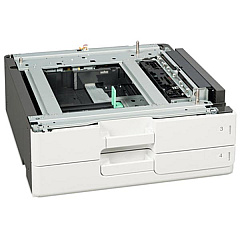
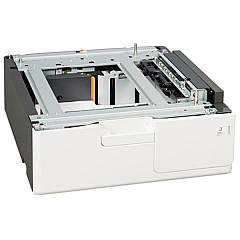
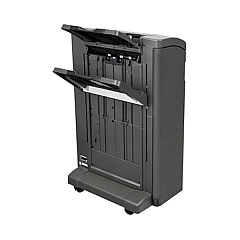
Enhance your printing capabilities with genuine Lexmark XM9145 Toner Cartridges and accessories. This comprehensive range includes staple cartridges, finishers, trays, and maintenance kits to optimize your printer's performance. The Lexmark XM9145 supports various paper handling options, from 500-sheet trays to 3000-sheet trays, accommodating high-volume printing needs. Boost functionality with add-ons like the Forms and Bar Code Card, IPDS Card, and PRESCRIBE Card. Ensure top-quality output with the fuser and ITB maintenance kit, while the waste toner bottle helps maintain a clean printing environment. Upgrade your printer's memory for improved processing speed. Whether you're in business, education, government, healthcare, or wholesale, these Lexmark XM9145 Toner Cartridges and accessories will meet your diverse printing requirements efficiently and effectively.

Lexmark XM9145 Printers Supplies FAQs

  • What is the capacity of the Lexmark XM9145 toner cartridge?

    The capacity varies depending on the specific toner cartridge model. Please refer to the product specifications for exact yield information.

  • Are these Lexmark XM9145 Toner Cartridges compatible with other Lexmark printers?

    These cartridges are designed specifically for the Lexmark XM9145 printer. They may not be compatible with other Lexmark models.

  • How often should I replace the waste toner bottle?

    Replace the waste toner bottle when prompted by the printer or when it becomes full. This varies based on usage.

  • What is the purpose of the ITB Maintenance Kit?

    The ITB (Image Transfer Belt) Maintenance Kit helps maintain print quality and extends the life of your printer by replacing worn components.

  • Can I use third-party toner cartridges in my Lexmark XM9145?

    While third-party cartridges may work, using genuine Lexmark cartridges ensures optimal print quality and printer performance.

  • What is the difference between the 57X9012 and 57X9016 memory upgrades?

    These are different capacity memory upgrades. Check the product specifications for the exact memory size of each option.

  • How many sheets can the 26Z0088 3000-Sheet Tray hold?

    As the name suggests, the 26Z0088 tray can hold up to 3000 sheets of paper.

  • What is the purpose of the Forms and Bar Code Card?

    The Forms and Bar Code Card enhances the printer's capability to print various types of forms and barcodes efficiently.

  • How often should I replace the fuser?

    Fuser replacement frequency depends on usage. Replace when print quality deteriorates or when prompted by the printer.

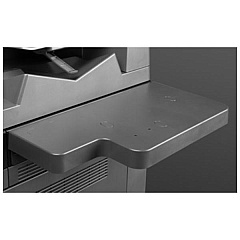
  • What is the function of the 26Z0090 Working Shelf?

    The Working Shelf provides a convenient surface near the printer for organizing documents or temporary storage of printing materials.

Warehouse Locations

Policy & Agreement | Copyright © 1995-2026 BlueDogInk.com
