














Ads

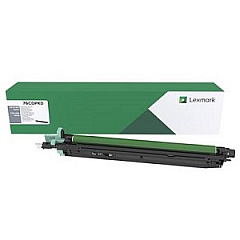
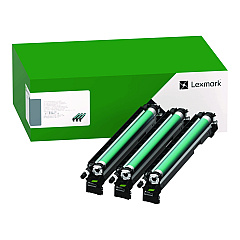
Lexmark XC9255 Drum Units

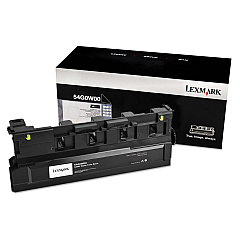
Lexmark XC9255 Waste Toner Kits

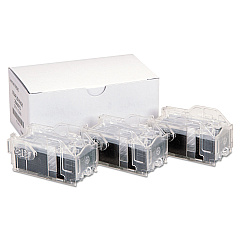
Lexmark XC9255 Printer Staples

Lexmark XC9255 Printer Accessories

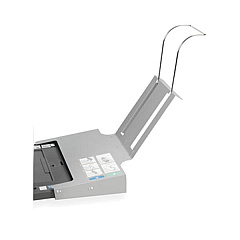
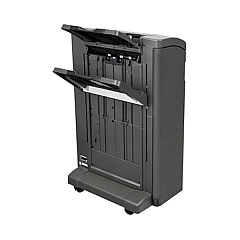
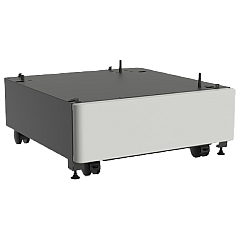
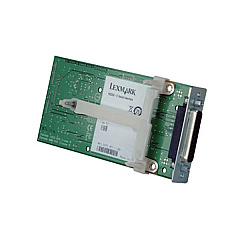
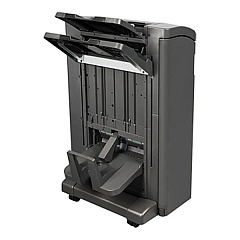
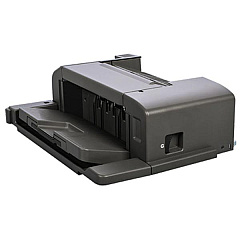
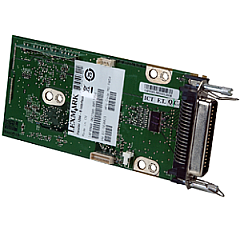
Enhance your printing capabilities with genuine Lexmark XC9255 Toner Cartridges and accessories. This comprehensive range includes essential components like the 14F0000 Parallel Interface Card, 25A0013 Staple Cartridges, and 26Z0081 Staple Punch Finisher for advanced document finishing. Boost your printer's performance with the 27X0200 Hard Disk and 57X9012 Memory upgrades. The 32C0050 2 x 500-Sheet Tray and 32C0051 2500-Sheet Tray - Letter expand paper handling capacity, while the 40C9200 Forms and Bar Code Card adds specialized printing features. Maintain optimal print quality with the 76C0PK0 Black Photoconductor Unit and 76C0PV0 CMY Photoconductor Unit. The 54G0W00 Waste Toner Bottle ensures clean operation. Trust in Lexmark's quality to keep your XC9255 running efficiently and producing professional results.

Lexmark XC9255 Printers Supplies FAQs

  • What is the page yield of Lexmark XC9255 Toner Cartridges?

    Page yields vary depending on the specific cartridge. Please refer to the product specifications for exact yield information.

  • Are these toner cartridges compatible with other Lexmark printers?

    Lexmark XC9255 Toner Cartridges are designed specifically for the XC9255 model and may not be compatible with other printers.

  • How often should I replace the photoconductor units?

    Photoconductor units typically need replacement after processing a certain number of pages. Refer to your printer's manual for specific guidelines.

  • Can I use third-party toner cartridges in my Lexmark XC9255?

    While third-party cartridges may work, using genuine Lexmark cartridges ensures optimal print quality and printer performance.

  • What is the purpose of the Waste Toner Bottle?

    The Waste Toner Bottle collects excess toner during printing to prevent it from contaminating the printer or prints.

  • How do I install the additional paper trays?

    Installation instructions for paper trays are provided in the product manual. Generally, they can be easily slotted into place beneath the printer.

  • What does the Forms and Bar Code Card do?

    The Forms and Bar Code Card enables the printer to generate various types of barcodes and electronic forms.

  • Is the Hard Disk necessary for printer operation?

    While not essential for basic printing, the Hard Disk enables additional features like job storage and enhanced processing of complex print jobs.

  • How do I know when to replace my toner cartridges?

    The printer will display a message when toner levels are low. You can also check toner levels through the printer's menu or monitoring software.

  • Are these supplies covered under Lexmark's warranty?

    Genuine Lexmark supplies are typically covered under warranty. Check the specific warranty terms for each product for detailed information.

Warehouse Locations

Policy & Agreement | Copyright © 1995-2026 BlueDogInk.com
