








Ads

Lexmark MX822 Black Toner Cartridges

Lexmark MX822 Government Toner Cartridge

Lexmark MX822 Drum Units

Lexmark MX822 Fusers

Lexmark MX822 Maintenance Kits

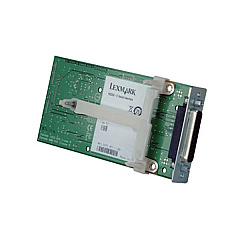
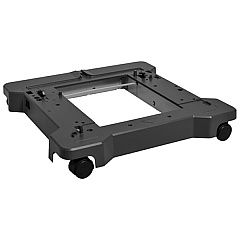
Lexmark MX822 Printer Accessories

Lexmark MX822 Warranty and Services

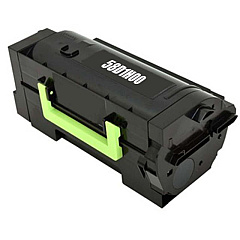
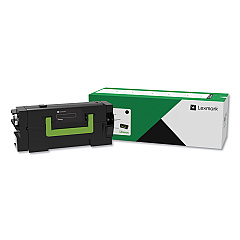
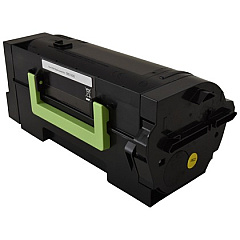
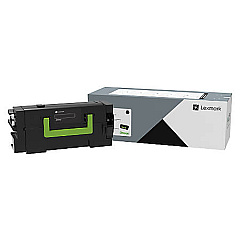
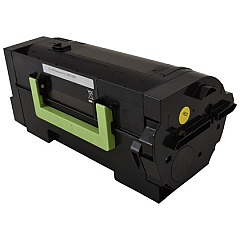
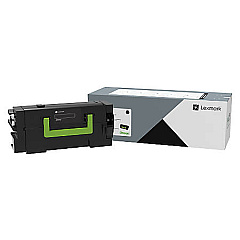
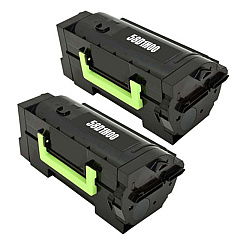
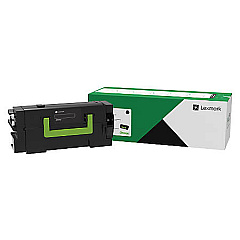
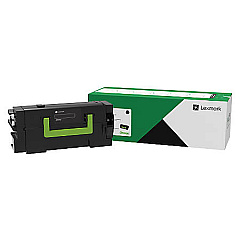
Enhance your Lexmark MX822 printer's performance with our comprehensive range of Lexmark MX822 Toner Cartridges and supplies. From high-yield toner cartridges to maintenance kits and hardware upgrades, we offer everything you need to keep your printer running smoothly. Our selection includes the Lexmark 58D0UA0 Black Toner Cartridge for exceptional print quality, the Lexmark 41X2233 Maintenance Kit for routine upkeep, and various capacity paper trays to suit your printing needs. We also stock networking solutions like the Lexmark 27X6410 MarkNet N8372 Wireless Print Server for enhanced connectivity. Whether you're looking for genuine Lexmark supplies or compatible alternatives, our extensive inventory ensures you'll find the perfect match for your Lexmark MX822 printer, guaranteeing optimal performance and cost-effective printing solutions for your business, educational institution, or healthcare facility.

Lexmark MX822 Printers Supplies FAQs

  • What is the page yield of the Lexmark 58D0UA0 Black Toner Cartridge?

    The Lexmark 58D0UA0 Black Toner Cartridge has a page yield of approximately 55,000 pages at 5% coverage.

  • Are these toner cartridges compatible with other Lexmark printer models?

    While some cartridges may be compatible with other models, it's best to check your specific printer's requirements to ensure compatibility.

  • How often should I replace the imaging unit in my Lexmark MX822?

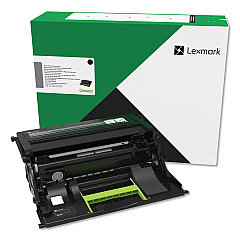
    The imaging unit (Lexmark 58D0Z00) typically needs replacement after processing about 150,000 pages, but this can vary based on usage.

  • What's the difference between the regular and high-yield toner cartridges?

    High-yield cartridges like the Lexmark 58D0H0G have a larger toner capacity and can print more pages before needing replacement, making them more cost-effective for high-volume printing.

  • Can I use third-party or remanufactured toner cartridges in my Lexmark MX822?

    While third-party cartridges may work, using genuine Lexmark supplies ensures optimal print quality and prevents potential damage to your printer.

  • How do I install the Lexmark 25B2900 550-Sheet Tray?

    The 550-Sheet Tray can be easily installed by aligning it with the printer base and sliding it into place. Detailed instructions are provided in the product manual.

  • What is the purpose of the Lexmark 40C9200 Forms and Bar Code Card?

    This card enhances your printer's capabilities by enabling it to print various forms and barcodes, which is particularly useful for businesses that frequently print such documents.

  • How often should I perform maintenance on my Lexmark MX822 printer?

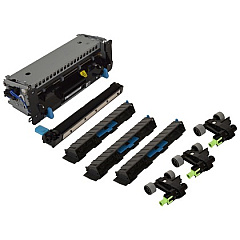
    Regular maintenance is recommended, typically after every 300,000 pages or as indicated by your printer. Using the Lexmark 41X2233 Maintenance Kit can help keep your printer in optimal condition.

  • Can the Lexmark MX822 print in color?

    No, the Lexmark MX822 is a monochrome printer, meaning it only prints in black and white.

  • What's the benefit of adding the Lexmark 500GB Hard Disk Drive?

    Adding the 500GB Hard Disk Drive (27X0500) increases storage capacity for documents and enables advanced features like job storage and encryption for enhanced security.

Warehouse Locations

Policy & Agreement | Copyright © 1995-2026 BlueDogInk.com
