


























Ads

Lexmark MX421ade Black Toner Cartridges

Lexmark MX421ade Government Toner Cartridge

Lexmark MX421ade Drum Units

Lexmark MX421ade Fusers

Lexmark MX421ade Paper Trays

Lexmark MX421ade Printer Accessories

Lexmark MX421ade Copy Paper

Lexmark MX421ade Warranty and Services

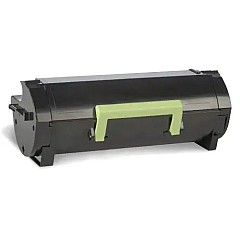
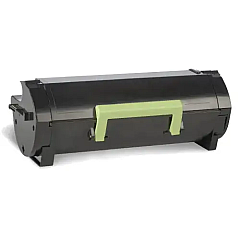
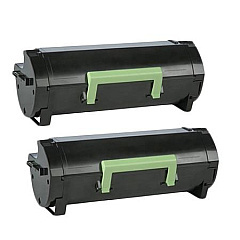
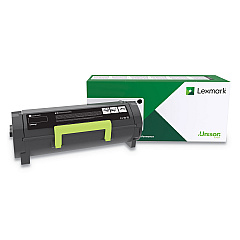
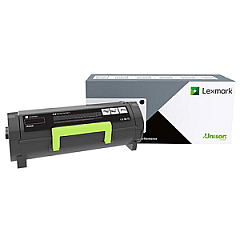
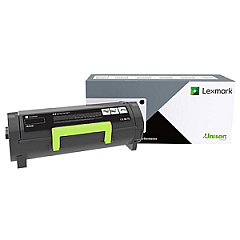
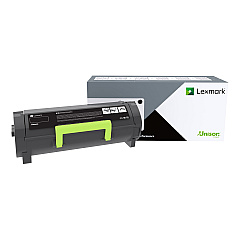
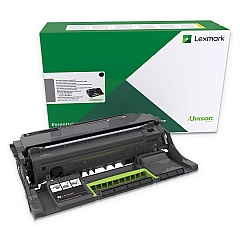
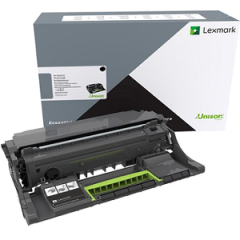
Enhance your printing experience with genuine Lexmark MX421ade Toner Cartridges and accessories. This comprehensive range includes the Lexmark 27X6410 MarkNet N8372 Wireless Print Server for seamless connectivity, various paper trays for increased capacity, and the Lexmark 41X1180 Fuser for optimal print quality. Choose from a variety of toner cartridges, including the high-yield Lexmark 56F0XA0 Black Toner Cartridge for extended printing. The Lexmark 56F0Z00 and 56F0ZA0 Imaging Units ensure sharp, clear prints. For bulk printing needs, consider the Lexmark 56F1H00 Black High Yield Toner Cartridge 2-Pack. With these authentic Lexmark supplies, you'll maximize the performance and longevity of your MX421ade printer, delivering professional-quality documents consistently.

Lexmark MX421ade Toner Cartridges FAQs

  • What is the page yield of the Lexmark 56F0XA0 Black Toner Cartridge?

    The Lexmark 56F0XA0 Black Toner Cartridge has a page yield of approximately 20,000 pages at 5% coverage.

  • Are these toner cartridges compatible with other Lexmark printers?

    These toner cartridges are specifically designed for the Lexmark MX421ade printer. Always check your printer's compatibility before purchasing.

  • How often should I replace the imaging unit?

    The imaging unit typically needs replacement after processing about 60,000 pages, but this can vary based on usage patterns.

  • What's the difference between the various black toner cartridges available?

    The main difference is the page yield. Higher yield cartridges like the 56F0XA0 print more pages before needing replacement.

  • Can I use third-party toner cartridges in my Lexmark MX421ade?

    While third-party cartridges may work, using genuine Lexmark supplies ensures optimal print quality and printer performance.

  • How do I install the Lexmark 27X6410 MarkNet N8372 Wireless Print Server?

    Installation instructions are included with the product. Generally, it involves plugging the server into your printer's USB port and following the setup wizard.

  • What's the capacity of the Lexmark 36S2910 and 36S3110 Paper Trays?

    The exact capacity can vary, but these trays typically hold between 250 to 550 sheets of standard paper.

  • How long does a toner cartridge typically last?

    Toner cartridge life depends on print volume and coverage. Standard yield cartridges may last 3,000-6,000 pages, while high-yield versions can print up to 20,000 pages.

  • Is the Lexmark 41X1180 Fuser easy to replace?

    Yes, the fuser is designed for easy user replacement. Always follow the instructions in your printer's manual for safe installation.

  • What's the benefit of buying the Lexmark 56F1H00 Black High Yield Toner Cartridge 2-Pack?

    Purchasing the 2-pack often provides cost savings compared to buying individual cartridges, and ensures you have a replacement on hand.

Warehouse Locations

Policy & Agreement | Copyright © 1995-2026 BlueDogInk.com
