










Ads

Lexmark MS621dn Black Toner Cartridges

Lexmark MS621dn Government Toner Cartridge

Lexmark MS621dn Drum Units

Lexmark MS621dn Fusers

Lexmark MS621dn Paper Trays

Lexmark MS621dn Printer Accessories

Lexmark MS621dn Copy Paper

Lexmark MS621dn Warranty and Services

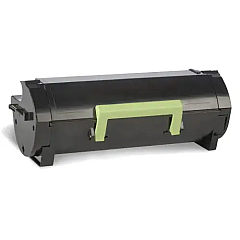
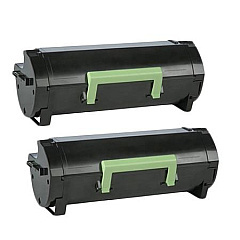
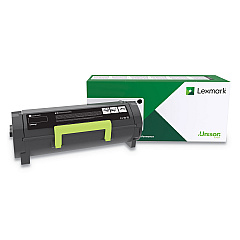
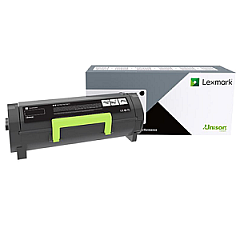
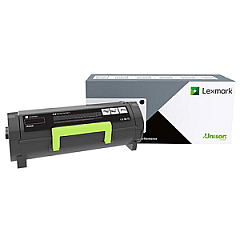
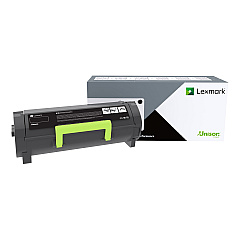
Enhance your printing experience with genuine Lexmark MS621dn Toner Cartridges and accessories. Our comprehensive range includes high-yield black toner cartridges, imaging units, and maintenance kits to keep your printer running smoothly. From the Lexmark 56F0XA0 Black Toner Cartridge for extended print runs to the 41X1225 Fuser Maintenance Kit for optimal performance, we've got you covered. Boost your connectivity with the 27X6410 MarkNet N8372 Wireless Print Server or expand your paper capacity with the 36S2910 and 36S3110 Paper Trays. Whether you need standard yield cartridges like the 56F000G or ultra-high yield options such as the 56F0UA0, our selection of Lexmark MS621dn Toner Cartridges ensures top-quality prints and maximum efficiency for your business, educational, healthcare, or government printing needs.

Lexmark MS621dn Toner Cartridges FAQs

  • What is the page yield of the Lexmark 56F0XA0 Black Toner Cartridge?

    The Lexmark 56F0XA0 Black Toner Cartridge has a page yield of approximately 25,000 pages at 5% coverage.

  • Are these toner cartridges compatible with other Lexmark printer models?

    While some cartridges may be compatible with other models, it's best to check your printer's specific requirements to ensure compatibility.

  • How often should I replace the imaging unit?

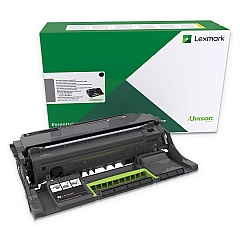
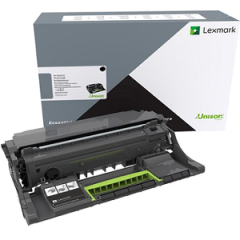
    The imaging unit (56F0Z00 or 56F0ZA0) typically needs replacement after processing about 150,000 pages, but this can vary based on usage.

  • What's the difference between the standard and high-yield toner cartridges?

    High-yield cartridges like the 56F0H0G offer a higher page yield than standard cartridges, making them more economical for high-volume printing.

  • Can I use third-party toner cartridges in my Lexmark MS621dn?

    While third-party cartridges may work, using genuine Lexmark cartridges ensures optimal print quality and prevents potential damage to your printer.

  • How do I install the 27X6410 MarkNet N8372 Wireless Print Server?

    The wireless print server can be easily installed by following the instructions in the user manual. It typically involves connecting it to your printer and configuring it through your network settings.

  • What is the purpose of the fuser maintenance kit?

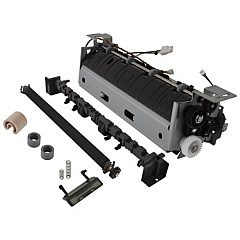
    The fuser maintenance kit (41X1225) helps maintain print quality and extend the life of your printer by replacing worn components in the fuser assembly.

  • How many additional sheets can the 36S2910 Paper Tray hold?

    The 36S2910 Paper Tray can hold an additional 550 sheets, increasing your printer's paper capacity significantly.

  • Are these supplies covered under Lexmark's warranty?

    Yes, genuine Lexmark supplies are covered under Lexmark's warranty. Using non-Lexmark supplies may void your printer's warranty.

  • How can I recycle my used Lexmark toner cartridges?

    Lexmark offers a free recycling program for used toner cartridges. You can request a free shipping label from their website to return your used cartridges.

Warehouse Locations

Policy & Agreement | Copyright © 1995-2026 BlueDogInk.com
