

























Ads

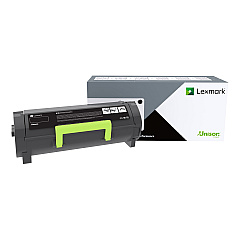
Lexmark MS521dn Black Toner Cartridges

Lexmark MS521dn Government Toner Cartridge

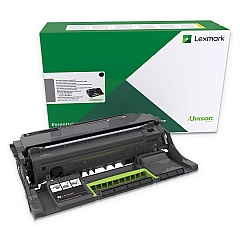
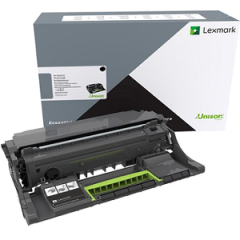
Lexmark MS521dn Drum Units

Lexmark MS521dn Fusers

Lexmark MS521dn Maintenance Kits

Lexmark MS521dn Paper Trays

Lexmark MS521dn Copy Paper

Lexmark MS521dn Warranty and Services

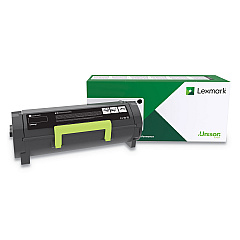
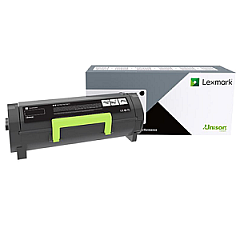
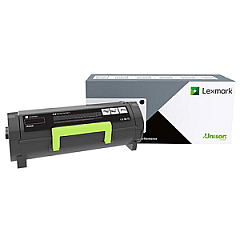
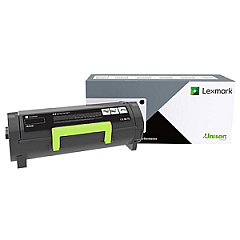
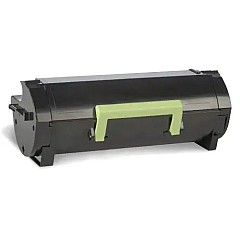
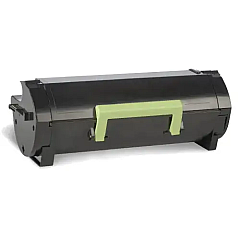
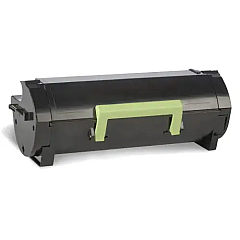
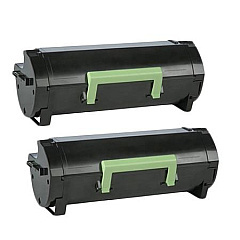
Enhance your printing experience with genuine Lexmark MS521dn Toner Cartridges and supplies. Our comprehensive range includes high-yield options like the 56F0H0G and 56F0UA0 cartridges for cost-effective, long-lasting performance. Maintain optimal print quality with the 56F0Z00 Imaging Unit and extend your printer's life with the 41X1229 Maintenance Kit. For high-volume printing needs, consider the 56F1H00 Black High Yield Toner Cartridge 2-Pack. We also offer paper trays (36S2910 and 36S3110) to boost your printer's capacity. Whether you're a business, school, government agency, healthcare provider, or wholesaler, our Lexmark MS521dn Toner Cartridges and accessories ensure consistent, professional results for all your printing needs.

Lexmark MS521dn Toner Cartridges FAQs

  • What is the page yield of the Lexmark 56F0XA0 Black Toner Cartridge?

    The Lexmark 56F0XA0 Black Toner Cartridge has a page yield of approximately 20,000 pages at 5% coverage.

  • Are these toner cartridges compatible with other Lexmark printer models?

    These cartridges are specifically designed for the Lexmark MS521dn. Always check your printer's compatibility before purchasing.

  • How often should I replace the imaging unit?

    The imaging unit (56F0Z00 or 56F0ZA0) typically needs replacement after processing about 60,000 pages, but this can vary based on usage.

  • What's the difference between the various black toner cartridge options?

    The main difference is in page yield. Higher-yield cartridges like the 56F0UA0 offer more prints per cartridge, which can be more economical for high-volume printing.

  • How do I install a new toner cartridge in my Lexmark MS521dn?

    Open the front cover, remove the old cartridge, unpack the new one, shake it gently, remove the protective strip, and insert it into the printer until it clicks into place.

  • What's included in the 41X1229 Maintenance Kit?

    The 41X1229 Maintenance Kit typically includes a fuser, transfer roller, and pick rollers to help maintain your printer's performance.

  • How can I extend the life of my toner cartridge?

    Use draft mode for internal documents, print in grayscale when possible, and ensure your printer firmware is up to date for optimal efficiency.

  • Are these genuine Lexmark cartridges?

    Yes, all cartridges listed are genuine Lexmark products, ensuring optimal performance and print quality.

  • What should I do with my used toner cartridges?

    Lexmark offers a cartridge collection program for recycling. Check their website or contact customer service for details on how to participate.

  • How do I know when it's time to replace my toner cartridge?

    Your printer will typically display a low toner warning. You may also notice faded prints or streaks on your pages, indicating it's time for a replacement.

Warehouse Locations

Policy & Agreement | Copyright © 1995-2026 BlueDogInk.com
